Last verified: 20 November 2026
Jira Cloud plans and current prices
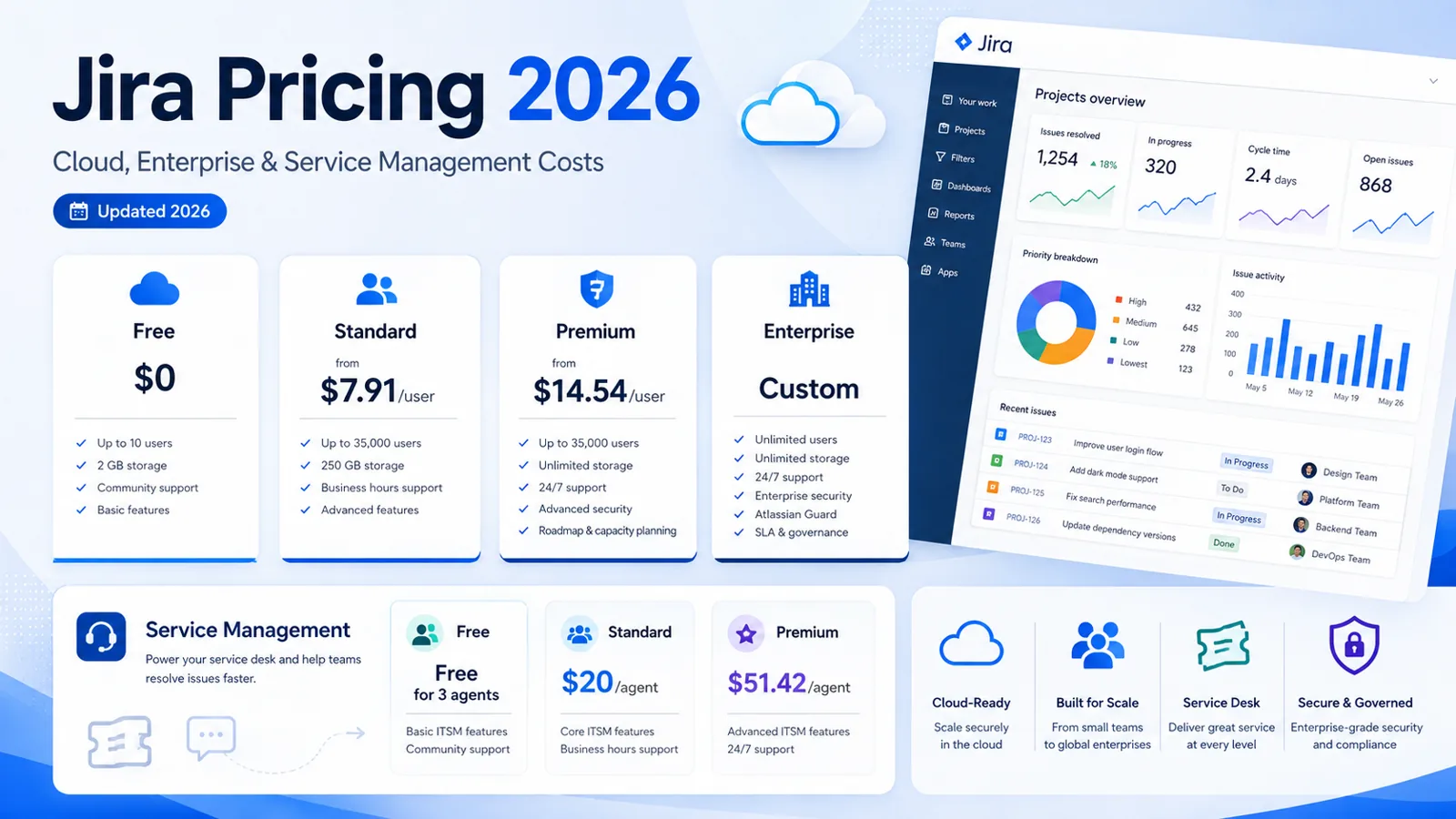
The table below reflects Atlassian’s official calculator for 10 users, monthly billing, in US dollars. Larger teams can have a different average per-user rate. Annual billing uses its own tiers; do not multiply these monthly examples and describe the result as an annual-plan quote.
| Plan | Price for the checked configuration | Limits and included capacity |
|---|---|---|
| Free | $0 | Up to 10 users; one site; 2 GB storage; 150 automation steps per subscription per month. |
| Standard | $9.70 per user/month | Up to 100,000 users per site; one site; 250 GB storage; 400 automation steps per user per month. |
| Premium | $19.60 per user/month | Up to 100,000 users per site; unlimited storage; 750 automation steps per user per month; 99.9% uptime SLA. |
| Enterprise | Contact Atlassian; billed annually | Up to 100,000 users per site and up to 150 sites; unlimited storage; 1,000 automation steps per user per month; 99.95% uptime SLA. |
Checked 20 November 2026: Atlassian’s official Jira pricing calculator and feature comparison. Configuration: 10 users, monthly billing, USD. Confirm the final amount, taxes, region and purchasing terms with Atlassian.
Budget for your actual team size
Enter your intended user count in Atlassian’s calculator, then compare monthly and annual billing. Record the currency, billing interval, paid seat count, applicable tier and any negotiated discount. Keep those details with the renewal date so that a future invoice can be reconciled to the original purchase.
For the checked 10-user monthly configuration, the arithmetic is $97 per month for Standard and $196 per month for Premium, before additional charges or taxes. These are calculated examples from the rates above, not an annual subscription quote or a guarantee for a different number of users.
Choose a plan by the limits you need
Free can suit a team that stays within ten users and its storage and automation allowances. Standard increases capacity and adds administration and collaboration features. Premium adds cross-team planning, higher automation capacity, unlimited storage and the published SLA. Enterprise is an annual purchasing decision for organizations needing broader scale, multiple sites and enterprise controls.
Atlassian’s page also announces usage-based billing starting December 3, 2026. Review included allowances, current usage and forecasts in Atlassian Administration rather than assuming that every automated or AI-assisted action is covered by a seat price.
Keep adjacent products separate
Jira Service Management, Confluence, Atlassian Guard, Marketplace apps and broader Atlassian collections can have separate subscriptions or purchasing terms. This guide does not reuse Jira’s user prices as agent prices or quote unverified prices for those products. Check each product’s current official offer before adding it to your budget.
Cloud and self-managed purchases
The prices in this table are for Jira Cloud. They are not Data Center or historical Server prices. Organizations considering a self-managed deployment should confirm the current offering, eligibility, licensing and support terms directly with Atlassian.
Track renewals and ownership
Record your subscription owner, billing interval, contracted seat count and renewal date. Review unused access before renewal and check the impact of any seat changes on the actual invoice. CostLoop’s subscription tracking features can help maintain the subscription record; they do not replace Atlassian’s billing calculator or purchasing agreement.