The recurring costs freelancers commonly forget
The list grows faster than most freelancers expect - which is exactly why a dedicated recurring cost tracker is worth having from the start. Common culprits include:
- Domain renewals. Annual, easy to forget, and the consequences of missing one can be severe - your website goes down, or someone else registers your domain.
- Hosting. Often annual and set to auto-renew. The charge can land at a different time of year than you expect if the plan was started mid-project.
- Design tools. Figma, Adobe Creative Cloud, Canva Pro - professional design subscriptions are often essential but can overlap if you're trialling alternatives.
- Project management. Notion, Asana, Todoist, Linear - it's easy to have multiple tools active at once from different project phases.
- Invoicing and accounting software. Often monthly, but easy to forget when self-employment taxes are already complex enough.
- Communication tools. Zoom, Loom, Calendly - many of these have free tiers that quietly upgraded to paid plans.
- Stock libraries. Unsplash Pro, Shutterstock, Envato - creative subscriptions tend to be project-specific but not always cancelled when the project ends.
- AI tools. ChatGPT Plus, Claude Pro, Midjourney - a relatively new category that's accumulated quickly for many freelancers in the last couple of years.
Why self-employed freelancers are especially at risk of software overspend
Unlike businesses with a finance or operations function, freelancers have no dedicated person watching costs. A few dynamics make this worse:
- No finance or ops person. There's nobody whose job it is to review recurring spend. It falls to you, alongside everything else.
- Personal and business expenses mixed together. Many freelancers pay for tools on personal cards and expense them later. This scatters the data across statements that aren't being monitored for business purposes.
- Subscriptions accumulate during busy periods. When a project is in full swing and you need a new tool, you sign up without thinking about the long-term commitment. By the time the project ends, the subscription is still running - and these hidden SaaS costs can add up to a significant sum by the time you notice them.
- Hard to justify a review when billable hours are a priority. An audit of recurring costs feels like admin - it gets pushed to later, which often means never.
Build a simple recurring cost inventory
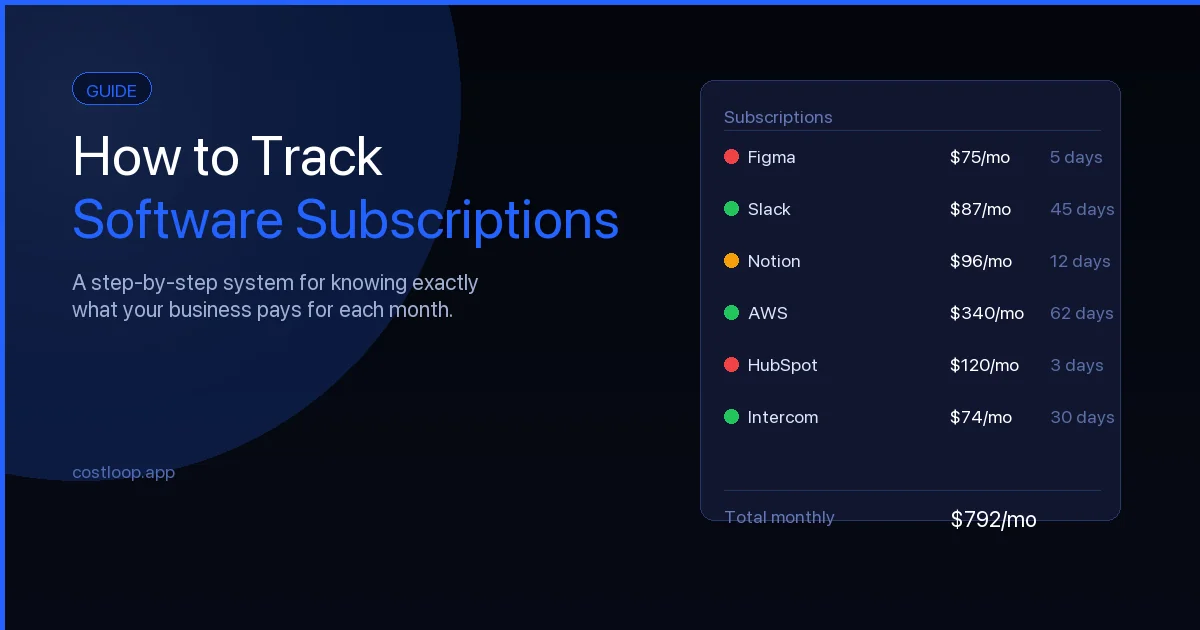
The starting point is knowing what you're actually paying for. Our guide on how to track software subscriptions covers this in detail. Set aside an hour to build a complete list:
- List every tool you pay for, monthly or annually. Go back through bank and card statements for at least 13 months to catch annual renewals.
- For each one, note the renewal date, cost, billing cycle (monthly or annual), and whether you actively used it in the last 30 days.
- Separate "essential" - tools you use consistently and would notice the absence of - from "nice to have" - tools that are useful occasionally but not critical.
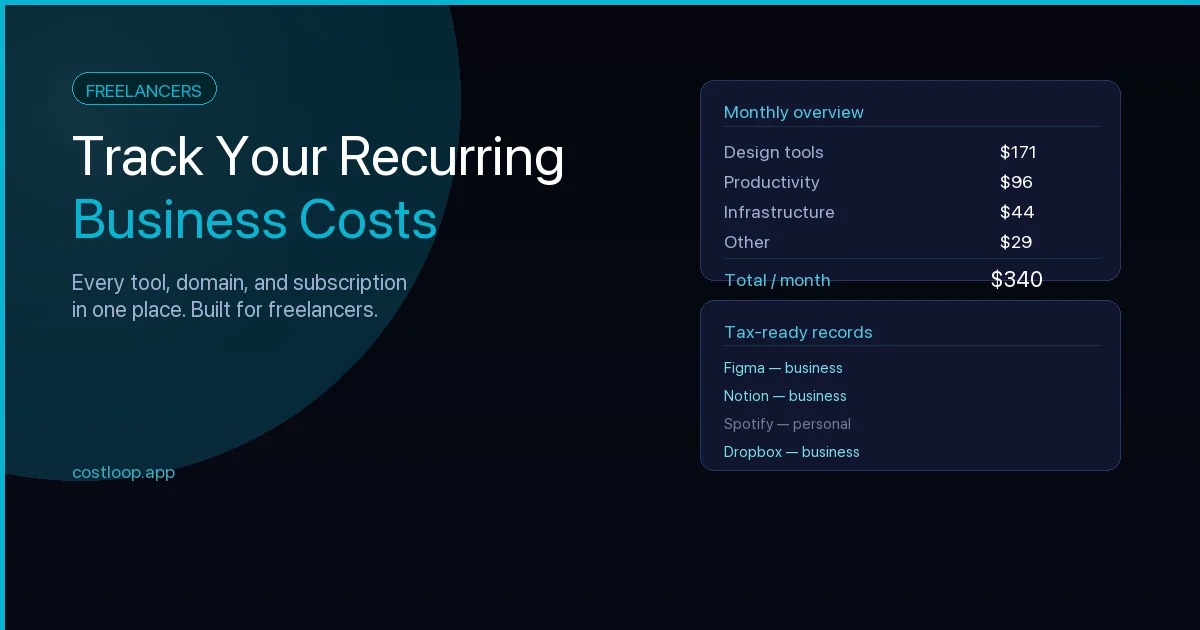
This inventory is the foundation. Once you have it, maintaining it is much lighter work than building it from scratch. It also makes tax season easier - every recurring payment on the list is a potential tax deduction, and having the costs organized by category means less time digging through statements later.
Annual vs monthly billing and cash flow - what freelancers should know
Many SaaS tools offer a discount for paying annually. That's real money over time, but the tradeoff is flexibility. Understanding your SaaS budget for small and medium business helps you decide when annual billing makes sense and when monthly flexibility is worth the extra cost. A few things worth keeping in mind:
- Annual billing is cheaper per month but creates a bigger upfront hit. For self-employed freelancers with variable cash flow, a large annual charge can land at an inconvenient time.
- Monthly billing gives you flexibility to cancel when a project ends. If you only need a tool for a specific type of project, monthly makes it easy to turn it off cleanly.
- Keep renewal dates visible regardless of billing cycle. Annual renewals are the ones that tend to catch people off guard because they're only charged once a year.
Use a dedicated tracker, not just a spreadsheet
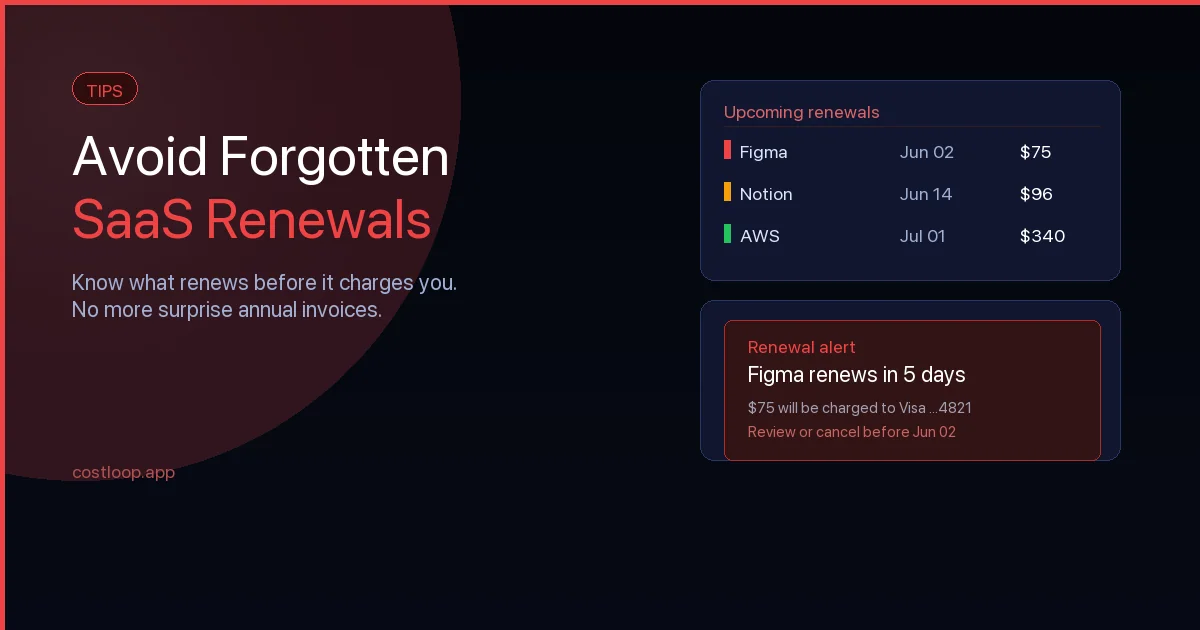
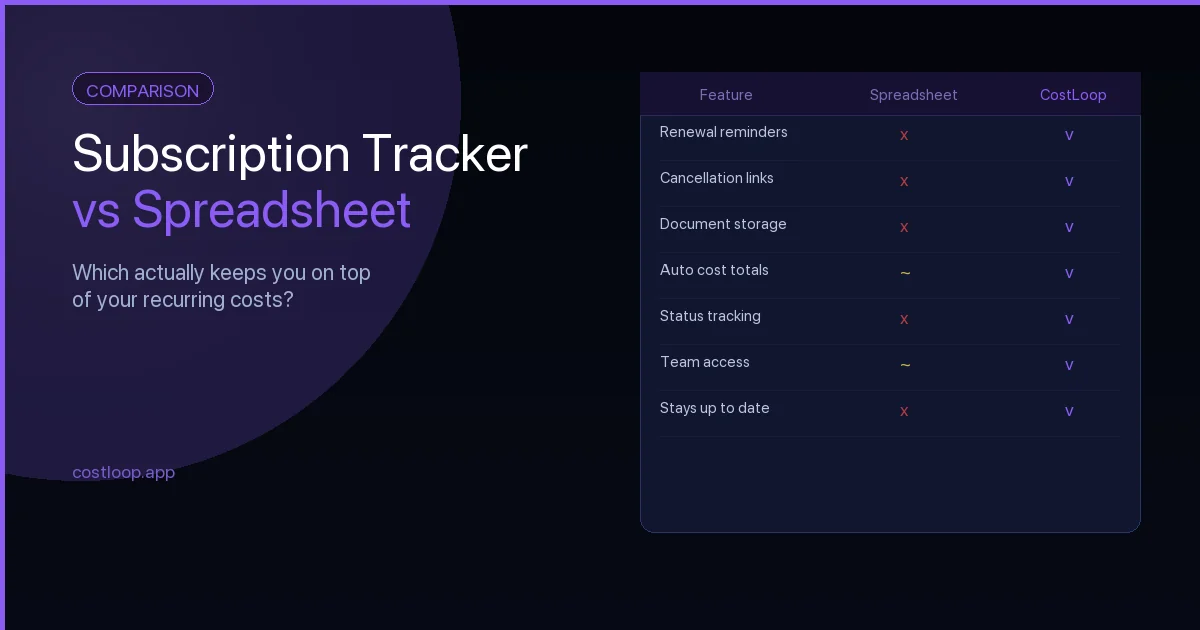
A spreadsheet can hold the list, but it won't remind you when a renewal is coming - and without SaaS renewal tracking freelancers most often lose money to charges they forgot about. That's the critical gap. If a tool doesn't prompt you to act, the renewal happens by default.
A subscription tracker for freelancers like CostLoop sends renewal reminders automatically, lets you store cancellation links so you can cancel quickly when needed, and shows your total monthly and annual spend in one view. See what CostLoop tracks for freelancers and small and medium businesses.
For a comparison of both approaches, see Subscription Tracker vs Spreadsheet.
Make it a 10-minute monthly habit
A full audit once a year isn't enough - things change too quickly. Use our subscription audit checklist to make it systematic. A short monthly check is far more effective:
- Look at upcoming renewals for the next 30 days. Is there anything you want to cancel before it renews?
- For each active subscription, ask: did I use this last month? If not, why not - and does that matter?
- Cancel anything that doesn't serve work you're actively doing or planning to do. Don't keep paying for tools you're keeping "just in case".
Ten minutes a month is enough to prevent the kind of cost drift that only becomes visible when you do an annual review and wonder where the money went. For a broader view on subscription management best practices, that article covers the habits that keep recurring costs under control long term.
Recurring expense management for freelancers: the software stack problem
Freelancers accumulate SaaS tools quickly: design software, project management, invoicing, storage, communication, marketing. Each feels affordable individually. Together, they add up faster than most freelancers realize until they run the numbers.
Recurring expense management for freelancers means treating your software subscriptions like any other business cost: tracked, budgeted, and reviewed quarterly. The same discipline you'd apply to a major vendor contract applies to the $12/month tool you signed up for and barely use.
The freelancer software budget rule of thumb: software costs should not exceed 10-15% of monthly revenue. If you're billing $5,000/month, your software stack should cost under $500-750. If it's higher, a quarterly review will almost always surface tools that can be cut or downgraded without affecting your work. For a ready-made starting point, the software budget template gives you a structure to inventory and categorize every tool you pay for.
Frequently asked questions
What recurring costs do freelancers most commonly forget to track?
The most commonly overlooked recurring costs for freelancers include domain renewals, hosting plans, design tools like Figma or Adobe Creative Cloud, project management tools that outlast specific projects, stock libraries, AI tools such as ChatGPT Plus or Claude Pro, and communication tools like Zoom or Calendly that silently upgraded from free to paid tiers.
Should freelancers pay for software annually or monthly?
Annual billing can be cheaper per month, but commits you to a full year upfront. Monthly billing costs more but gives you the flexibility to cancel when a project ends or when you no longer need the tool. For tools you use consistently year-round, annual billing saves money. For tools tied to specific project types, monthly billing makes it easy to turn them off cleanly.
Why are freelancers especially at risk of overpaying for software?
Freelancers have no dedicated finance or operations person watching recurring costs. Expenses are often split across personal and business cards, making it hard to get a single view of what is being paid. Subscriptions accumulate during busy project phases when there is no time to evaluate long-term need, and reviewing costs gets deprioritised when billable hours feel more urgent.
How often should a freelancer review their recurring costs?
A short monthly check of 10 minutes is more effective than a single annual audit. Each month, look at renewals coming up in the next 30 days and ask whether each active subscription was used in the previous month. Cancel anything that does not serve work you are actively doing or planning to do.
How should freelancers manage recurring software expenses?
List all subscriptions, set a monthly ceiling (10-15% of revenue), and review quarterly for anything unused or duplicated. A dedicated subscription tracker with automatic renewal reminders removes the reliance on memory and ensures every charge is a conscious decision.
Keep your freelance costs under control
CostLoop is free to start. Add your first subscription today - set renewal dates, store cancellation links, and get reminded before anything renews unexpectedly.
Get started free