Most small and medium businesses don't have a software budget. Not because the owners are disorganized - because tools were added one at a time, each one justified on its own merits, and nobody ever stood back and looked at the full picture. A $29/month tool here, a $79/month tool there, a $200/month tool that came with the best intentions. Add it up and the number is often a surprise. Building a software budget starts with knowing what you spend now, then building a structure that keeps future spending intentional. Here's how to do it in six steps.
What is a software budget?
A software budget is a planned spending limit for all the software tools and SaaS subscriptions your business uses. For a closer look at what belongs in that budget and how to evaluate each category, the guide on software tools budget covers the decision framework in detail. Unlike a general operating budget, a software budget is built around recurring costs - monthly and annual subscriptions, per-seat pricing, and the renewal cycles that determine when you need to make decisions.
A complete software budget has four components: a full inventory of every tool you pay for, the monthly cost of each (annual subscriptions converted to monthly by dividing by 12), an assigned owner for each tool, and a ceiling - the maximum your business will spend on software per month. Without all four, you have a list, not a budget.
A software budget matters because software costs compound silently. A $30/month tool approved in January becomes $360 by December - and that's just one, across a subscription list that only grows as the team adds more tools. A software budget forces that accumulation into the open and gives you a framework for making deliberate decisions instead of reacting to charges after they've appeared.
Step 1: Find out what you're actually spending now
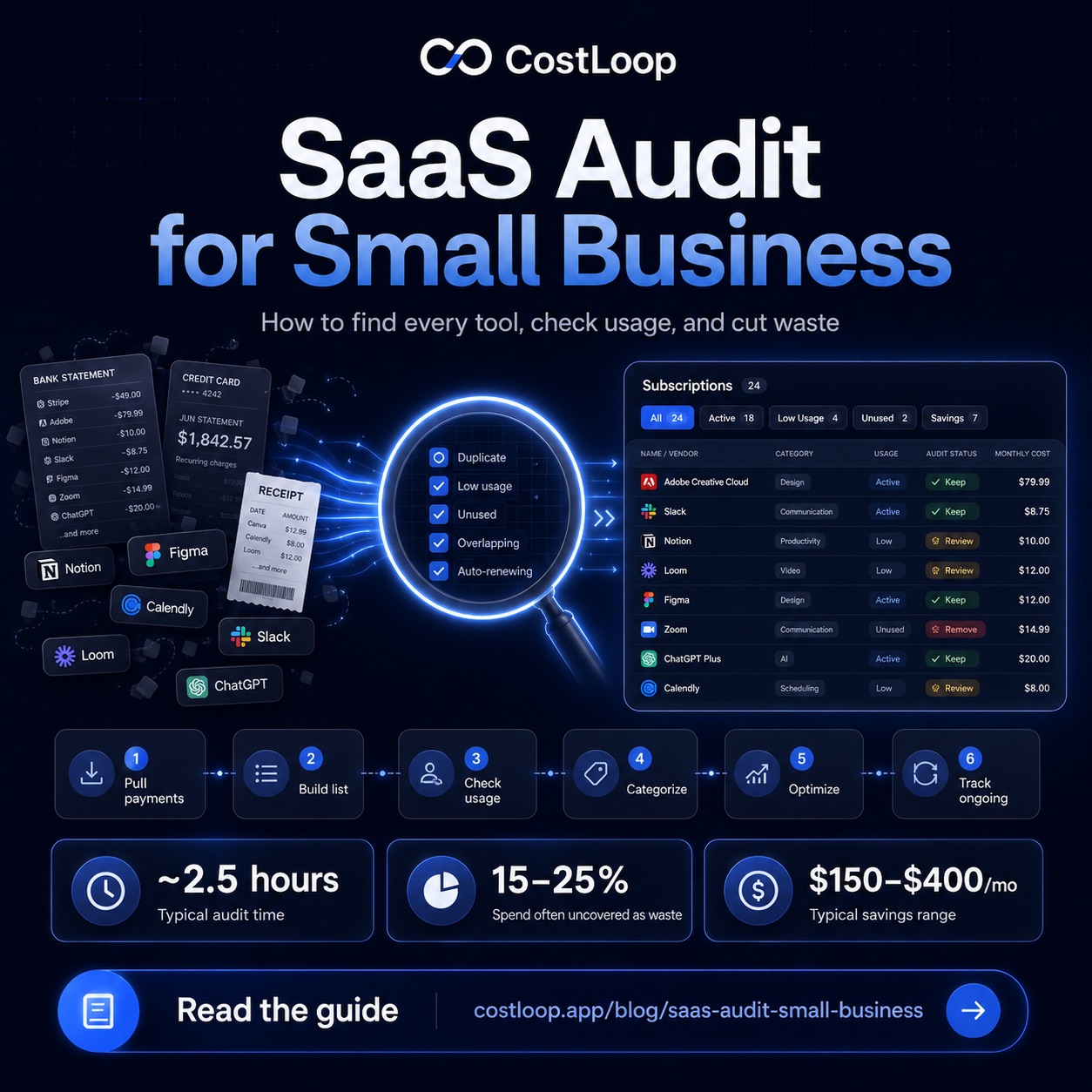
You can't budget what you haven't measured. Before you set any limits or make any decisions, you need a complete list of every software subscription your business pays for. This means going through bank statements, credit card bills, and email receipts - not just for last month, but for the last three months, to catch monthly charges you might have missed and identify patterns in your spending.
If you haven't done this before, the post on how to find all your company subscriptions walks through the process step by step. The SaaS audit guide takes it further - it's a 2–3 hour exercise that not only finds everything but evaluates whether each tool is worth keeping. Do at least the basic inventory before building the budget. A budget built on incomplete information is just a guess.
Step 2: Categorize by function
Once you have the full list, group tools by what they do. This isn't about accounting categories - it's about understanding where your software spend actually clusters. Grouping by function shows you if you're over-investing in one area and under-investing in another, and it makes it easy to spot where duplicate tools have crept in.
Common categories for small and medium businesses: Communication (Slack, Zoom, email), Project management (Asana, Notion, Linear), Marketing (email tools, SEO tools, social schedulers), Finance and accounting (accounting software, invoicing, expense tracking), Developer tools (hosting, repositories, monitoring), Security (password manager, backups, VPN), and HR and admin (HR software, document signing, time tracking).
You don't need to force every tool into a perfect category. The goal is a rough picture. If a tool spans multiple categories, put it where it primarily lives. What you're looking for is the shape of your spend - which areas are heavy, which are light, and whether the distribution makes sense for your business.
Step 3: Assign a tool owner to every subscription
Every tool on the list should have one person responsible for it. This isn't about who uses it most - it's about who is accountable for the renewal decision. When a subscription is owned by nobody, it renews by default because it's nobody's job to question it. When it has a named owner, that person evaluates it before renewal and makes a deliberate decision.
Assign ownership now, even for tools you're confident you'll keep. The discipline of ownership is more important than the individual decisions it produces. A team member who knows they own a tool's renewal will naturally keep a closer eye on whether it's being used and whether the price is justified.
Step 4: Set a budget cap per category and overall
Setting a budget cap is the foundation of SaaS spend management: moving from reactive spending - where tools accumulate until someone is shocked by the total - to proactive control, where software spend has a ceiling and a clear process for decisions. SaaS spend management is not just about cutting things; it's about treating software as a managed budget line rather than an open tab that grows by default.
With your current spending visible and categorized, you can set realistic limits. Start with the overall ceiling: what is a reasonable total monthly software spend for your business?
There is no universal software-budget percentage that fits every business. The right number depends on how software-intensive your work is - a digital agency will usually budget differently than a trades business. See the post on SaaS budget for small and medium business for a more detailed framework.
Once you have an overall cap, set per-category limits for cost allocation. This does not need to be exact. The point is that when someone wants to add a new marketing tool and you are already at your marketing software limit, you have a reason to think carefully before saying yes rather than treating each individual subscription as too small to matter.
Two practical tips: First, include a 10% buffer in your total budget for new tools added mid-year. Teams discover new tools constantly, and having room in the budget for considered additions is better than always being over budget or always saying no. Second, budget for annual subscriptions by converting them to monthly - divide the annual cost by 12 and include that in your monthly total. This prevents the surprise of a $600 annual renewal that wasn't accounted for. The post on annual vs monthly SaaS billing covers how billing cycles affect your budget planning.
Step 5: Define a process for new tool requests
The budget cap is only useful if there's a process that respects it. Without a process, the budget is just a number that gets exceeded whenever someone has a good reason to add something new.
The process doesn't need to be bureaucratic. For a small team, it can be as simple as: before adding a new SaaS subscription, answer three questions - Does it fit within the budget? Does it duplicate a tool we already have? Who is the owner? If the answer to the first is no, it waits until there's budget room or something else gets cancelled. If the second answer is "kind of," that conversation happens before adding, not after. If nobody can name an owner, the tool doesn't get added.
This process cuts most low-value tool additions before they happen. The problem isn't usually that people add expensive tools - it's that they add many small ones that individually feel affordable but collectively push spend up without clear value.
Step 6: Build in a quarterly review cycle
A budget is a living document, not a one-time exercise. Put a quarterly software budget review on the calendar - 30 minutes, four times a year. In each review: compare actual spend to budget, check each tool against active usage, identify any renewals in the next 90 days that need a decision, and confirm that each tool still has an owner.
Quarterly is the right cadence for most small and medium businesses. Monthly is too frequent to see meaningful changes; annually is long enough for significant waste to accumulate. Quarterly reviews are easier once you have the initial system in place.
Budgeting software for small and medium business: spreadsheet or dedicated tool?
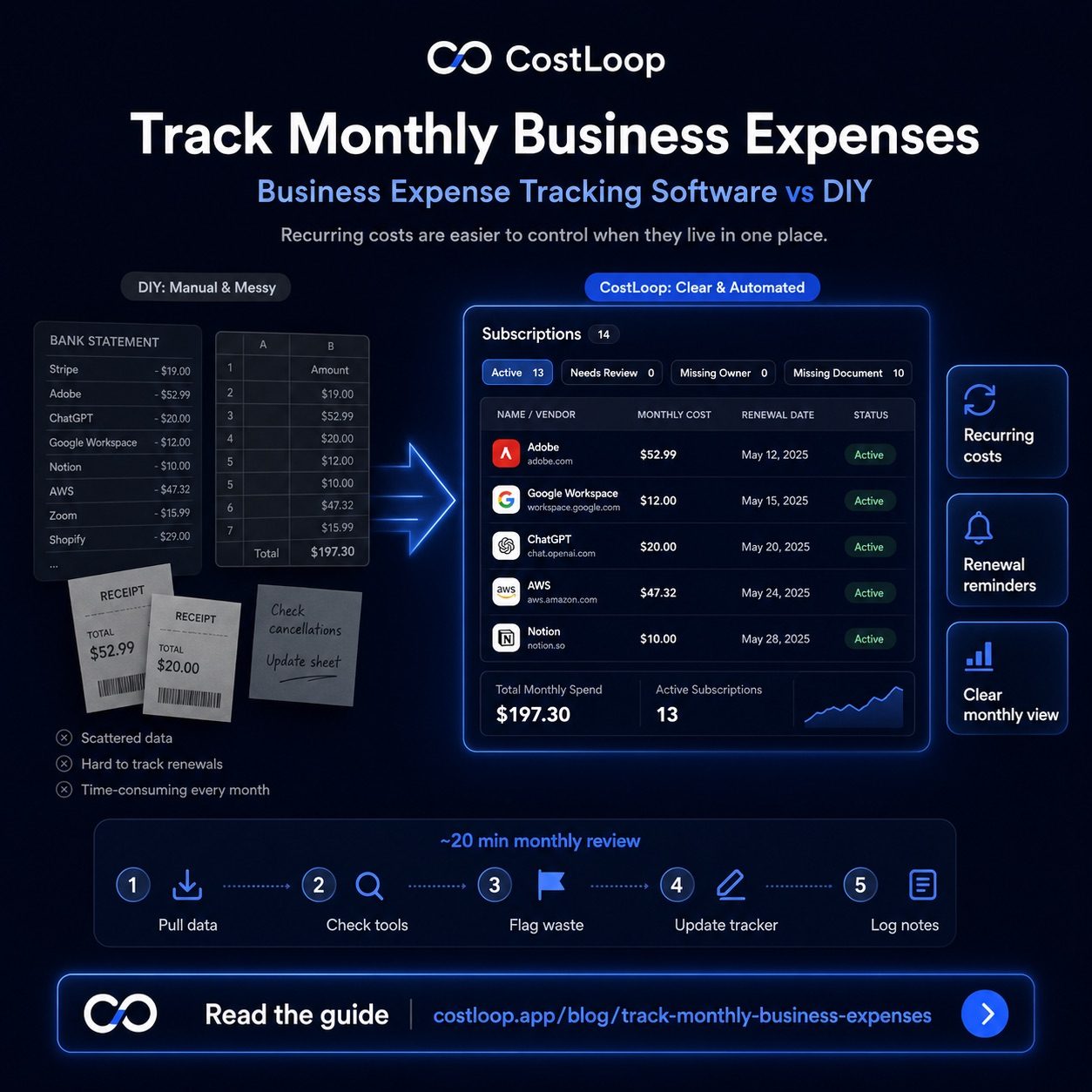
Once you have your software budget in place, the next question is where to maintain it. The honest answer: a spreadsheet works fine until it stops working fine. For most small and medium businesses with fewer than 15 subscriptions, a shared Google Sheet updated quarterly is a perfectly reasonable starting point. It requires no additional tool, no setup, and no ongoing cost.
The spreadsheet approach breaks down when subscriptions grow past 20, when multiple people are adding tools, or when you start missing renewal dates because the spreadsheet is not connected to your calendar. At that point, the overhead of maintaining the spreadsheet becomes higher than the cost of using dedicated budgeting software for small and medium business.
What dedicated software adds: automatic renewal reminders (so you are notified before a charge hits, not after), a live total that updates without manual math, per-tool owner assignment with accountability, and a history of what was added, by whom, and when. CostLoop is built for this transition point - small enough to set up in an afternoon, structured enough to replace the spreadsheet permanently. See all features.
SaaS budgeting software: when the switch makes sense
SaaS budgeting software is not the same as general budgeting software. General budgeting tools (like QuickBooks or Xero) are built for accounting: categorizing transactions after they happen, generating financial reports, managing invoices. They track software costs as line items but they are not designed to help you manage subscription relationships - renewal dates, seat counts, usage levels, or owner accountability.
SaaS budgeting software is built around those subscription-specific needs. It treats each tool as a managed asset with a cost, a renewal date, a purpose, and a responsible person. When a renewal is approaching, you get a reminder. When you want to know your total software spend, you see it without adding up a bank statement. When you want to see which tools have no named owner, you can filter for them immediately.
The switch from spreadsheet to SaaS budgeting software makes sense when the cost of a missed renewal or an unreviewed tool exceeds what the software costs to run. For most small and medium businesses that happens somewhere between 10 and 25 subscriptions. SaaS cost management with CostLoop's free plan removes the cost side of that equation entirely - you can get started without committing to a subscription.
The software budget template
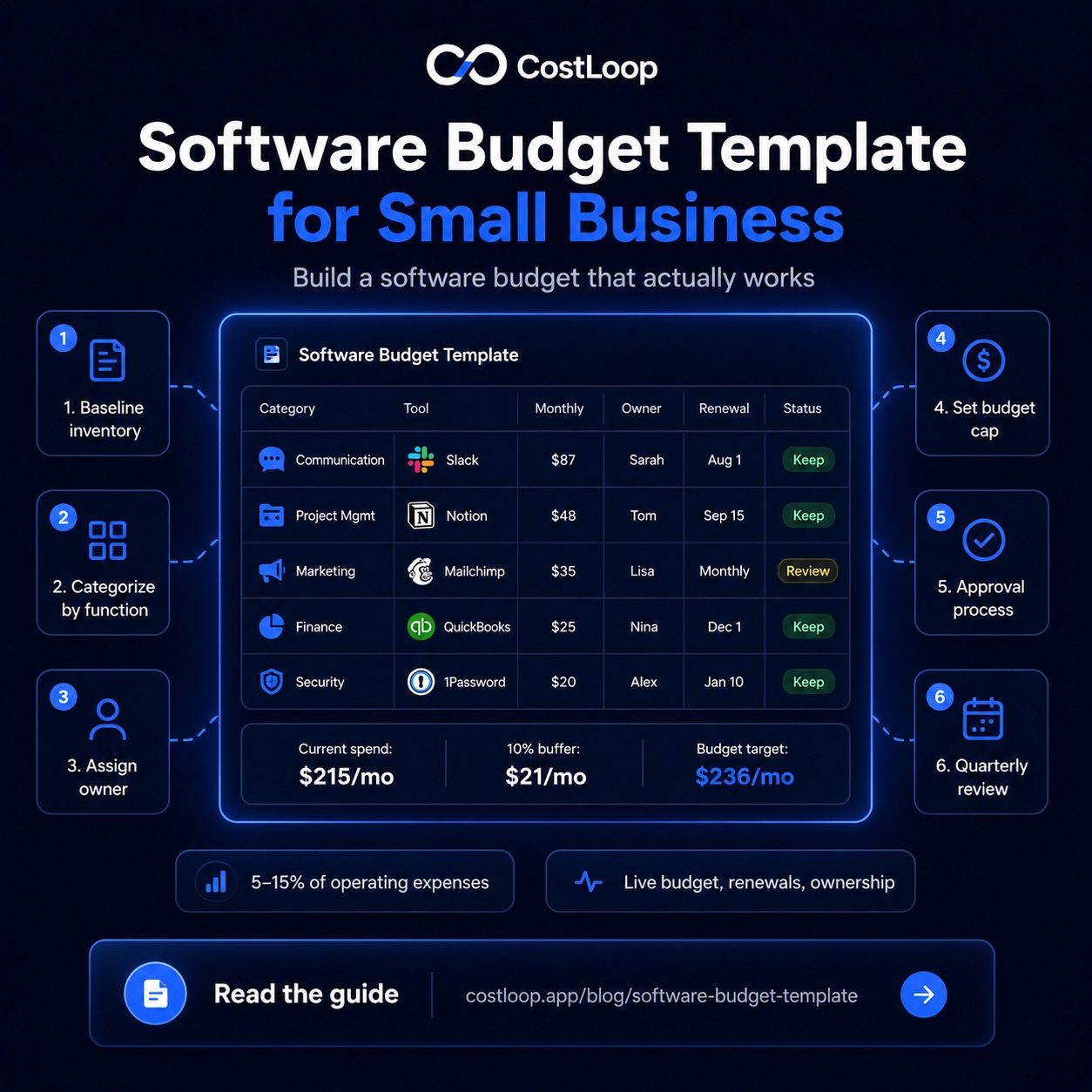
Here's a template you can copy and fill in. This is the structure - adapt the categories and columns to match how your business is organized.
| Category | Tool | Mo. cost | Annual cost | Owner | Next renewal | Status |
|---|---|---|---|---|---|---|
| Communication | Slack Pro | $87 | $1,044 | Sarah | Aug 1 | Keep |
| Project mgmt | Notion Team | $48 | $576 | Tom | Sep 15 | Keep |
| Project mgmt | Asana | $50 | $600 | - | Jul 3 | Cancel |
| Marketing | Mailchimp | $35 | $420 | Lisa | Monthly | Keep |
| Finance | QuickBooks | $25 | $300 | Owner | Dec 1 | Keep |
| Security | 1Password | $20 | $240 | Owner | Jan 10 | Keep |
| Total (after cancel) | $215/mo | $2,580/yr | +10% buffer = $236/mo budget | |||
The "Status" column - Keep, Review, or Cancel - is the most important column to fill in every quarter. It forces a decision rather than leaving tools in a permanent grey zone.
CostLoop turns this template into a live dashboard. Every subscription is tracked with costs and renewal dates, owners are assigned per tool, and renewal reminders fire automatically before each charge. It's not a spreadsheet you update manually - it's a budget that stays current. See how it works.
Start free - no credit card neededMaking the budget work over time
A software budget built once and never revisited becomes outdated fast. Tools get added, people leave, prices change, business needs shift. The quarterly review cadence is what keeps it current.
The most common reason software budgets get out of control isn't one big expensive decision - it's the accumulation of small ones. An extra $20/month here, an upgraded tier there, a new tool nobody told accounting about. Each one feels minor. Added up over a year, they matter. The process you build now - tool ownership, approval requirements, quarterly reviews, renewal reminders - is what prevents that accumulation from happening silently.
CostLoop is built to be the live version of this budget. Rather than maintaining a spreadsheet that you remember to update, every subscription you add is automatically tracked, every renewal gets a reminder, and you can see your total software spend at any point without doing the math yourself. Plans start free - add your subscriptions and your budget is current from day one.
Frequently asked questions
How much should a small and medium business spend on software per employee?
There is no universal rule for software as a percentage of total operating expenses. The right per-employee cost depends on how software-intensive your work is.
What should I include in a software budget for annual software costs?
Include every recurring SaaS subscription (monthly and annual), any per-seat licensing costs, and a buffer (10%) for new tools added mid-year. Annual subscriptions should be converted to monthly (divide by 12) for budget planning consistency.
How do I keep a software budget from getting out of control?
Assign an owner to every tool, require approval before adding new subscriptions, and review the full list quarterly. A clear process for adding tools is more effective than any spending cap alone.
Do I need a separate spreadsheet to track software costs?
Not if you use a dedicated tool. CostLoop tracks all subscriptions, costs, renewal dates, and owners in one place - making it a live software budget dashboard rather than a spreadsheet you update manually.
What is SaaS cost management?
SaaS cost management is the practice of treating software spend as a managed budget line with intentional controls - a complete subscription inventory, a defined approval process for new tools, renewal reminders, and quarterly reviews. Building a software budget is how SaaS cost management becomes a practical reality for small and medium businesses. Without a budget structure, software spend grows by default: one tool at a time, one auto-renewal at a time, until the total is a surprise.
What is a software budget?
A software budget is a planned spending limit for all the software tools and SaaS subscriptions your business uses. It documents every tool, its cost, its owner, and its renewal date - then sets a ceiling for total monthly or annual software spend. A software budget turns reactive, accumulating software costs into a managed, intentional line item in your business finances.
What is the best budgeting software for small and medium business?
The best budgeting software for small and medium business depends on what you are budgeting. For general business finances, accounting tools like QuickBooks or Xero work well. For tracking and budgeting software subscriptions specifically, a dedicated SaaS tracker like CostLoop is more effective because it handles renewals, seat counts, and per-tool costs in ways accounting software was not designed for. The two tools serve different purposes and most small and medium businesses need both.
What is SaaS budgeting software?
SaaS budgeting software is a tool that helps you track, plan, and control what your business spends on software subscriptions. Unlike general budgeting tools, SaaS budgeting software is built around subscription-specific needs: recurring billing cycles, renewal dates, per-seat pricing, and the ability to track which tools are actively used versus just paid for. CostLoop is SaaS budgeting software built for small and medium businesses.