Business expense tracking is a skill every solo founder and freelancer needs - and most learn it the hard way, after missing something that cost them. Managing your own business finances without a full-time accountant is entirely possible, but there's a specific category most owners overlook: recurring expenses that charge quietly in the background every month. Software subscriptions don't send invoices to your inbox. They just appear on your statement - sometimes in dollars when your bank account is in euros, sometimes with a merchant name that looks nothing like the product you're paying for.
Why Recurring Software Costs Are the Hardest Expense Category to Track
One-time expenses are easy. You buy a laptop, you see the charge, you note it. Recurring expenses like software subscriptions operate differently. They're small enough to scroll past on a bank statement - $12 here, $29 there - but they accumulate fast. A typical small and medium business with five team members can easily have 20 to 30 active subscriptions running at once, spread across multiple credit cards and payment accounts.
The specific problems that make software costs hard to track:
- Multiple payment sources. Your Figma might be on the business card, your Notion on a personal card you also use for business, and your cloud storage on an old card you almost forgot you had.
- Foreign currency billing. Most SaaS tools charge in USD even if you're based in Europe or elsewhere. Exchange rates fluctuate, so the same subscription costs a slightly different amount every month.
- Opaque merchant names. "PADDLE.NET*TOOLNAME" or "STRIPE*COMPANYX" are common bank entries that tell you almost nothing about what you're actually paying for.
- Irregular charge dates. Some tools charge on the first of the month, others on the date you signed up, others quarterly. There's no single moment when all your software costs appear together.
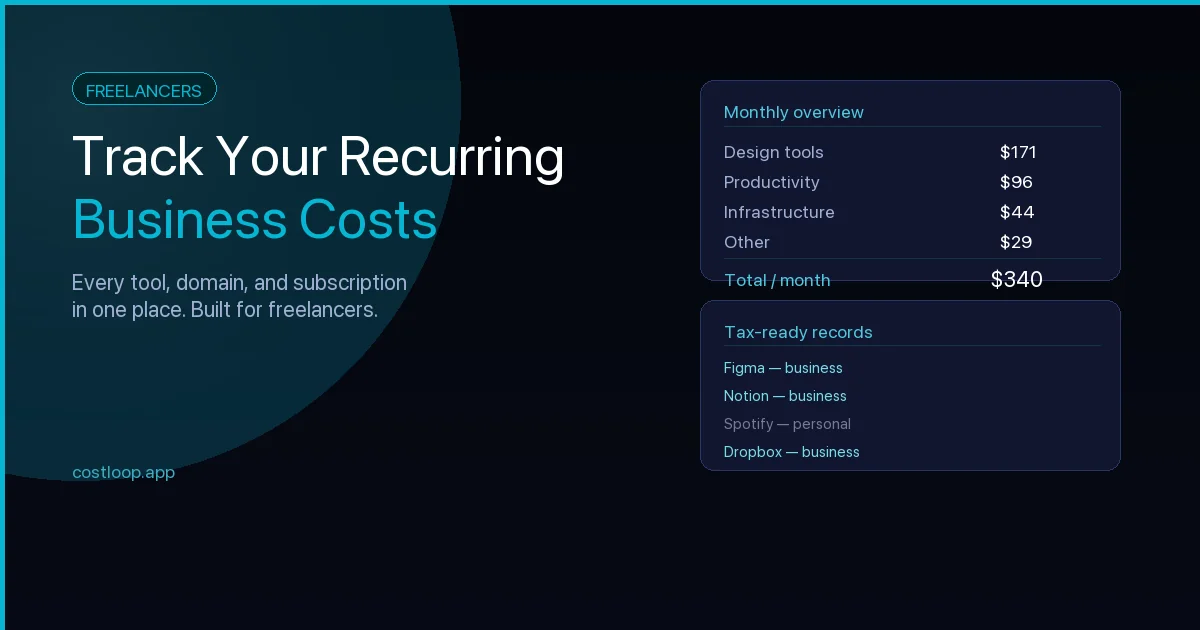
This is why a generic spreadsheet or bank export rarely works well for this category. If you're a freelancer, the guide on how freelancers track recurring costs covers the specific patterns that come up in that context.
Set Up a Four-Category Expense System
The most practical approach is to divide your business expenses into four categories that match how costs actually behave - not how accounting textbooks describe them.
| Category | Description | Examples | Typical monthly total |
|---|---|---|---|
| Recurring software | SaaS tools billed monthly or annually | Notion, Figma, Slack, Linear | $150–$600 |
| One-time software | Licenses, plugins, templates purchased once | Font licenses, Sketch plugins, VS Code extensions | $0–$200 |
| Recurring services | Infrastructure billed regularly | Hosting, domains, CDN, transactional email | $50–$300 |
| One-time services | Professional services, freelancers, contractors | Logo design, copywriting, consulting | $0–$2,000 |
This structure matters because each category needs different handling. Recurring software should be in a dedicated tracker. One-time expenses go into a simple log. Recurring services need renewal reminders. One-time services need invoice storage. Mixing all expense categories into a single list means none of them get proper attention - and recurring payments in particular get lost because they charge automatically without requiring any action from you.
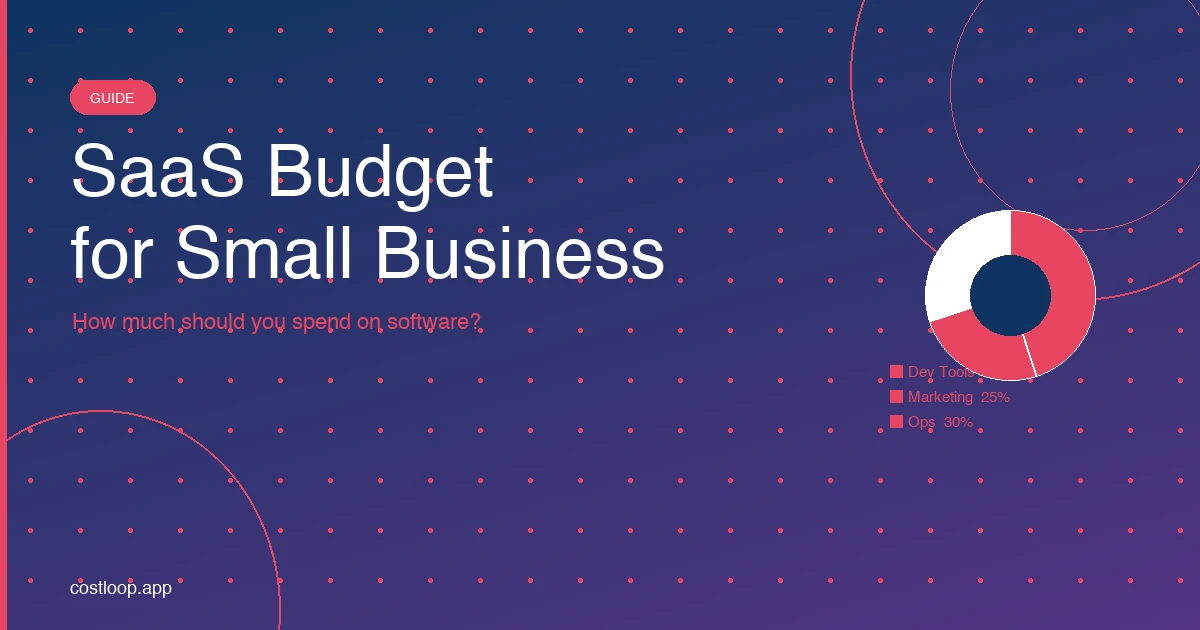
If you're building out a proper software budget alongside this system, the SaaS budget guide for small and medium businesses walks through the planning side in detail.
Tracking Method Options
There are three main approaches for tracking monthly business expenses, each with different tradeoffs.
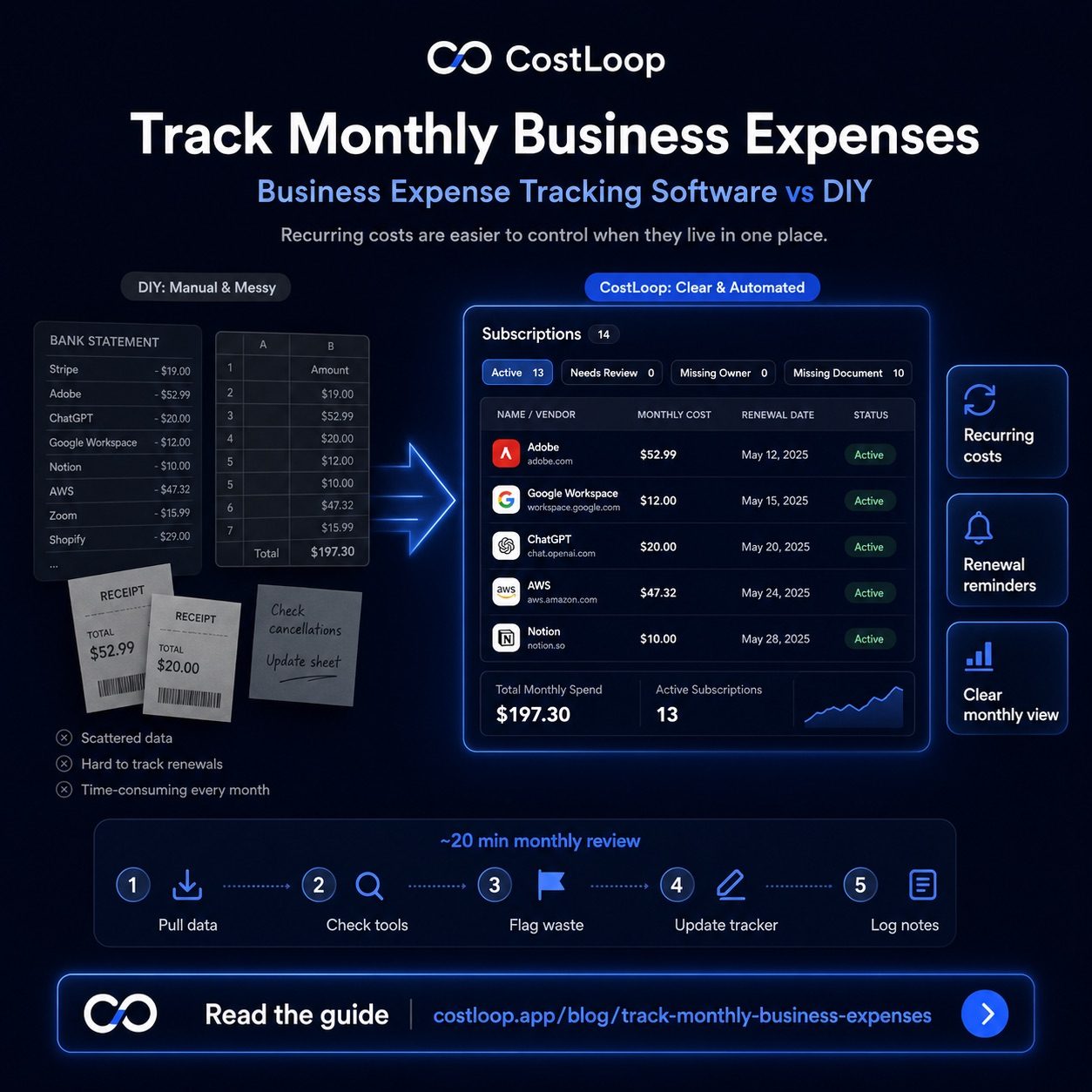
Bank statement review (manual). Download your statement monthly, go line by line, and categorize charges in a spreadsheet. It works, but it's slow - a 30-minute job every month that most business owners skip when things get busy. You also lose context fast. A charge from three months ago is hard to trace back to a specific tool or campaign.
Full accounting software. Tools like QuickBooks, Xero, or Wave can import bank transactions automatically and categorize them using rules. This is a good long-term solution, but it's more setup than most solo founders need early on, and the recurring software category still gets lumped in with everything else with no useful detail like renewal dates or seat counts.
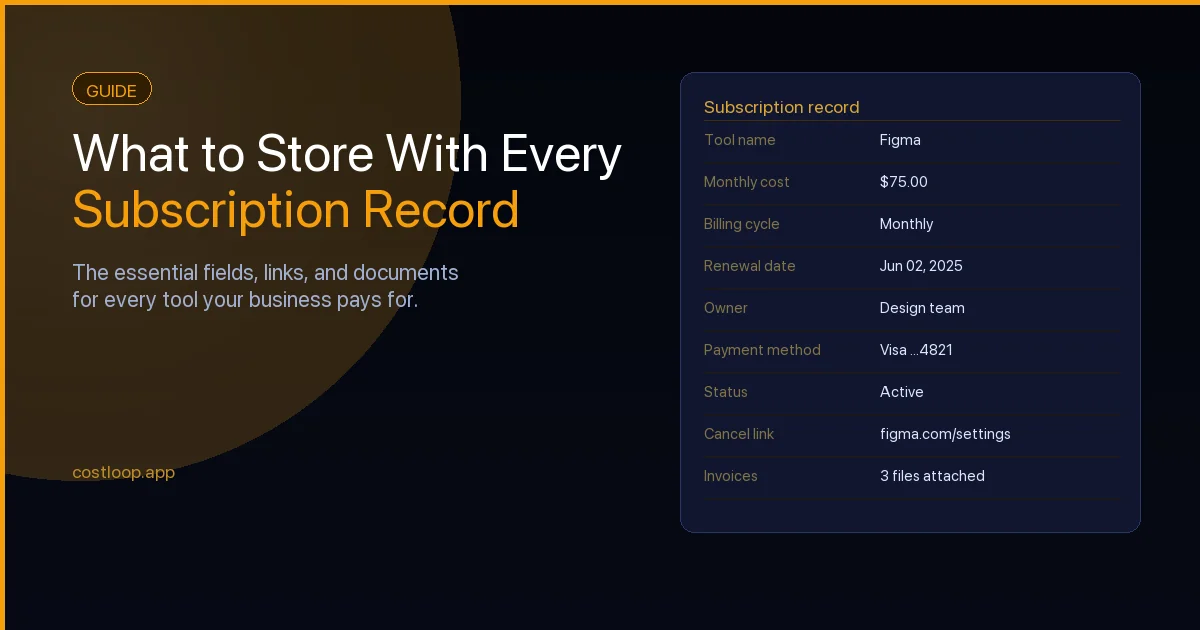
Dedicated subscription tracker. A focused tool like the recurring expense tracker CostLoop is built specifically for the recurring software category. Add subscriptions manually, import a bank or card statement CSV, or use the Chrome extension to surface them from your Gmail or Outlook inbox - cost, billing cycle, renewal date, who owns it - and get reminders before renewals hit. It doesn't replace accounting software, but it handles the hardest expense category far better than either of the alternatives above.
For most solo founders, the practical answer is: a subscription tracker for recurring expenses plus a simple spreadsheet for one-time expenses. That covers 90% of what you need for business expense tracking without the overhead of a full accounting platform.
CostLoop gives you a complete view of all your recurring software costs with renewal reminders so nothing slips through the cracks - no accountant required.
Start free - no credit card neededThe 20-Minute Monthly Review Routine
A monthly expense review doesn't have to be a project. With the right setup, it should take about 20 minutes - short enough to actually do it every month without dread.
Here's what each step looks like in practice:
- Pull data (5 min). Export or screenshot the last month's charges from every card you use for business expenses. If you have a subscription tracker, open it and check for anything that renewed unexpectedly.
- Check tools (5 min). Go through your tracked subscriptions and confirm each one is still actively used. Mark any you haven't opened in the past month.
- Flag waste (5 min). Any tool marked as unused, any service with a cost you can't justify, any duplicate - flag it for cancellation or downgrade. Don't cancel mid-review; just flag.
- Update your tracker (3 min). Add any new subscriptions that appeared this month. Update costs if anything changed pricing. Note upcoming renewals in the next 30 days.
- Log notes (2 min). A single line per month in a notes file: total software spend, any changes, anything to follow up on next month. This becomes invaluable at tax time.
What to Do With the Data
Tracking expenses is only useful if you use the data. The three most practical applications:
Tax preparation. When you have a full year of categorized software expenses, tax prep becomes a much simpler task. You can provide your accountant (or your own tax filing) with an exact figure for software and subscription costs rather than digging through a year of bank statements in March. Tools are often fully or partially deductible as business expenses.
Budget planning. Once you have 3 months of real expense data, you can set a realistic monthly software budget instead of guessing. Many solo founders discover that actual software spend is higher than the number they had in mind because small recurring charges are easy to overlook. Knowing your true baseline is step one to controlling it - and understanding how these business costs affect your cash flow month to month gives you the confidence to plan ahead rather than react.
Spotting waste. The monthly review habit naturally surfaces tools you're paying for but not using. A 12-month log makes the pattern obvious: if you never log meaningful usage for a tool across several consecutive months, the case for cancelling or downgrading it becomes easier to evaluate.
The goal isn't to eliminate software costs - it's to make sure every dollar you spend on tools is a deliberate decision rather than an automatic charge you forgot to question. A good recurring expense tracker makes that distinction much easier to maintain month over month.
If you're ready to bring all of your software subscriptions into one place - with renewal reminders and a clear view of what you're actually spending - CostLoop takes about five minutes to set up and works for teams of one or teams of fifty.
Business expense tracking software: what tracks recurring costs vs. what tracks one-time expenses
General expense tracking software - QuickBooks, Wave, FreshBooks - handles one-time purchases and employee reimbursements well. It handles recurring SaaS subscriptions poorly. The reason is structural: recurring costs do not show up as line items that need approval. They auto-charge and appear on statements after the fact. Tracking them requires a proactive system, not a reactive one. See CostLoop vs QuickBooks or CostLoop vs Wave for how each pairs with a dedicated subscription tracker.
General expense software is built around the reactive model: import transactions, categorize them, reconcile at month end. That works for a laptop purchase or a contractor invoice. It does not work for a $49/month tool that quietly renewed for the fifth time without anyone making a decision to keep it.
For monthly business expenses that recur automatically - software subscriptions, hosting, annual tools - a dedicated subscription tracker like CostLoop is more effective. You record each tool once, set the renewal date, and get an alert before each charge. That is a proactive approach. For the full picture on expense management software for small and medium businesses and how to combine tools, that guide covers both sides. And for the SaaS-specific side of the equation, the SaaS spend management guide goes deeper on controlling recurring software costs.