A SaaS audit is a structured spending review of every software subscription your business pays for - what it costs, who uses it, and whether it's earning its place in the budget. This subscription discovery process can uncover recurring charges from forgotten tools alongside the known stack. For small and medium businesses, one thorough audit creates a usable list of every subscription, owner, renewal date, and review decision. That's not a guess; it's what business owners consistently find when they actually sit down and look. Here's exactly how to run one.
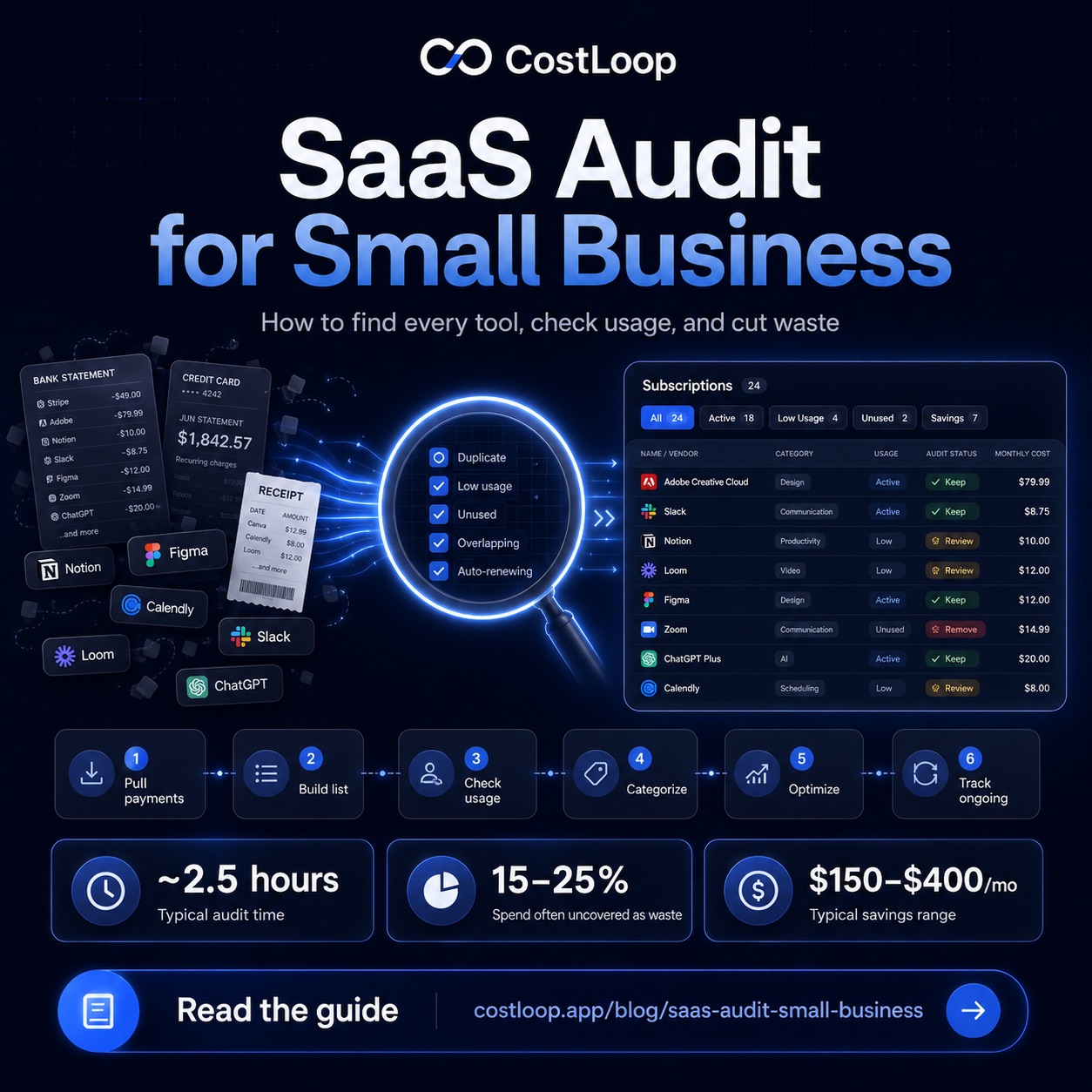
Step 1: Pull all payment sources (30 minutes)
You cannot audit what you haven't found. Start by pulling every statement where software charges could appear. For most small and medium businesses, that means: the main business bank account, the company credit card, any personal cards used for business tools, PayPal if anyone on the team has ever used it for software, and any corporate card accounts belonging to team members who purchase tools independently.
Go back three full months. Three months is enough to catch monthly subscriptions that might have been missed in any one month, and it's a good window for spotting quarterly charges. Annual subscriptions are trickier - you'll need to scan back further or check your email for receipts. Search your inbox for common sender patterns: "receipt," "invoice," "subscription," "billing confirmation," and the names of tools you think you use.
Don't try to organize anything yet. Right now you're just collecting. Write down or paste every charge that looks like a software subscription - even if you're not sure what it is. Unrecognized vendor names are especially important to investigate.
Step 2: Build the master list (45 minutes)
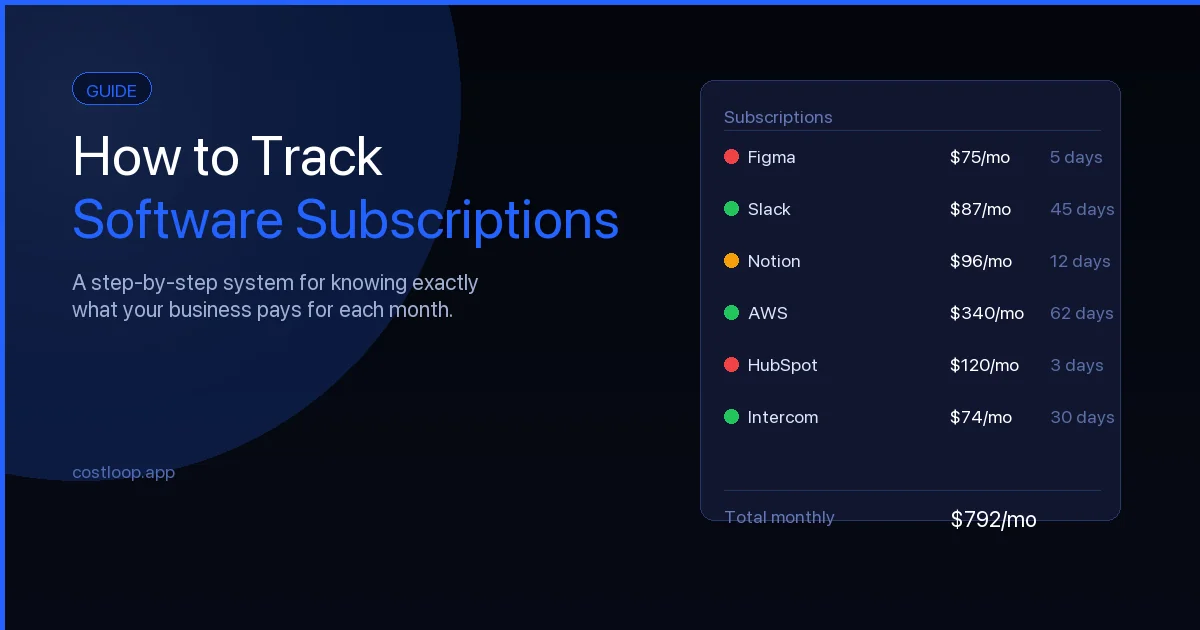
Now organize everything you found into a single working list. Each row should capture: tool name, monthly cost (convert annual charges to monthly by dividing by 12), billing cycle (monthly or annual), the renewal date, who on the team uses it, and which payment method it charges.
This list doesn't need to be beautiful. A simple table in a notes app, a spreadsheet, or a subscription tracker all work. What matters is that every subscription is in one place for the first time. For most businesses that haven't done this before, building the master list reveals a few surprises - tools that never got cancelled after evaluation, very old subscriptions nobody remembers signing up for, and duplicate tools covering the same function.
Here's a template for your list:
| Tool | Mo. Cost | Renewal Date | Active Users | Paid Seats | Last Login | Verdict |
|---|---|---|---|---|---|---|
| Figma | $45 | Jun 12 | 3 | 3 | Today | Keep |
| Asana | $50 | Jul 3 | 1 | 5 | 4 months ago | Cancel |
| Loom | $8 | May 28 | 2 | 2 | 2 weeks ago | Keep |
| Notion | $16 | Jun 1 | 2 | 2 | Yesterday | Review |
Step 3: Check actual usage (30 minutes)
This step separates a real audit from guesswork. For each tool on your list, log into the admin or billing panel and check actual usage data. Most SaaS tools show you last login dates per user, active vs inactive users, and feature usage stats if you're on a higher tier.
What you're looking for: anyone who hasn't logged in for 60+ days on a paid plan is worth examining. Former employees are obvious candidates - if someone left three months ago and their seat is still active, that's pure waste. Also look for users who signed up during an evaluation period and never returned, or users who log in but only use a fraction of the plan's features (which may mean a lower tier is sufficient).
The gap between active users and paid seats is often where the biggest savings hide. For example, a 10-seat plan where only 6 people are actively using it means 4 seats you are paying for but not using. Multiply that gap by the vendor's current seat price to estimate the waste for that tool. The guide on how to track software subscriptions covers what data to capture per tool to make this step faster in the future.
Step 4: Categorize - active, marginal, or dead (20 minutes)
With your usage data in hand, assign every subscription to one of three buckets. Active means the tool is being used regularly by the people who are paying for it - keep it, note the renewal date, move on. Dead means nobody has logged in for 90+ days, or the tool was never properly adopted - cancel it immediately without further deliberation. Marginal means the tool is used occasionally, or is used by fewer people than are paying for it, or you're not sure if it's earning its place.
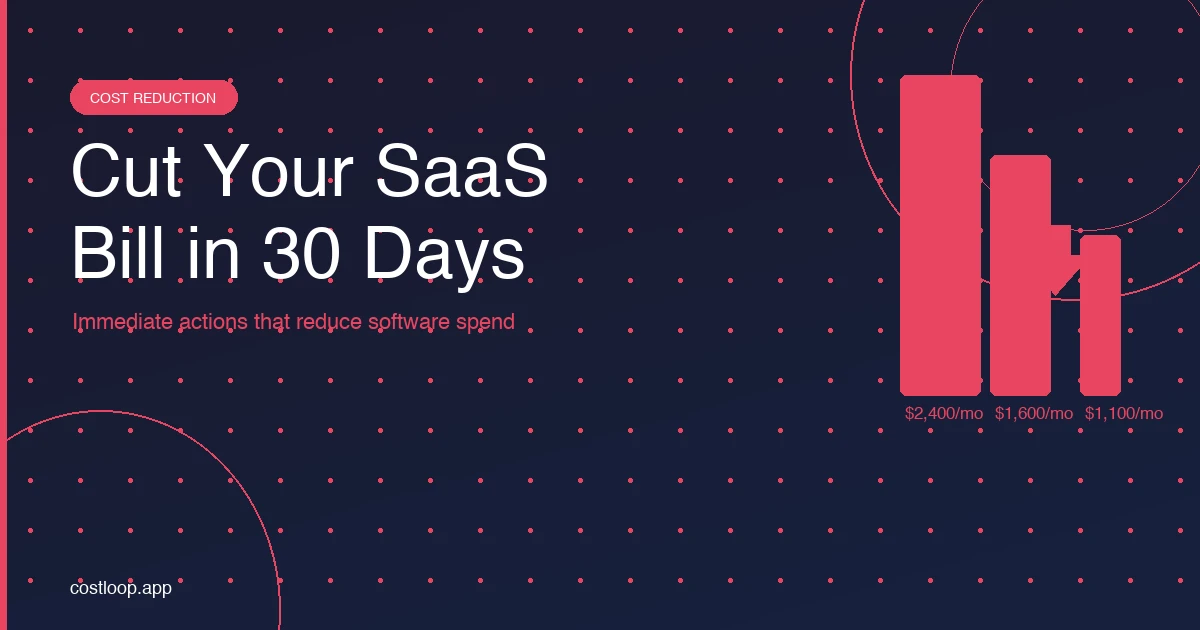
Cancel dead tools right now, during this step. Don't put it off. The decision is already made - you're not using it, you don't need it. Find the cancellation page (a web search for "[tool name] cancel subscription" usually gets you there in 30 seconds), cancel, and move on. Keeping dead tools around while you "think about it" is how the waste compounds.
After this audit, move your master list into CostLoop, a SaaS audit tool that flags every future renewal automatically, so your next review is a 10-minute check instead of a 2-hour excavation. Explore CostLoop's features to see how it works.
Start free - no credit card neededStep 5: Optimize marginal tools (20 minutes)
Marginal tools need a decision, not procrastination. Tool rationalization - picking one tool per job and removing the rest - is the core decision here. For each marginal tool, ask: could we get the same job done with a tool we're already paying for? If yes, migrate and cancel. If no, is there a cheaper plan that covers what we actually use? Check the vendor's pricing page - you might be on a Business tier when a Starter tier covers your needs completely.
Some marginal tools deserve a probation period rather than an immediate cancellation. Set a 30-day timer: either the tool gets used properly in the next month, or it goes. This is especially useful for tools that one person on the team swears they need but hasn't opened in six weeks. Give it a fair shot, set a hard deadline, and make the call.
For any tool renewing in the next 60 days that you're on the fence about, contact the vendor now and ask about pricing flexibility. Renewal conversations are easier than cold negotiations, and many vendors will offer a discount or a temporary pause rather than lose a customer. The post on SaaS spend optimization covers the negotiation approach in more detail.
Step 6: Set up ongoing tracking (10 minutes)
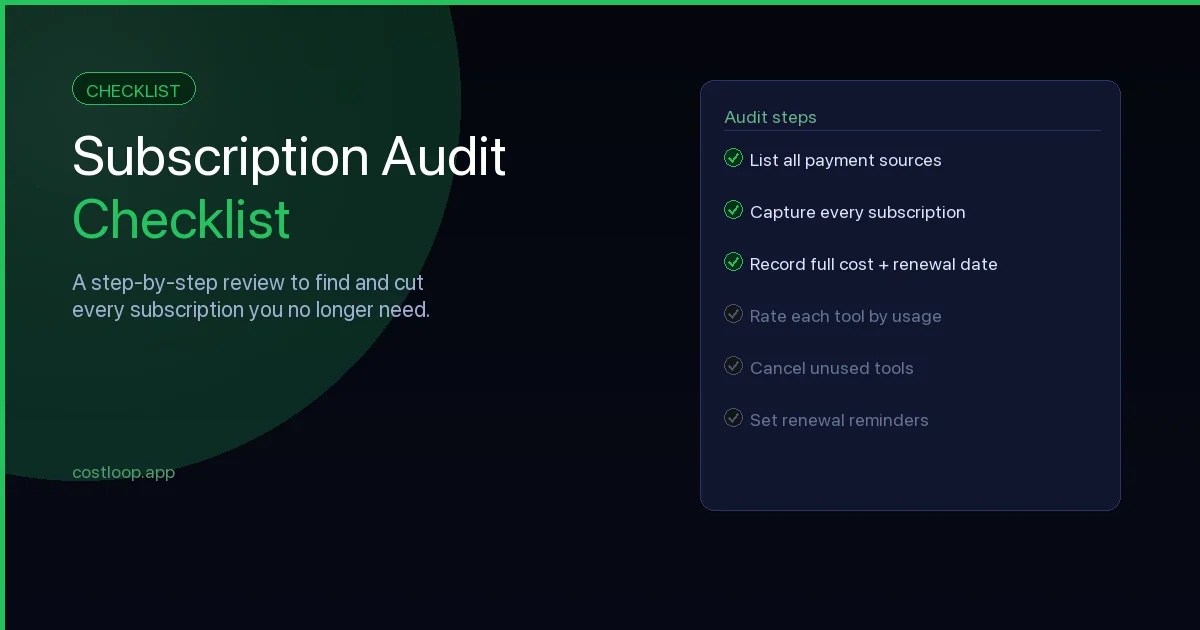
The most important thing you can do after a first audit is make sure you never need to do the full excavation again. Transfer everything that survived the audit - your active and any probationary tools - into a SaaS subscription tracker with renewal reminders. Set alerts for 30 days before each renewal date.
Going forward, the routine is simple: when you add a new tool, add it to the tracker immediately. When you cancel something, remove it. Once a quarter, spend 10–15 minutes reviewing the list to make sure everything still looks right. That quarterly check is what the subscription audit checklist is designed for - it's a much lighter lift than what you just did, and it keeps the list from ever getting this unwieldy again.
A full SaaS audit done once, with proper ongoing tracking afterward, is far more valuable than an annual scramble every year. CostLoop is free to start - add your cleaned-up list today and you'll have the infrastructure to make every future review effortless.
SaaS discovery: finding tools you didn't know you were paying for
A SaaS audit is a form of SaaS discovery - the process of surfacing every tool your business pays for, including ones nobody authorized or remembers signing up for. The two terms describe the same activity: going from a fragmented, incomplete picture of your software stack to a verified, complete inventory. If you have run through the steps in this post, you have completed a SaaS discovery exercise.
SaaS discovery matters because shadow IT is common in small and medium businesses. Employees sign up for tools on personal cards and expense them later (or never). Free trials convert to paid plans after 14 or 30 days with no action required from anyone. Former employees leave, but their licenses keep running because nobody flagged the accounts during offboarding. Each of these patterns creates subscriptions your business is paying for that nobody has explicitly decided to keep.
The audit process described in this post is the SaaS discovery process. Step 1 - pulling all payment sources - is where most hidden subscriptions surface. Step 2 - building the master list - is where you consolidate what you found into a single verified inventory. If you want to go deeper on the shadow IT dimension specifically, the guide on shadow IT for small and medium business covers the causes and prevention in detail. For a step-by-step walkthrough of finding every subscription from scratch, how to find all company subscriptions covers the full discovery process.
SaaS visibility: what you gain from completing an audit
SaaS visibility is the outcome of a completed audit: knowing exactly what tools your business pays for, what each costs, when each renews, and who uses it. It is the difference between managing software spend deliberately and discovering it reactively.
Before an audit, most small and medium businesses are in a reactive state - fragmented records spread across multiple bank accounts and card statements, no single person with a complete picture, and renewals discovered after charges have already landed. After an audit paired with ongoing tracking, the state flips: a proactive, complete picture where decisions get made before charges fire rather than after.
The practical payoff of SaaS visibility goes beyond cost savings. When you know exactly what you have, you can onboard new team members to the right tools immediately, remove access cleanly when someone leaves, and avoid buying duplicate tools because you can see what already exists in the stack. For a broader look at managing software spend once you have visibility, the SaaS spend management guide covers the ongoing process. For choosing the right tool to maintain that visibility day-to-day, the best subscription tracker for small and medium business compares the main options.
Frequently Asked Questions
How long does a SaaS audit take for a small or medium business?
The time needed for a SaaS audit depends on how many subscriptions, payment sources, and owners you need to review. The bulk of that is pulling payment statements and building the initial list. The actual review and decision-making goes quickly once you have everything in front of you.
How much can a SaaS audit save a small and medium business?
A useful audit does not start with an assumed savings percentage. It starts with your actual payment data and identifies unused, duplicate, or oversized tools one by one.
What should I look for when auditing SaaS tools?
Focus on three things: tools nobody is actively using (check last login dates in admin panels), duplicate tools that do the same job, and plans with paid features or seats you've grown out of. Any tool in those three categories is a candidate for cancellation or downgrade.
How often should a small and medium business do a SaaS audit?
A full audit once a year is recommended for most small and medium businesses. Pair it with a lighter quarterly review (15 minutes, just checking the list and upcoming renewals) to catch things between audits.
What is SaaS discovery?
SaaS discovery is the process of finding every software tool your business uses and pays for - including unauthorized tools employees signed up for independently, forgotten subscriptions that never got cancelled, and trials that converted to paid plans without anyone noticing. A SaaS audit IS the SaaS discovery process: both terms describe the same activity of surfacing your complete software inventory from scratch.
What is SaaS visibility and why does it matter?
SaaS visibility means knowing exactly what tools your business pays for, what each one costs, when each renews, and who uses it. Without it, you are reactive - discovering charges after they appear on bank statements. With it, you make decisions before renewals fire, catch unused tools before they auto-renew, and maintain an accurate total of what your software actually costs each month.