How to Track Software Subscriptions and Software License Renewals
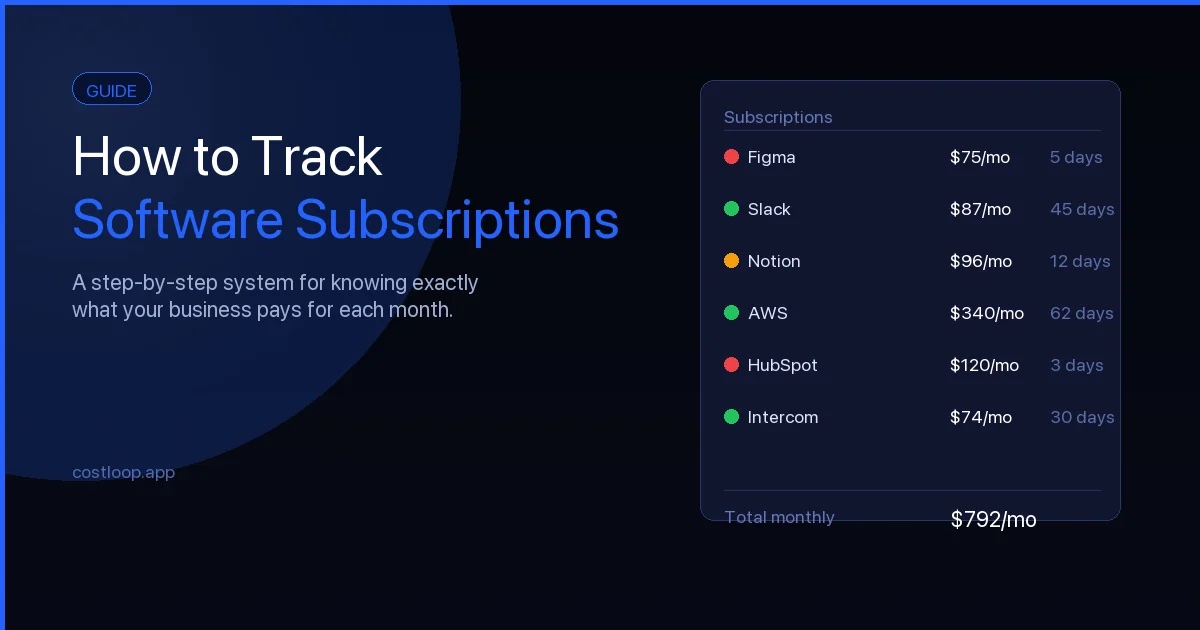
A few months ago, a friend who runs a small design studio was going through her business accounts and found a Zapier subscription she had completely forgotten about. Without a software subscription tracker in place, it had been running for eleven months. She had stopped using Zapier sometime in the spring after switching to a different automation tool, but the subscription kept renewing because nobody cancelled it. That was roughly 300 euros gone with nothing to show for it.
It is a common situation. Not because business owners are careless, but because recurring software costs are specifically designed to run in the background. This guide explains how to build a simple, practical system for tracking every software subscription your business is paying for - so nothing runs quietly in the background that you haven't deliberately kept.
Why software subscriptions are easy to lose track of
Before getting into the system, it helps to understand why this problem exists in the first place. There are a few structural reasons:
Monthly billing feels small. A 25-euro-per-month tool does not feel like a significant expense. But three or four of those add up to over a thousand euros a year - and most small and medium businesses have more than three or four subscriptions.
Auto-renewals require no action from you. Software license renewals in particular happen silently. You sign up in February, the year passes, and the charge appears in February of the following year without prompting you to make a decision. If you weren't watching for it, it simply happens. The problem of forgotten subscription renewals is one of the most common ways small and medium businesses lose money on software.
Multiple payment methods scatter the data. One subscription goes to the company card, another goes to a personal card that gets expensed, another is billed through PayPal. There is no single place that shows you everything.
Ownership changes. A team member signs up for a tool to solve a problem. They handle renewals. They leave the business. The subscription stays active on the company card, but nobody left knows it exists or what it was used for.
The result is that most small and medium businesses are paying for more subscriptions than they realize, some of which they no longer need. Getting that picture clear is the starting point.
Step 1 - Do a full subscription inventory
You cannot manage what you cannot see. Before you set up any tracking system, spend time doing a one-time audit to find everything that is currently active.
Work through these sources:
- Bank and card statements - go back 13 months. Twelve months catches monthly charges. The extra month catches annual renewals that might be just outside your window. Look for any recurring charge from a software vendor, regardless of how small it is.
- Your email inbox. Search for "receipt", "invoice", "subscription", "renewal", "your plan", and "payment confirmation". Most SaaS tools send a confirmation every time they charge you. This is often the fastest way to find subscriptions across different payment methods. The CostLoop Chrome extension can scan your Gmail or Outlook inbox automatically and surface likely subscriptions for you to review - faster than searching manually.
- Your team. Send a quick message asking whether anyone has signed up for tools on personal accounts or cards that are being expensed back to the business. Tools signed up during a project or to solve a specific problem are especially easy to miss this way.
- App Store and Google Play. Both platforms have a subscription management section under billing settings. Mobile subscriptions for tools like Calendly, Notion, or project management apps often show up here.
- PayPal and other payment processors. Check the "recurring payments" or "automatic payments" section separately - these do not appear in your bank statement in an obvious way.
List everything you find. At this stage, do not try to organize or evaluate - just get it all visible. You can make decisions about what to keep once you have the full picture.
Step 2 - Record the right information for each subscription
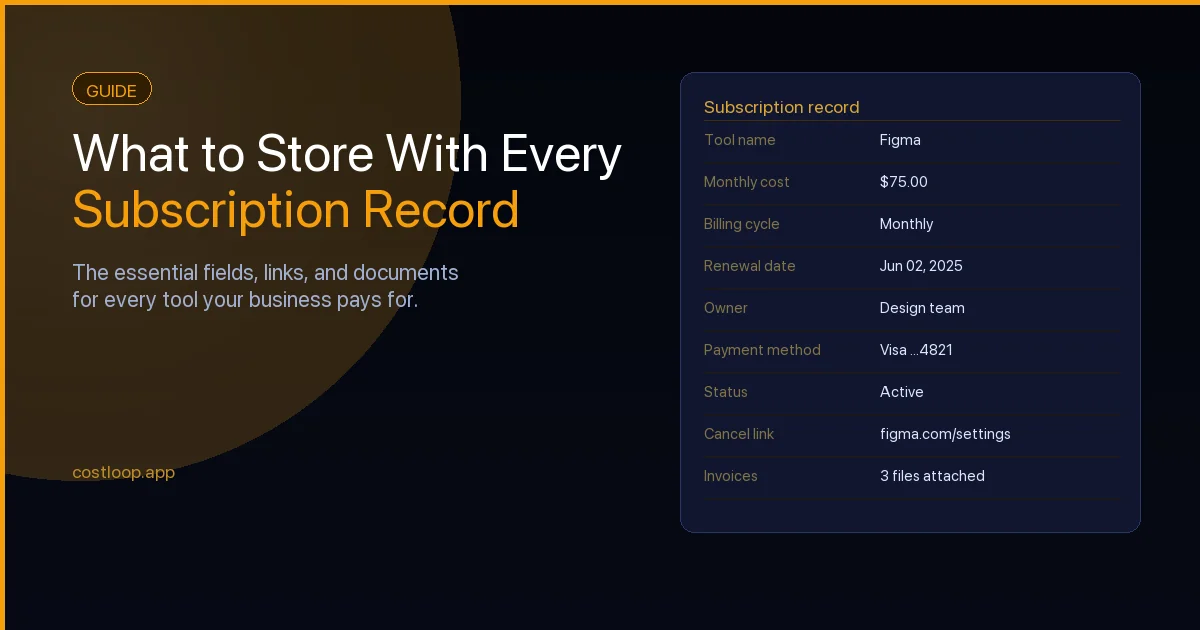
A list of subscription names is a start, but it is not enough to manage them properly. For each subscription, record the following:
- Subscription name and vendor
- Monthly cost and annual cost (convert to a consistent currency if you have subscriptions billed in multiple currencies)
- Billing cycle - monthly, annual, or other
- Next renewal date
- Account owner - the specific person in your business responsible for this tool
- Payment method used - which card or account it bills to
- Cancellation link - the specific URL where you can cancel or manage billing, not the vendor's homepage
- Category - design, communication, development, finance, etc.
- Relevant documents - contracts, order confirmations, and licence keys
The cancellation link is the detail most people skip. When you decide to stop paying for something, you do not want to spend twenty minutes navigating vendor help documentation under time pressure. Find it now and save it alongside the subscription record. For a full breakdown of everything worth capturing, see the guide on what to store with every subscription record.
Add your subscriptions once, get reminded before every renewal, and keep all your cancellation links in one place. Built for small and medium businesses that want to stay in control of recurring costs.
Start free - no credit card neededStep 3 - Set up renewal reminders before you need them
Recording renewal dates is only half the job. Those dates are useless unless something prompts you to look at them before the charge arrives.
For annual subscriptions, set a reminder 30 days before the renewal date. That gives you enough time to evaluate whether you still need the tool, check whether a cheaper plan would work, and navigate the cancellation process if you decide to stop. Some vendors require written notice or have a specific process that takes a few days - 30 days of lead time covers that.
For monthly subscriptions, a week is usually enough, though two weeks gives you more comfort.
Your options for reminders:
- Calendar events. Free and simple. The downside is that setting them up manually for every subscription is tedious, and they require ongoing maintenance when renewal dates change.
- A dedicated subscription tracker. Purpose-built tools send renewal reminders automatically based on the dates you record. You set the date once and the reminders happen without further effort. This is the approach that scales as your subscription list grows.
Step 4 - Assign an owner to every subscription
One of the most common reasons subscriptions go unmanaged is that nobody is clearly responsible for them. When everyone assumes someone else is handling it, nothing gets handled.
For every subscription in your list, name one person who is responsible for it. That person's job is to decide whether to renew when the reminder comes, to update the record if the plan or price changes, and to cancel it if the tool is no longer needed.
In a solo business or very small team, this might be you for everything. In a slightly larger team, it tends to follow the person who uses the tool most - the designer owns the design tool licences, the developer owns the development tools, and so on. The important thing is that there is a name attached, not that the names are distributed perfectly.
Step 5 - Review your list on a schedule
A one-time inventory captures the current state, but new subscriptions will be added over time. A tool that was useful six months ago may no longer be needed. Plans change. Teams change.
Build two review habits:
A monthly check. Spend a few minutes looking at what is renewing in the next 30 days. Make sure a decision has been made for each one. This takes almost no time if your list is well-maintained.
A quarterly review. Go through the full list and ask whether each tool is still actively used, whether the current plan still fits your needs, and whether anything can be consolidated or cancelled. This is where you catch drift - tools that quietly stopped being useful without anyone formally deciding to move on.
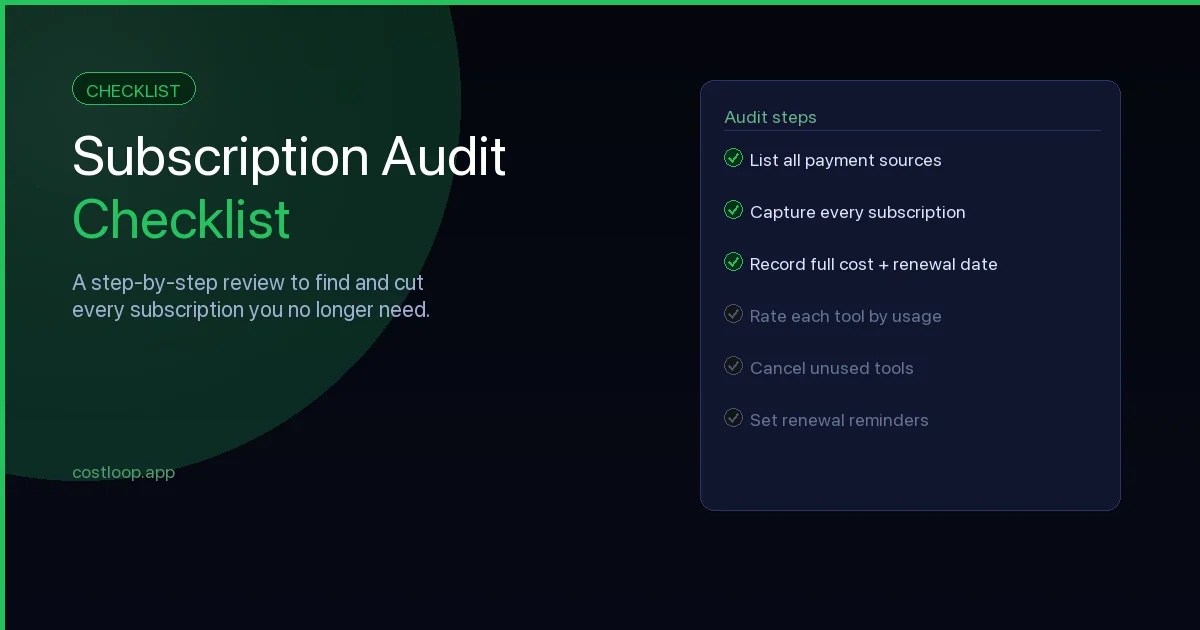
If you want a structured approach to this, the subscription audit checklist covers the full review process step by step.
Spreadsheet or dedicated tracker?
A spreadsheet is a reasonable starting point, especially if you have fewer than ten subscriptions and are comfortable maintaining it manually. You can set up columns for all the fields above, use conditional formatting to flag upcoming renewals, and share it with your team.
The limitations appear quickly. A spreadsheet does not send reminders. It cannot store documents alongside each record without getting messy. It requires discipline to keep current, and that discipline is exactly what tends to slip when things get busy.
A dedicated software subscription tracker handles the reminders automatically, gives each subscription a proper record with space for documents and links, and keeps the information accessible without anyone having to remember to check a shared file. If you want to see what that looks like, the pricing page covers what CostLoop - a software subscription tracker - costs and what is included in each plan.
For a detailed comparison of both approaches, the subscription tracker vs spreadsheet article goes through the tradeoffs in full.
Putting it together
The system is straightforward:
- Run a one-time audit to find everything you are currently paying for.
- Record the key details for each subscription - cost, renewal date, owner, and cancellation link.
- Set renewal reminders far enough in advance to act on them.
- Assign a named owner to every subscription.
- Review the list monthly for upcoming renewals and quarterly for the full picture.
None of these steps are complicated. The work is in doing them once to get everything set up, and then keeping the discipline to maintain the list as things change. The businesses that stay in control of their software costs are not the ones that spend the most time on this - they are the ones that have a system in place that makes it easy to stay current.
Software license renewal: what it is and how to handle it
Software license renewal and SaaS subscription renewal sound the same, but they work differently and carry different risks. A SaaS subscription renewal is automatic: your credit card is charged on the same date each year (or month) unless you cancel beforehand. A perpetual license renewal is different - you bought the software once and now the vendor is asking you to pay again for continued support, updates, or access to newer versions. A seat-based renewal means you are renewing a block of named-user licenses, and the count may no longer match your team size.
All three types follow the same basic software renewal process: a 30-day reminder gives you enough time to evaluate usage, decide whether to keep the tool at the current tier, downgrade to a smaller plan, or cancel entirely, and then act before the charge fires. The sequence matters. Waiting until the charge appears on your statement removes almost every option - vendors rarely offer refunds on auto-renewals.
The types of renewal you will encounter most often as a small and medium business are annual SaaS renewals (highest individual risk per missed charge), seat-based renewals where you may be over-allocated, and perpetual license maintenance renewals for older desktop software. Each requires the same advance planning but a slightly different evaluation: for SaaS ask "is it still used?", for seat-based ask "how many seats are actually active?", for perpetual ask "do the updates justify the maintenance cost?"
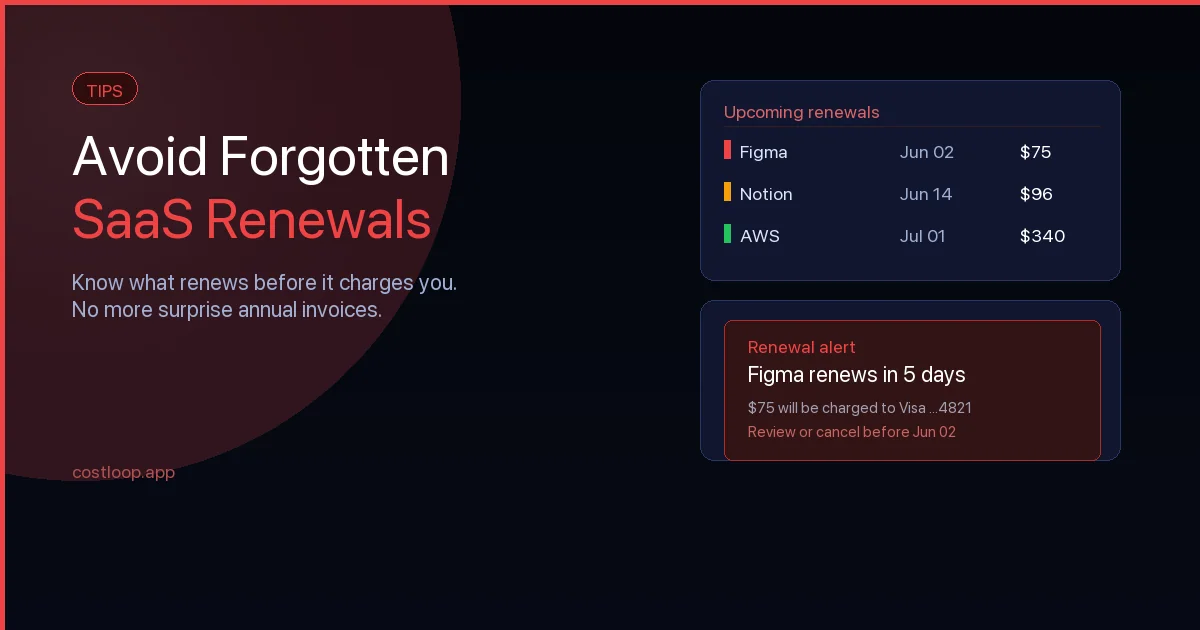
For a deeper look at how to avoid missing these entirely, the guide on forgotten subscription renewals covers the most common failure modes in detail.
How to renew software licenses without surprises
The businesses that handle software license renewal cleanly do not rely on memory or checking a bank statement after the fact. They build three practical habits into their workflow.
First, they maintain a renewal calendar. Every software tool in the business has its next renewal date recorded somewhere central - not in someone's personal calendar, but in a shared system the whole team can see. When a renewal date is three to four weeks out, the responsible person gets a reminder. That lead time is enough to pull usage data, check seat counts, and make an informed decision without rushing.
Second, they store the renewal URL per tool. When you decide to cancel or downgrade, you do not want to spend 20 minutes navigating vendor help documentation. The specific billing management URL goes into the subscription record at the time of setup, so it is ready when you need it.
Third, they assign an owner per license. One named person is responsible for each tool's renewal decision. They check usage, flag any concerns, and either confirm continuation or initiate the cancellation before the charge date. Diffuse responsibility means nobody acts.
For more on building this into a complete system, the guide on SaaS license management covers the full process including audit routines and seat tracking. For a comparison of subscription management software options - what separates purpose-built tools from spreadsheets across features and pricing - the overview covers the main categories.
Frequently asked questions
Start tracking your subscriptions today
Free to start with up to 5 subscriptions. No credit card needed. Upgrade anytime.