Why SaaS renewals slip through
SaaS renewal tracking is one of the most commonly neglected financial processes in small and medium businesses. Unlike invoices that require active approval, SaaS renewals - whether monthly subscription renewals or large annual software renewals - happen automatically. The vendor charges your card; if nobody is watching, the money is gone before anyone decided it should be. This guide covers how to build a system that puts you back in control of every renewal before it fires.
The mechanics of SaaS billing are designed to reduce friction at purchase and minimise churn. That's good for vendors, but it means several things work against customers:
- Billing cycles vary. Monthly and annual subscriptions don't land on the same date each month. Annual ones in particular are easy to lose track of - they're significant in value but only visible once a year.
- Billing is distributed. Different subscriptions go to different cards, accounts, and email addresses. There's no single place that shows everything.
- Team members change. The person who signed up for a tool and knew when it renewed may have left the business. Nobody else is watching for it.
- Trials convert silently. A 14-day or 30-day trial ends and the subscription starts billing, often without a prominent notification. If you don't cancel in time, you're charged.
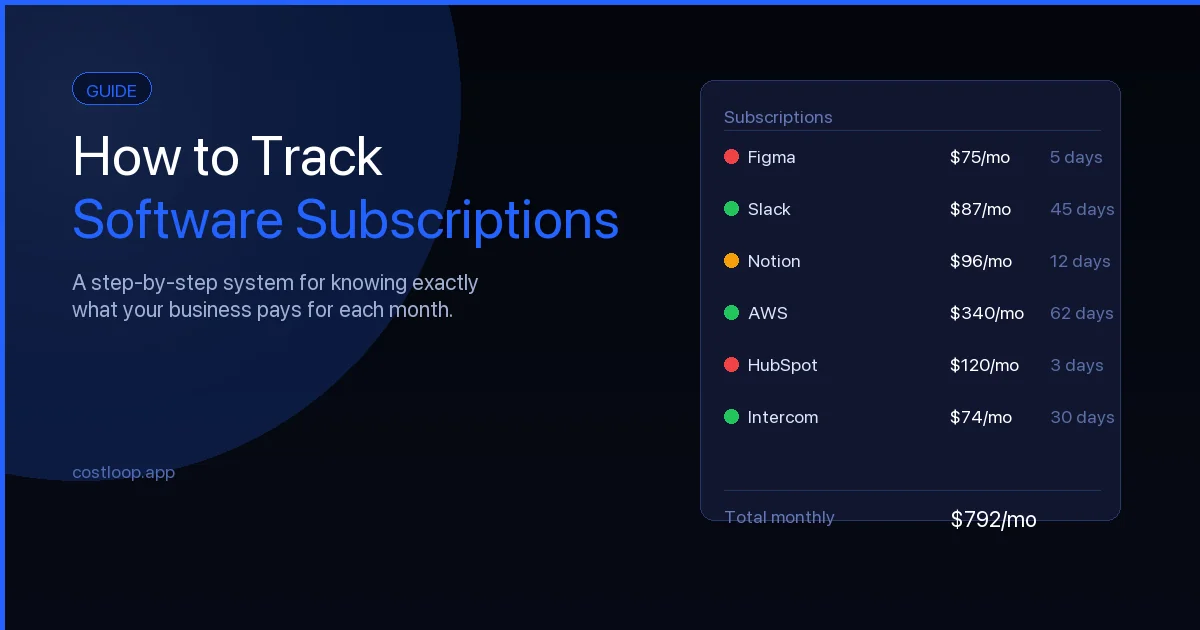
None of these are accidents. They're the default state of subscription billing. Avoiding forgotten renewals requires actively working against these defaults. The right approach starts with knowing how to track software subscriptions systematically.
The most dangerous renewal types
Not all renewals carry the same risk. The ones most likely to surprise you are:
- Annual contracts. High value and infrequent. You sign up in January, forget about it, and it renews in January of the following year. By the time the charge appears, it can be difficult or impossible to get a refund.
- Trials converting to paid. The conversion happens automatically on a specific date. If you're not watching for it - particularly if you signed up during a busy period and moved on - it will catch you.
- Seats that weren't removed after offboarding. A team member leaves. Their seat remains active. You continue paying for access that nobody is using.
For each of these, the solution is the same: have a record of when it renews and a reminder that triggers before the date.
Build a renewal calendar
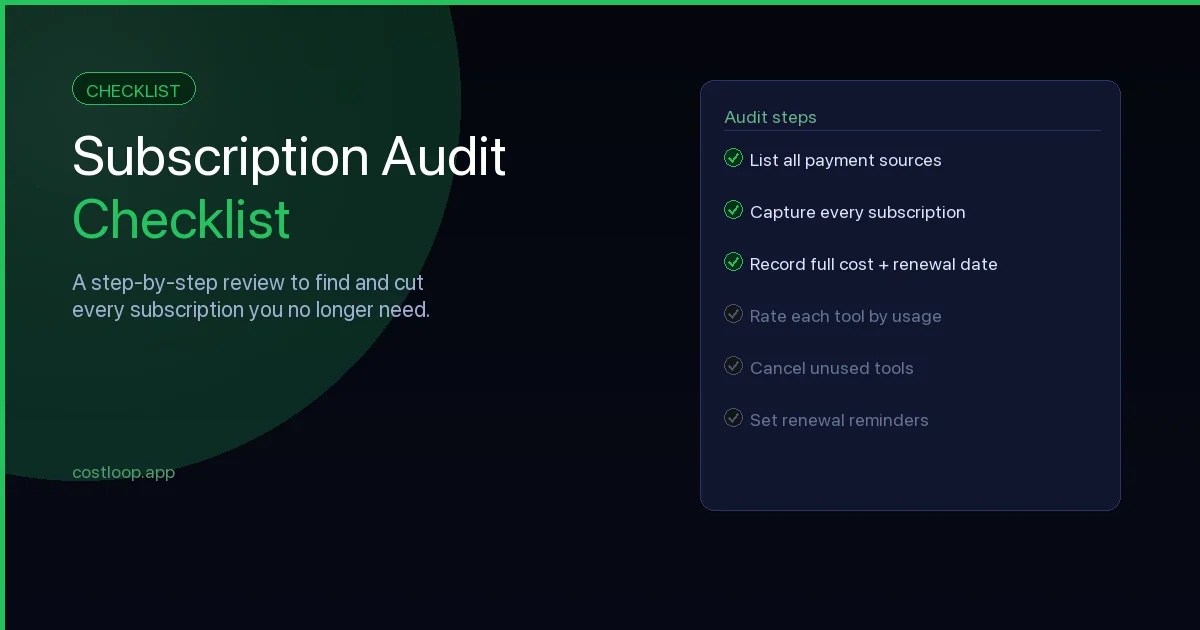
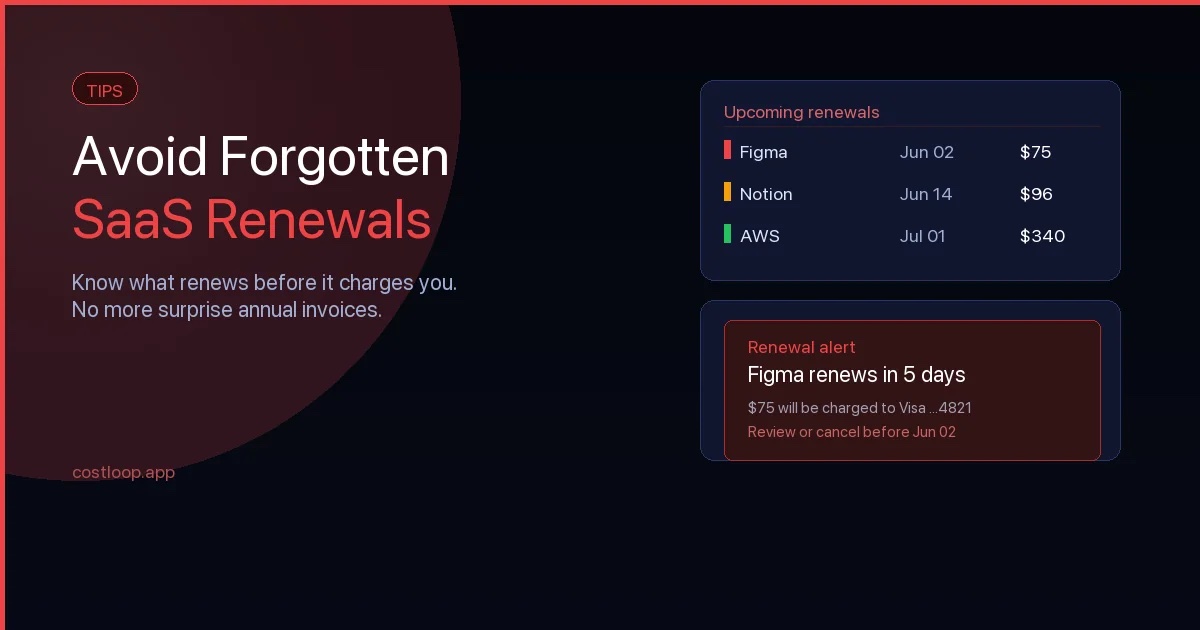
The simplest way to get ahead of renewals is to know when every subscription is due. Good SaaS renewal tracking starts here: build a subscription calendar that lists all your active subscriptions with their renewal dates, then look at the next 90 days. Pay particular attention to contract expiry dates on annual tools - those are the missed renewal risks with the highest cost. If you haven't done this yet, our subscription audit checklist walks you through it step by step, and CostLoop's renewal tracking can keep the calendar current automatically once it's built.
For annual subscriptions, set a review point 30 days before renewal. That's your window to decide whether to keep it, downgrade, or cancel - and enough time to navigate any notice periods or cancellation processes the vendor requires.
For monthly subscriptions, a week's notice is generally enough to act before the next charge, but 2 weeks gives you more comfort if the cancellation process is slow.
Set reminders for every subscription
A renewal calendar is only useful if you're prompted to look at it at the right time. A renewal alert - whether by email, Slack, or calendar notification - is what turns a list of dates into actionable advance notice.
Options include:
- Calendar events. Create a recurring or one-off event for each renewal date, set to remind you 30 days in advance. This is free but requires manual setup for every subscription and ongoing maintenance as dates change.
- Recurring email reminders. Some calendar and task tools allow you to send scheduled emails to yourself. Useful if you're more likely to act on email than a calendar notification.
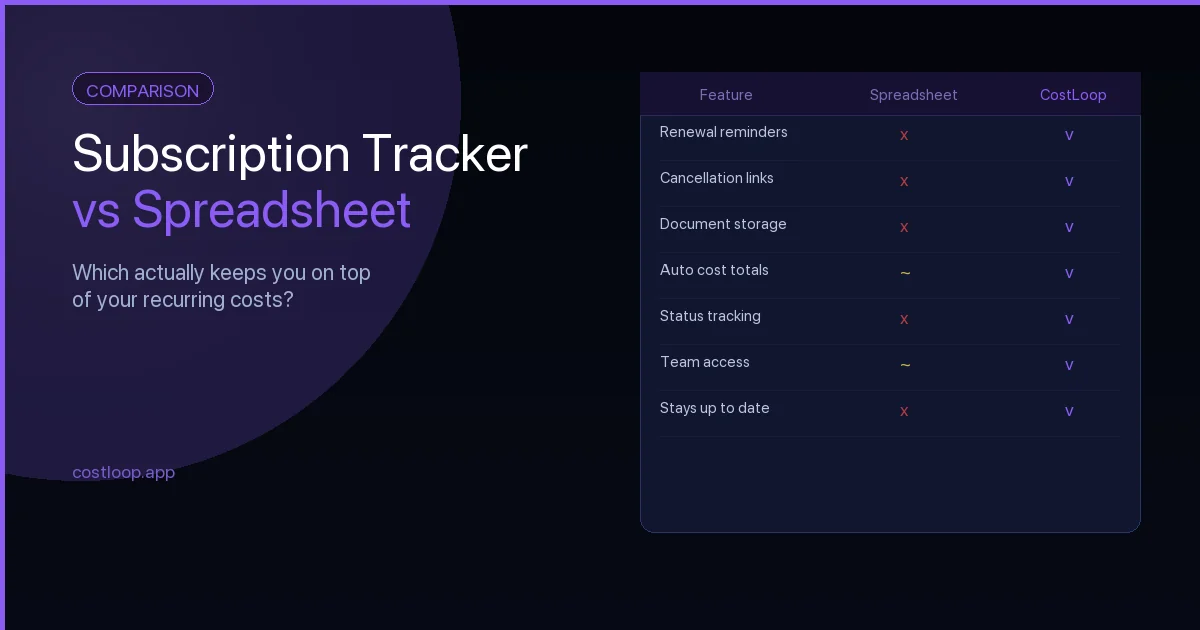
- A dedicated subscription tracker. Tools designed for this send reminders automatically based on the renewal dates you record. You set the date once, and the reminders happen without further effort.
Whatever method you use, the goal is to ensure you have enough notice to make a deliberate decision - not to discover a charge after it's already been processed. A proper SaaS renewal tracking system makes this automatic rather than something you have to remember to do.
Save the cancellation link before you need it
When a renewal reminder fires, you shouldn't have to spend time figuring out how to cancel. That information should already be recorded.
For every subscription you track, find and save the specific URL where you can cancel or manage billing. Not the vendor's homepage - the billing settings or subscription management page. See our guide on what to store with every subscription record for a complete checklist of what to keep.
Some vendors use convoluted cancellation flows that require contacting support or navigating multiple steps. Knowing this in advance means you're not caught out by a process that takes longer than expected when a renewal is imminent.
What is a software renewal? (And why it's different from a subscription renewal)
A software renewal is any point at which your business's access to a software tool is extended - either automatically through auto-renewal billing, or manually through a new purchase or contract. The term covers both SaaS subscription renewals (monthly or annual) and traditional software license renewals (one-time or multi-year contracts for on-premise software).
For most small and medium businesses today, the majority of software renewals are SaaS-based: monthly or annual charges for cloud tools that renew automatically unless cancelled. These are the renewals most likely to go unnoticed because they happen without requiring any action from you. Traditional software license renewals - for tools like Adobe Creative Suite on a perpetual license, or Microsoft Office with an annual software assurance agreement - are less common but typically higher value when they do come up.
The practical difference for renewal management: SaaS renewals require a calendar-based alert system (because they charge automatically on a specific date), while software license renewals require a contract-based reminder (because they may involve a vendor conversation and a new purchase order). Both need to be tracked, but the process is slightly different. CostLoop is a SaaS renewal tracker that handles the SaaS renewal side - the monthly and annual subscriptions that auto-renew. For enterprise software license renewals, a more procurement-focused process is typically appropriate.
Either way, the core principle is the same: a software renewal should be a decision, not a surprise. The tool exists to make sure every charge - SaaS or traditional software - has been evaluated before it appears. See the broader guide on SaaS spend management for how renewals fit into the larger picture of controlling software costs.
SaaS renewal metrics: how to decide before you renew
A renewal reminder gives you time. SaaS renewal metrics give you the information to use that time well. When a renewal is approaching, four numbers help you make the right decision quickly.
Usage in the last 30 days. Has anyone logged in? If you cannot answer yes with confidence, that is your strongest signal. A tool nobody uses in the last month before renewal is a cancellation candidate regardless of how much it cost to set up or how many team members were supposed to use it.
Cost per active user. Divide the monthly cost by the number of people who actually use the tool. A $100/month tool with 10 active users costs $10 per person - reasonable. The same tool with 2 active users costs $50 per person - worth questioning. This metric makes the value question concrete rather than abstract.
Available alternatives. Is there a cheaper tool that does the same job? A free tier that covers your actual usage? A tool already in your stack that could absorb this function? Check the landscape briefly at each annual renewal - pricing and alternatives change faster than most people realize.
Contract flexibility. For annual tools, can you downgrade before renewing rather than renewing at the current tier and regretting it? Many vendors allow plan changes at renewal time. Knowing this before the reminder fires means you can act on it rather than just renewing at the default.
You do not need a complex dashboard for these metrics - a quick pass through your subscription list at renewal time is enough. What matters is that the renewal decision is made consciously, with real information, not by default.
Recurring subscription management: building a system that handles renewals automatically
Recurring subscription management is the ongoing practice of keeping your subscription list current, your renewal alerts active, and your decisions intentional - not a one-time cleanup but a sustained system. The goal is to reach a state where renewals do not require a scramble: you are notified well in advance, you have the information you need to decide, and you can act immediately because you already know where the cancellation link is.
For small and medium businesses, a lightweight recurring subscription management system has three components. The central inventory: every subscription in one place with cost, renewal date, owner, and cancellation link. The alert layer: automated reminders firing 30 days before each renewal so you always have time to decide. The review cadence: a quarterly 30-minute session where you look at the full list, check usage on each tool, and flag anything that should be cancelled or downgraded at its next renewal.
The central inventory and alert layer can be handled by CostLoop automatically. The quarterly review is a calendar block you set once and keep. Together, they turn renewal management from a reactive scramble into a predictable process - one where surprises are rare because the system catches everything in advance. See the guide on how to find all company subscriptions for help building the initial inventory if you are starting from scratch.
Use CostLoop to automate the process
Managing renewal reminders manually across a growing list of subscriptions is work. The more subscriptions you have, the higher the maintenance burden - and the more likely something is to fall through the gaps.
CostLoop is built to handle this. You record each subscription once - with the cost, billing cycle, renewal date, and cancellation link - and CostLoop sends renewal reminders on your behalf. Every subscription has its own record, with space for documents, notes, and the account owner.
If your goal is to never be surprised by a renewal again, a dedicated tool is the most reliable way to get there. Manual systems work until they don't; a purpose-built tracker keeps working regardless of how many subscriptions you have.
Never be surprised by a renewal again
CostLoop is free to start. Add your subscriptions, set renewal dates, and get reminders before any of them charge you again.
Get started free