Getting a handle on company subscriptions starts with knowing what you have - and many businesses are missing more than they think. A proper search can uncover company subscriptions that were never added to the official list. That's not because business owners are careless - it's because subscriptions are designed to be invisible. Annual billing makes charges disappear for 11 months. Small monthly amounts blend into card statements. Former employees leave tools running. Free trials become paid plans quietly. The result is a stack of charges nobody has a full picture of.
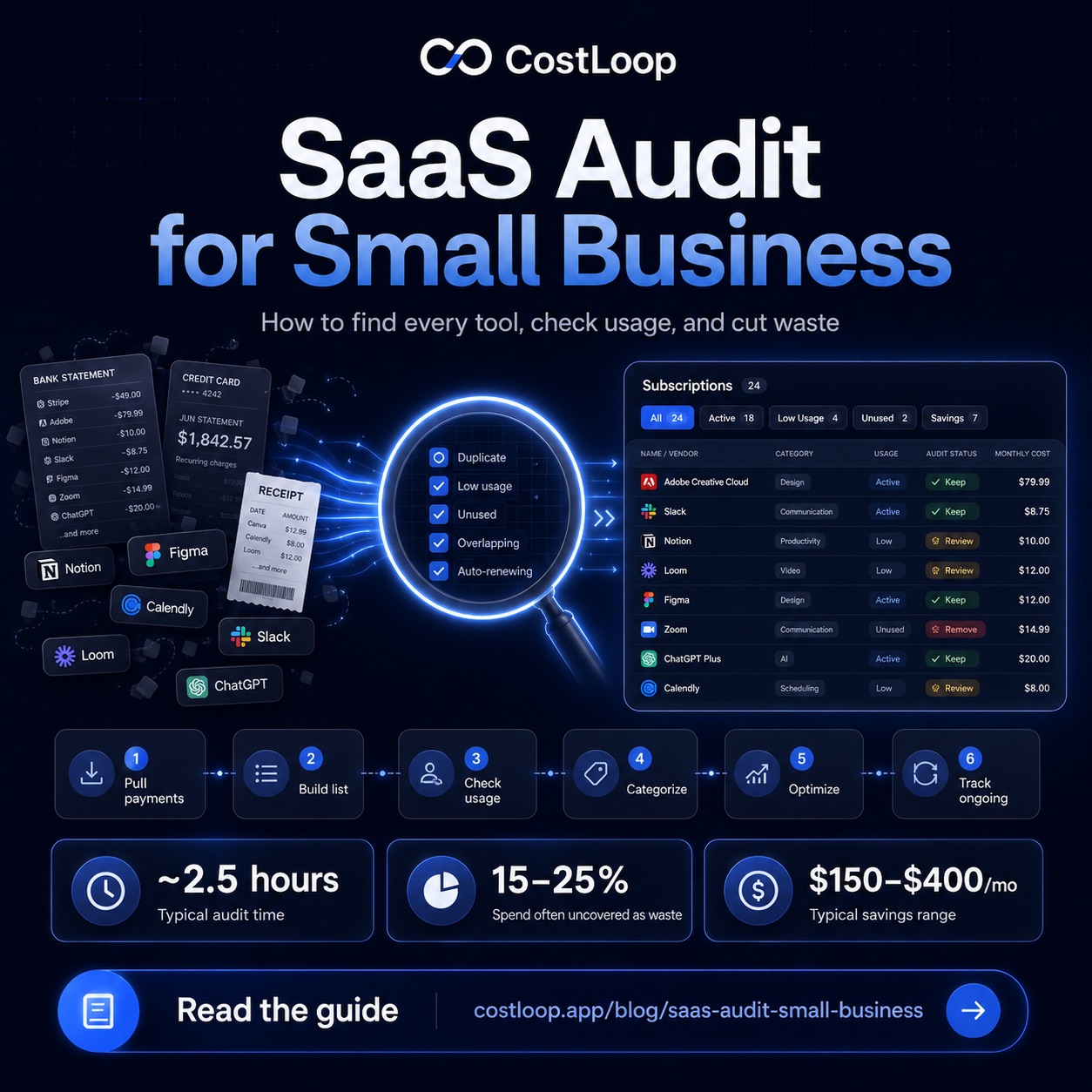
This guide gives you a complete, step-by-step process for finding every subscription - the obvious ones, the forgotten ones, and the ones you didn't know existed. Once you've done this, the SaaS audit guide covers what to do with everything you've found.
Why this is harder than it looks
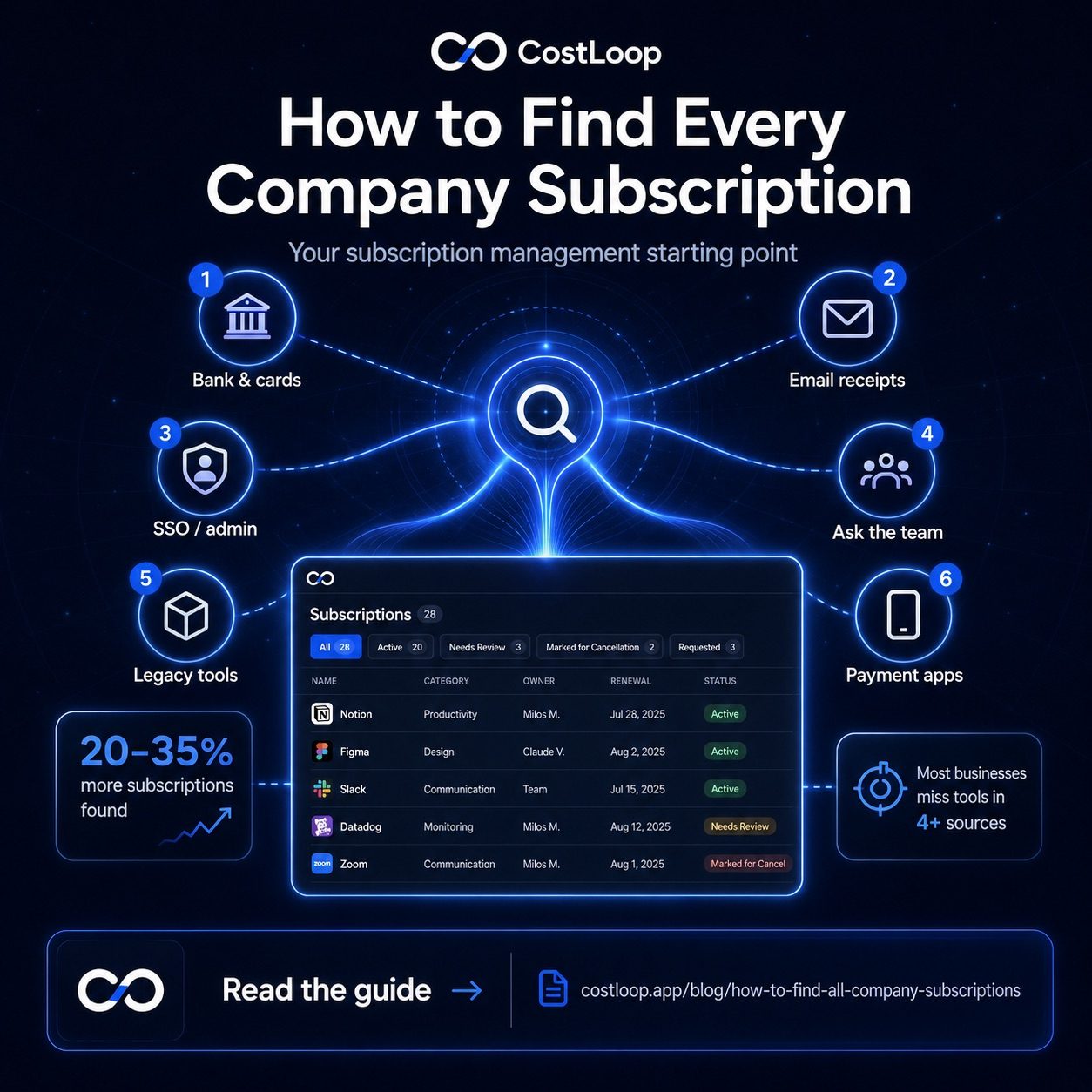
SaaS discovery - the process of finding all software your business is paying for - is harder than it sounds because subscriptions don't announce themselves. They charge quietly, spread across payment methods, and accumulate over time without any single moment where the full picture becomes visible. Think of this guide as your SaaS discovery checklist: work through each source and nothing will be left hiding.
If subscriptions all hit one card and one inbox, finding them would be simple. But in practice, they spread across: the main business bank account, multiple business credit cards, personal cards that team members use for work purchases, PayPal and other payment services, annual bills that charged once and won't appear again for months, tools billed in foreign currencies that look like odd transactions on statements, and multiple email accounts where receipts land.
Each of these creates a blind spot. And shadow IT - software employees bought independently without telling anyone - adds another layer on top. The goal of this process is to eliminate every one of those blind spots, one by one.
Step 1: Pull every payment source
Start by listing every place a subscription charge could originate from. Don't skip any just because you think they're unlikely. The point of this step is to be exhaustive.
For each source, download or open three months of statements. Three months catches monthly subscriptions that may have been missed on any individual month. For annual charges, you'll need to search further back - 12-14 months is safer. Go through every bank statement and flag anything that looks like a software or service charge - recurring payments are easiest to spot when you sort by vendor name. Credit card charges from unfamiliar vendor names are worth a quick web search to identify, as many SaaS companies bill under a parent company name that's different from the product name.
| Payment source | What to look for | How far back |
|---|---|---|
| Business bank account | Recurring charges, subscription amounts | 3 months (13 for annuals) |
| Business credit card(s) | All recurring charges, esp. small amounts | 3 months (13 for annuals) |
| Personal cards (team members) | Work-related software on personal accounts | 3 months minimum |
| PayPal / Stripe | Recurring agreements, saved billing | 3 months |
| Any team member corporate cards | Independent tool purchases | 3 months |
Step 2: Search all email inboxes
Email is where subscription evidence accumulates. Every SaaS tool sends receipts, invoices, renewal notices, and trial expiry warnings. Those emails are a nearly complete record of every subscription your business has ever had.
Search every business email account - including accounts used by team members, and if accessible, accounts belonging to former employees. Use these search queries one at a time: "receipt," "invoice," "subscription," "billing," "renewal," "payment confirmation," "your plan," "trial ending," "charged." Each search will surface different tools.
Look at the sender list, not just the subject lines. You'll often find tools you've completely forgotten about - the trial you signed up for two years ago for a tool that never got adopted, the annual subscription that sends an invoice once a year and is easy to miss.
Step 3: Check your SSO and Google Workspace admin console
If your business uses Google Workspace, open the admin console and navigate to Security > API Controls > App Access Control. This shows every third-party app that has been connected to your Workspace via OAuth. Every app on that list was connected by someone using a company Google account - whether or not you knew about it. This is one of the most underused shadow IT discovery tools available.
The same applies to Microsoft 365 / Entra ID - the Azure portal shows all enterprise app registrations and OAuth permissions. If you use an SSO provider like Okta, the application list there is another goldmine. Some of these connected apps won't cost anything - free integrations are common - but you'll find paid tools too, and you'll definitely find tools nobody in management knew were connected to the company account.
Step 4: Ask the team directly
No amount of statement-scanning catches everything. Some tools are signed up for with personal email addresses. Some are on personal cards. Some are free but adjacent to paid versions that matter.
Send the team a short message: "I'm doing a software inventory. What tools do you use for work - including anything you signed up for yourself, or anything you pay for on a personal card?" Keep the tone neutral. You're not auditing behavior, you're building a list. Most people will mention two or three tools not on your current radar.
Ask follow-ups: "Is there anything you use for a specific project that you might have signed up for separately?" and "Are there any trials you started that might have converted to paid?" These prompts often surface the tools people didn't think to mention in the first answer.
Step 5: Watch for the easy-to-miss charges
Once you've done the main search, go back through your statements with specific patterns in mind. These are the charges most commonly overlooked in a first pass:
Charges under $15/month. Small amounts get ignored on statements. A $7/month tool is easy to scroll past, but ten of them is $840/year that nobody consciously approved. Quarterly charges. A charge that appears four times a year doesn't have the same regularity as a monthly subscription, so it looks like a one-off expense even when it's not. Foreign currency charges. A USD charge on a NOK or EUR account might not immediately read as "software subscription." Look for any charge from a US company. Charges with parent company names. Zendesk bills as Zendesk, but some tools bill under a parent entity name that bears no obvious relationship to the product. For the patterns most reliably missed on a first pass, the guide on how to find hidden subscriptions goes deeper on each detection method.
Step 6: Scan for legacy tools
Legacy tools are subscriptions from before the current team, current owner, or current business model. They're often the oldest and most forgotten - a tool signed up for to solve a problem that no longer exists, a subscription inherited from an acquisition or rebrand, a service started by someone who has since left.
Look specifically at your full list for anything where nobody on the current team can explain why it was signed up for, anything that was set up before a major team change, and anything billed annually that predates your current billing records. These tools are almost always pure waste - the original use case is gone, but the billing persists.
Step 7: Centralize everything you found
Once you've been through all six sources, you have a raw list of company subscriptions. Now consolidate it: remove duplicates (the same tool appearing on two cards), identify which charges belong to the same tool (some annual and monthly charges for the same product), and organize everything into a single master list.
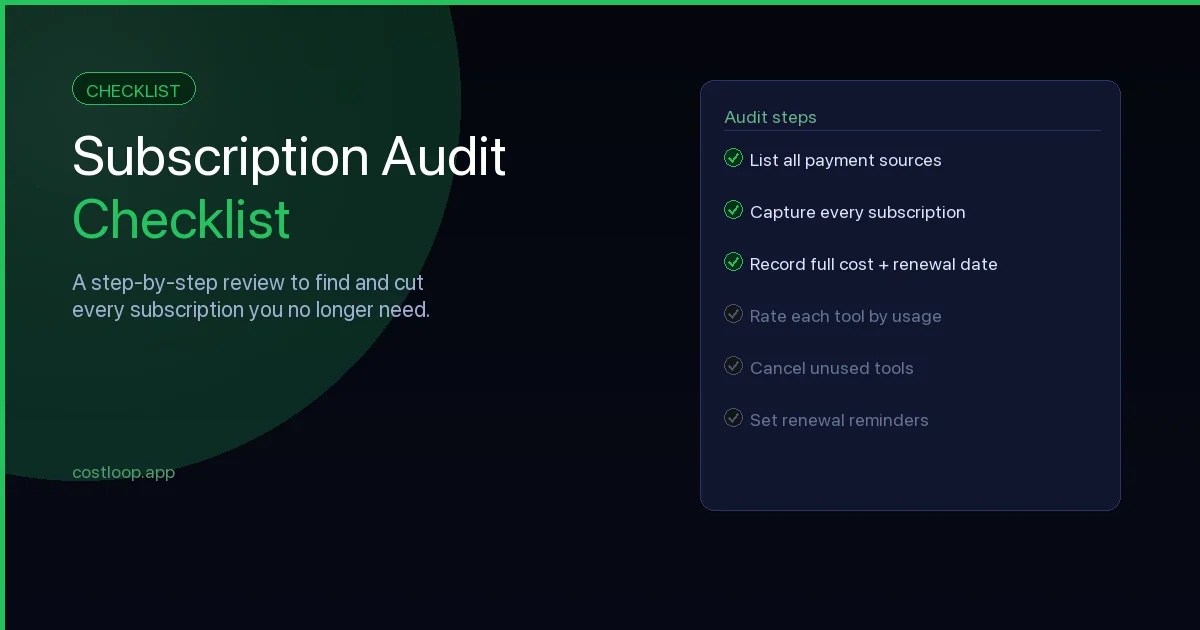
What to record for each subscription: tool name, monthly cost (convert annual to monthly by dividing by 12), billing cycle, next renewal date, which payment method it charges, and who on the team owns or uses it. For solid SaaS vendor management, also note the support contact email and cancellation URL for each tool - these details save significant time when you need to cancel quickly or resolve a billing dispute. The subscription audit checklist covers exactly what fields to capture so you don't miss anything that matters.
This master list is the foundation. Everything that comes next - reviewing, cancelling, optimizing - happens against this list. And going forward, it's the asset that means you never have to do this full excavation again.
The hard part of finding subscriptions is a one-time effort - but only if you centralize what you find into a tracker that works going forward. A subscription finder tool like CostLoop is built for exactly this: add each subscription, set renewal reminders, and you'll never need to repeat this search. See everything on the features page.
Start free - no credit card neededFrom inventory to subscription management: the next step
Finding all your subscriptions is step one. The step that follows - and the one that prevents you from having to repeat this search in 12 months - is moving everything into a system that keeps the inventory current automatically. That system is built around three things: a central subscription management app, renewal reminders, and a quarterly review.
A subscription management app is the tool that replaces the one-off spreadsheet you built during this process. Instead of a static list you update manually, it gives you a live view of every subscription with its cost, renewal date, and owner. When a renewal is 30 days away, you get an alert. When you cancel something, it comes off the list. When you add something new, it goes on automatically. The discipline of doing this search once becomes unnecessary because the inventory stays current by design.
For small and medium businesses, the right subscription management app is simple enough to set up in an afternoon and inexpensive enough that it costs less than a single forgotten auto-renewal. CostLoop covers the core needs: a central subscription inventory, renewal reminders at 7, 14, and 30 days before each charge, health scoring per tool, and storage for cancellation links so you can act immediately when you decide to cut something. best subscription tracker for small and medium business compares the main options so you know what to look for. Or start free and add the company subscriptions you found during this process - it takes about 15 minutes.
Frequently asked questions
How do I find all subscriptions my business is paying for?
Check all bank accounts and card statements (including personal cards used for work), search email inboxes for "receipt" and "invoice," check your SSO or Google Workspace admin console for connected apps, and ask team members what tools they use.
Why do businesses have subscriptions they don't know about?
Subscriptions get lost when team members sign up without notifying anyone, when annual billing makes charges invisible for 11 months, when former employees left tools running, or when free trials converted to paid unnoticed.
How many subscriptions does the average small and medium business have?
The number of subscriptions a small or medium business finds depends on team size, payment sources, and how long the company has gone without an audit. First-time auditors often discover subscriptions they did not expect.
What's the easiest way to track all business subscriptions going forward?
Use a dedicated subscription tracker like CostLoop. Add each subscription as you find it, set renewal reminders, and make it the first place anyone looks before adding a new tool.
How do I manage SaaS subscriptions effectively after finding them?
Once you have a complete list, the key steps to manage SaaS subscriptions going forward are: assign an owner to every tool, set renewal reminders (at least 30 days before each charge), define a simple approval process for new additions, and schedule a quarterly review to check usage and remove anything not earning its cost. CostLoop automates the tracking and reminders so the process stays current without manual upkeep.
What is SaaS vendor management?
SaaS vendor management is the practice of maintaining organized records for each software vendor your business uses - including support contacts, cancellation URLs, contract terms, and notice periods. When you need to cancel, renegotiate, or resolve a billing issue, having this information centralized means you can act in minutes instead of spending time searching for the right page or contact. Store this alongside your subscription data rather than in a separate document.