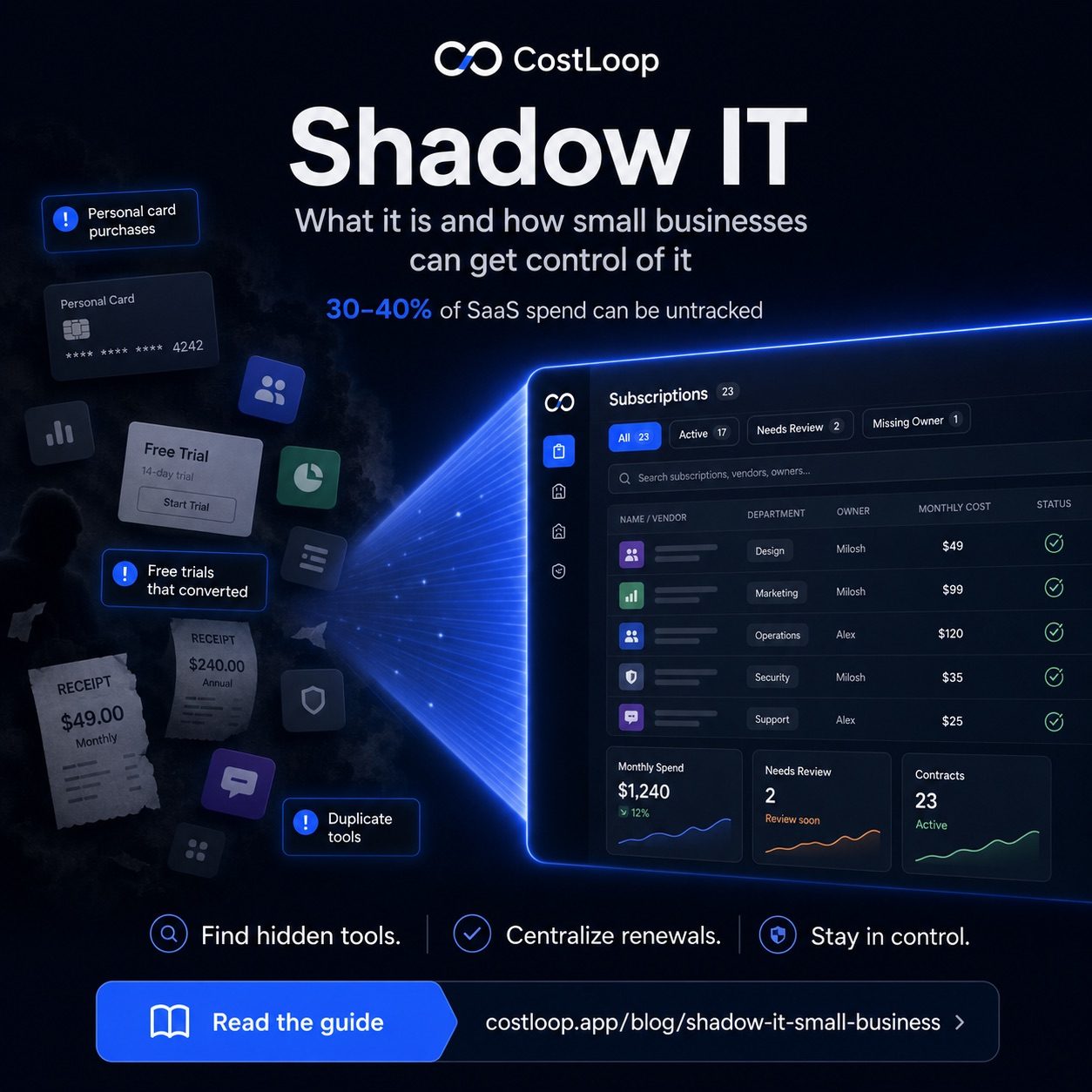
Your marketing person bought Notion last year because the team needed a shared workspace. Your developer signed up for a time-tracking tool to log hours for a client. Your operations manager has been paying for a project management app on a personal card since 2023. None of these purchases were reviewed, approved, or even mentioned. That's shadow IT - and for many small and medium businesses, it quietly increases software spend because the tools are outside the normal review process.
Understanding what shadow IT means is the first step to getting control of it. This guide covers what it is, why it keeps happening, what it's actually costing you, and the practical steps to find and deal with it.
What shadow IT actually means
Shadow IT is any software, service, or tool used within your business that wasn't formally reviewed or approved by whoever manages the company's software decisions. In a 10-person company, that's usually the owner or the ops lead. In a 50-person company, it might be an IT manager or department heads.
The shadow part doesn't mean the tool is secret or malicious. It just means nobody in charge knew about it. An employee signs up for Slack on a business card because the team needed a chat tool quickly. A contractor sets up their own Dropbox account for file sharing. A sales rep starts a HubSpot trial and forgets to cancel it when the trial expires. All of these are shadow IT. The tool might be great. The problem is the process - or complete lack of one.
Shadow IT is distinct from tools the company officially uses but doesn't track well. If you have a Zoom account on the books but nobody knows the renewal date, that's a tracking problem. Shadow IT is the Zoom account someone on your team started paying for independently because they didn't want to wait for approval.
Why it keeps happening
Shadow IT isn't a sign that your team is careless or malicious. It's a predictable response to a gap between what people need and how fast they can get it officially.
Teams need tools fast. Approval processes are slow, or they don't exist at all. When someone discovers that a $12/month tool would solve a real problem they're having today, waiting two weeks for formal approval doesn't feel sensible. So they put it on a card and move on. The "I'll just expense it" mentality is particularly common when per-tool costs are low enough that nobody expects the purchase to be questioned.
Free trials make this even easier. Sign up with an email address, use the tool for 14 days, and if it's useful, the card gets charged automatically at the end of the trial. That's not negligence - that's how free trials are designed to work. The problem is that most people don't set a reminder to cancel or evaluate, so trials drift into paid subscriptions without any conscious decision being made.
What shadow IT is costing you
Shadow IT can become a meaningful part of software spend when tools are purchased outside a central process. The issue is not a universal benchmark; it is that the spending is unreviewed, untracked, and difficult to evaluate. This phenomenon is also called SaaS sprawl: the gradual, unmanaged accumulation of software tools across an organization where nobody has a complete picture of what's been signed up for, what's actively used, or what's quietly charging every month.
The cost breaks down in a few ways. First, there's the direct spend: tools being paid for by team members that nobody in management knows exist. Second, there's duplication: you may already be paying for a tool that does what the shadow tool does. If you're paying for Google Workspace and someone on your team is also paying for Dropbox for file storage, you're paying twice for a capability you already have.
Beyond budget, there are real risks. Every tool that handles company data - documents, customer information, communication - is a potential security exposure if it wasn't vetted. GDPR and data protection regulations apply to tools your team uses, regardless of whether you formally approved them. If a vendor suffers a breach and your customer data was in a tool you didn't know existed, that's your problem. Compliance doesn't care that you didn't authorize the signup.
How to find shadow IT in your business
Finding shadow IT requires looking in more places than just your company credit card. Here's a practical approach:
Check every payment source. Pull statements from your business bank account, all business credit cards, and - this is the part most businesses skip - personal cards that team members use for work expenses. PayPal is another common source. If anyone on your team has ever reimbursed a software purchase, there may be subscriptions running on their personal accounts that they forgot to mention. Ask directly.
Search email inboxes. Search across all business email accounts for "receipt," "invoice," "subscription," "billing," "renewal," and "payment confirmation." If your team uses Gmail with work addresses, check the admin console for connected third-party apps - these are OAuth connections that show you exactly which external services have access to your workspace. This is one of the best shadow IT discovery tools available, and most small and medium businesses never look at it.
Ask the team directly. Send a message: "What tools do you use for work - anything you pay for yourself or signed up for independently?" Most people will respond honestly. Frame it as an inventory exercise, not an accusation. You'll almost certainly get a few tools you didn't know about.
Look for duplicate tools. If you find two tools that do roughly the same thing - two project management apps, two file storage services, two invoicing tools - one of them is almost certainly shadow IT. The question is which one is the official version and which one someone started on their own.
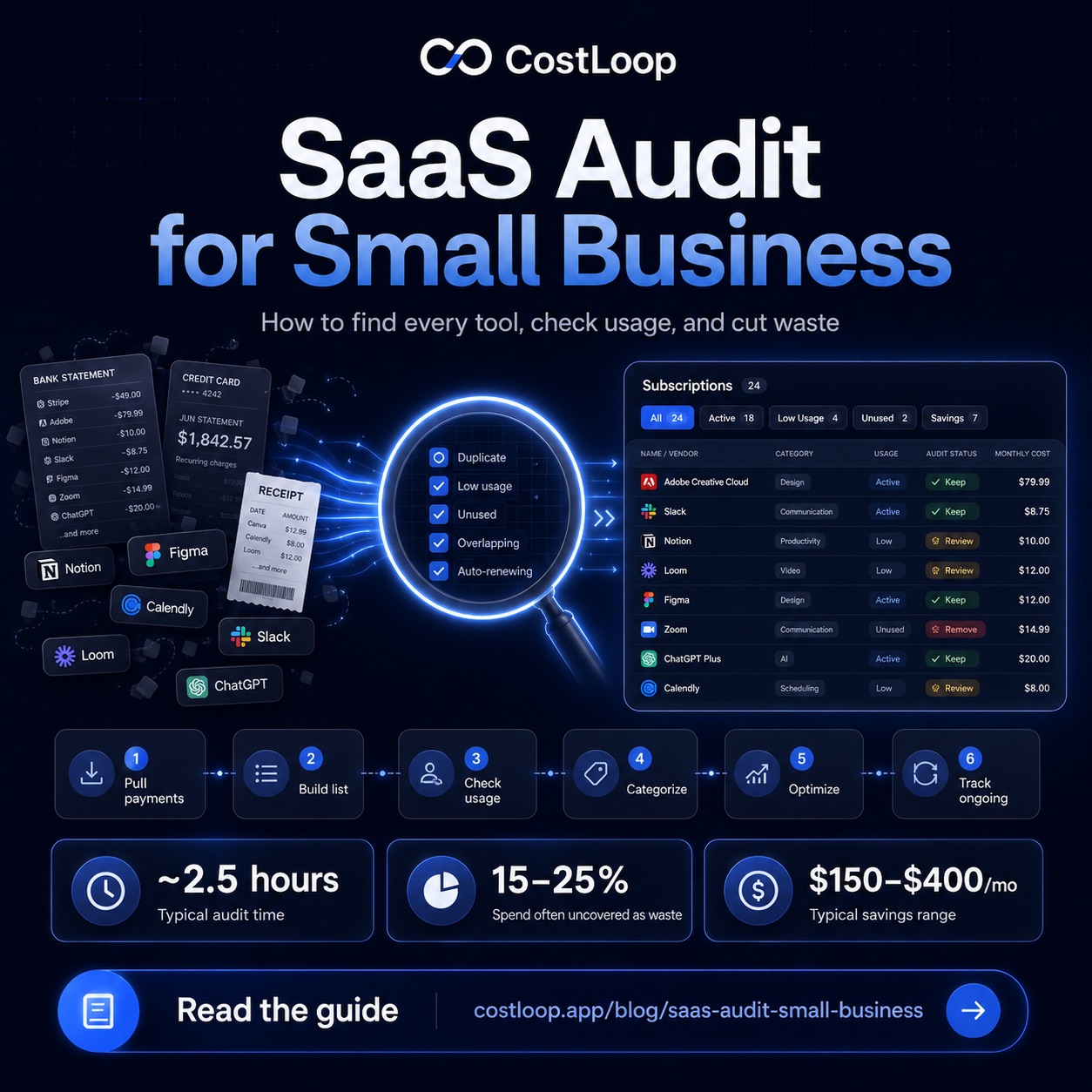
The full process for how to find all company subscriptions covers this subscription discovery process in more depth, including how to handle annual charges and foreign-currency billing that's easy to miss.
| Where to look | What you'll find | How often missed |
|---|---|---|
| Business card statements | Most official SaaS charges | Rarely |
| Personal cards used for work | Shadow IT goldmine | Almost always |
| Email inbox (receipt search) | Annual charges, forgotten tools | Often |
| Google Workspace admin console | OAuth-connected apps per user | Almost always |
| PayPal / Stripe accounts | Vendor tools, marketplace apps | Sometimes |
| Asking the team directly | Anything missed above | Often skipped |
What to do when you find it
The wrong reaction is to punish people for buying tools without approval. That will guarantee that next time, they just don't tell you. The right reaction is to treat each discovery as data: someone needed something and found their own solution. That's worth understanding.
For each shadow IT tool you find, make a real decision. Is it a good tool? Does the team actually use it? Is it duplicating something you already pay for? If it's good and needed, formally adopt it - add it to the company account, centralize billing, get it on the official list. If it duplicates a tool you already have, cancel it and migrate anyone using it to the official version. If nobody is actively using it, cancel it immediately.
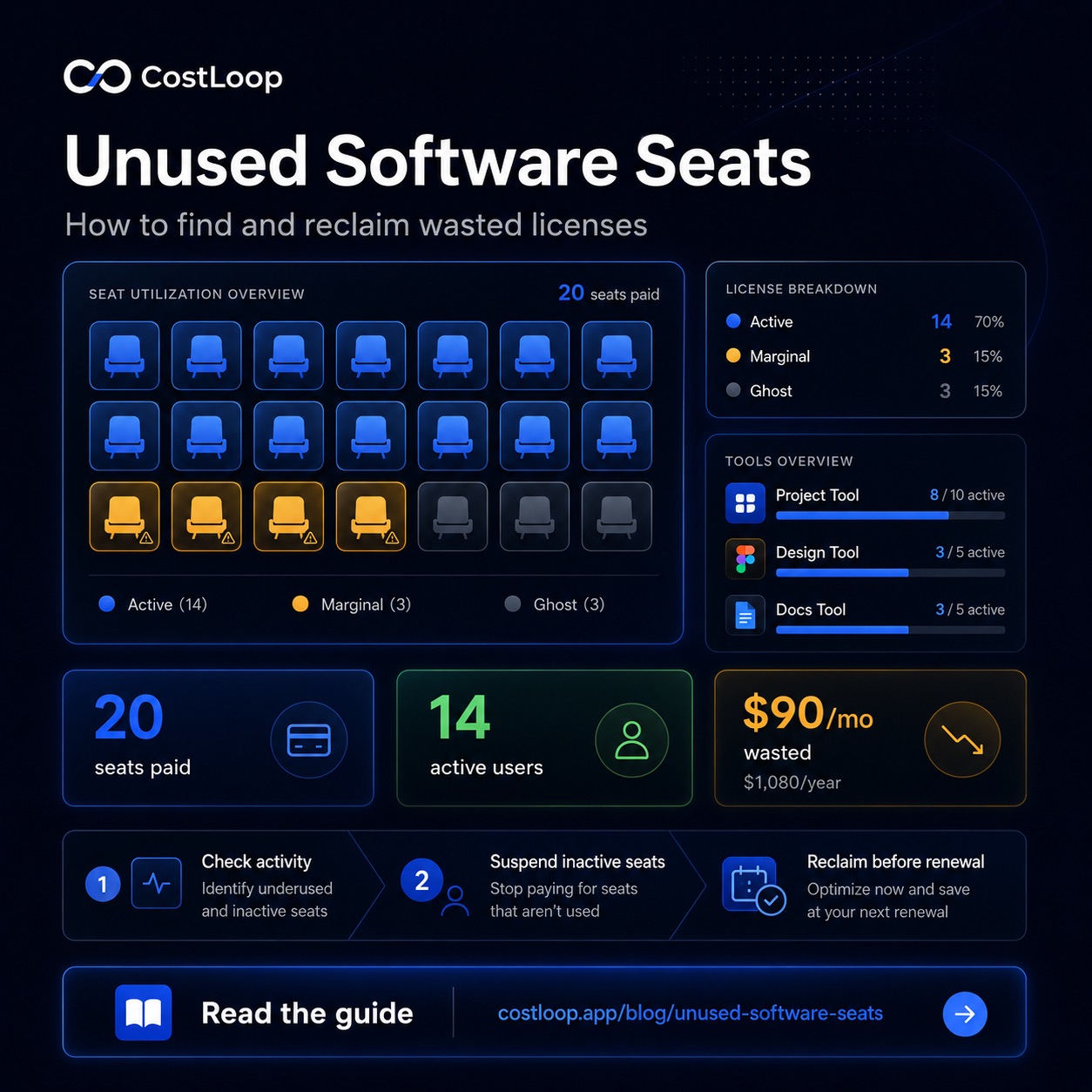
This is also a good moment to think about unused software seats on your existing tools. Shadow IT often reveals that people went looking for alternatives because the official tool wasn't accessible enough or didn't have the right seats available.
When an employee leaves, their shadow IT doesn't leave with them - it keeps charging. SaaS offboarding is the step most small and medium businesses skip - and it's how shadow IT becomes orphaned subscriptions that run indefinitely. This is one of the most common forms of waste in small and medium businesses that have any team turnover.
SaaS governance: the practice of keeping control
SaaS governance is the set of policies and processes a business puts in place to maintain control over its software stack - what tools are approved, who can add new ones, how spend is tracked, and what happens when someone leaves. For large enterprises, SaaS governance involves formal IT departments and procurement workflows. For small and medium businesses, it's much simpler: a clear approval process, a visible list of approved tools, and a quarterly review cycle.
Effective SaaS governance directly addresses SaaS sprawl by closing the gaps that let shadow IT accumulate. When every tool purchase requires a quick check against the approved list and a simple request process, the incentive to just buy something independently disappears. Most team members aren't trying to circumvent the system - they just need a fast path to get a tool they need. A governance process that's faster than buying independently is one that people will actually follow.
The three elements of lightweight SaaS governance for small and medium businesses: (1) an approval process with a response time under 48 hours, (2) a visible approved tools list that makes it easy to see if a need is already covered, and (3) offboarding checklist that ensures departing employees' tools are cancelled or reassigned. These three things eliminate the vast majority of shadow IT before it starts. For broader subscription control, see the post on SaaS spend management.
How to prevent future shadow IT
You don't need a complicated approval system. You need a simple process that's easier to use than just buying something independently.
The simplest version: a dedicated Slack channel or Google Form where anyone can request a new tool. The request gets reviewed within 48 hours. If it's approved, the tool gets added to the company account. If it's not, the requester gets a quick explanation and maybe an alternative suggestion. That's it. The key is making the process fast enough that the "I'll just buy it myself" option doesn't feel like the only reasonable path.
Pair that with a visible approved tool list - a shared document or a note in your team wiki that shows exactly which tools the company uses for each function. When someone needs a file-sharing solution, they should be able to see in 30 seconds that the company already has one, rather than signing up for something new.
Once you've done the initial cleanup, using the SaaS audit guide once a year keeps things from drifting back. The first audit is the hard part. After that, staying current is much easier.
Shadow IT only stays shadow IT if you don't track it. After you find every subscription, move everything into CostLoop, a subscription tracking software that keeps all tools visible, renewal dates tracked, and nothing slipping through unnoticed again. See CostLoop's features to understand how the tracking works.
Start free - no credit card neededFrequently asked questions
What is shadow IT in a small or medium business?
Software purchased or used by employees without central knowledge or approval. It includes tools bought on personal cards, free trials that converted to paid, and apps shared among a team without the business owner knowing.
How much does shadow IT cost small and medium businesses?
Shadow IT is unbudgeted, untracked software spending that can duplicate tools the business already pays for. Its size depends on how your team buys and reimburses software.
How do I find shadow IT and employee-purchased tools in my business?
Check all card statements (business and personal cards used for work), search inboxes for "receipt," "invoice," "subscription," ask team members directly, and look for duplicate billing from similar tools. Good IT visibility requires checking all payment sources, not just the company card.
How do I prevent shadow IT and unauthorized software purchases?
Create a simple software request process - even just a shared form or Slack channel - maintain a visible approved tool list, and make it easy for team members to request new tools rather than buy on their own. Reducing the software risk from unsanctioned apps starts with making the approval path faster than self-purchase.
What is SaaS sprawl?
SaaS sprawl is the unmanaged accumulation of software tools across a business - where subscriptions pile up over time without anyone having a complete picture of what's signed up, what's actively used, and what's charging every month. It's the natural result of shadow IT left unchecked. The solution is the same as for shadow IT: a complete inventory, a simple approval process, and a regular review cycle to eliminate tools that aren't earning their cost.
What is SaaS governance?
SaaS governance is the set of policies and processes a business uses to control its software stack - what tools are approved, who can add new ones, how purchases are reviewed, and what happens during offboarding. For small and medium businesses, it doesn't need to be complex: a fast approval process, a visible approved tools list, and an offboarding checklist are the three most effective governance measures. Combined, they prevent SaaS sprawl from developing in the first place.