Many small and medium businesses are overpaying for software because tools accumulate quietly over time. The charges keep coming, and nobody has time to sit down and go through all of it. Many of those costs are hidden SaaS costs - unused seats, currency conversion, and plans that no longer match actual usage all inflate the real bill. The solution is a proper approach to SaaS cost management: a clear process for auditing, cutting, and keeping control of what you pay.
The good news is you do not need a full audit or a consultant to fix this. A focused 30-day effort - a few hours spread across a month - can meaningfully reduce what you pay without disrupting the way your team works.
Here is how to do it.
Week 1 - List every subscription you are actually paying for
You cannot cut what you cannot see. The first step is building a complete picture of your current SaaS spend. This sounds obvious, but most business owners are surprised by what they find.
Pull your last three months of bank and credit card statements. Look for anything that recurs monthly or annually. Do not just scan - actually read every line. SaaS charges often appear under vendor names that do not match the product name you know, so take your time.
For each subscription you find, record:
- The tool name and what it does
- How much it costs and how often
- Who on your team uses it and how often
- When it next renews
A dedicated subscription tracker makes this step much faster - you add each tool once and it keeps everything in one place going forward. But even a basic spreadsheet is better than nothing for this initial pass.
Week 2 - Identify what is actually being used and cut SaaS waste
Once you have the full list, go through it and honestly assess usage. For each tool, ask: if this disappeared tomorrow, would anyone notice within a week?
You will typically find three categories:
- Active tools - used regularly by multiple people, clearly earning their cost
- Marginal tools - used occasionally or by one person, value is unclear
- Dead tools - paying for something nobody logs into anymore
The dead tools are easy wins. Cancel them immediately. Do not spend time evaluating - if nobody is using it, it goes. For marginal tools, set a 30-day reminder to check usage before deciding. SaaS sprawl - where duplicate and abandoned tools accumulate across the business - is what turns a manageable software bill into an out-of-control one. SaaS waste from unused licenses and overlooked subscriptions compounds quickly: tool consolidation, where you replace two or three overlapping tools with one, is often the single fastest lever for reducing the total.
A SaaS cost management tool like CostLoop gives you a single view of every subscription, renewal date, and monthly cost. Add your tools once and know exactly where your money goes. Track recurring expenses without the spreadsheet hassle.
Start free - no credit card neededWeek 3 - Downgrade, consolidate tools, or renegotiate plans
Many businesses are on plans that made sense when they signed up but no longer fit. A team that grew past a startup plan but never upgraded their usage expectations is a common example - but so is the reverse, where a business is on an enterprise tier it outgrew its need for.
For each active tool, check whether a lower tier would cover what you actually use. Most SaaS products have usage data in your account settings. If you are using 20 percent of the seats or features on a plan, there is probably a cheaper option.
For higher-cost tools, it is worth reaching out before renewal to ask about pricing. Vendor negotiation is often easier than it sounds - vendors may offer better terms to retain customers, especially when you can explain your usage and alternatives clearly. A simple email saying you are reviewing costs and considering alternatives can sometimes lead to better pricing, a smaller plan, or a useful contract adjustment.
Week 4 - Fix the system so this does not happen again
Cutting costs once is useful. Keeping them under control is what actually saves money long term. The reason most businesses end up with bloated SaaS spend is not bad decisions - it is a lack of visibility and no process for reviewing what they have.
Set up three things before the month is out:
- A single place to track all subscriptions - whether that is a spreadsheet or a SaaS subscription tracker, everything needs to be in one place
- Renewal reminders 30 days in advance - annual subscriptions catch people off guard; give yourself time to decide before the charge hits
- A quarterly review habit - 30 minutes every three months to go through the list and remove anything that has become marginal
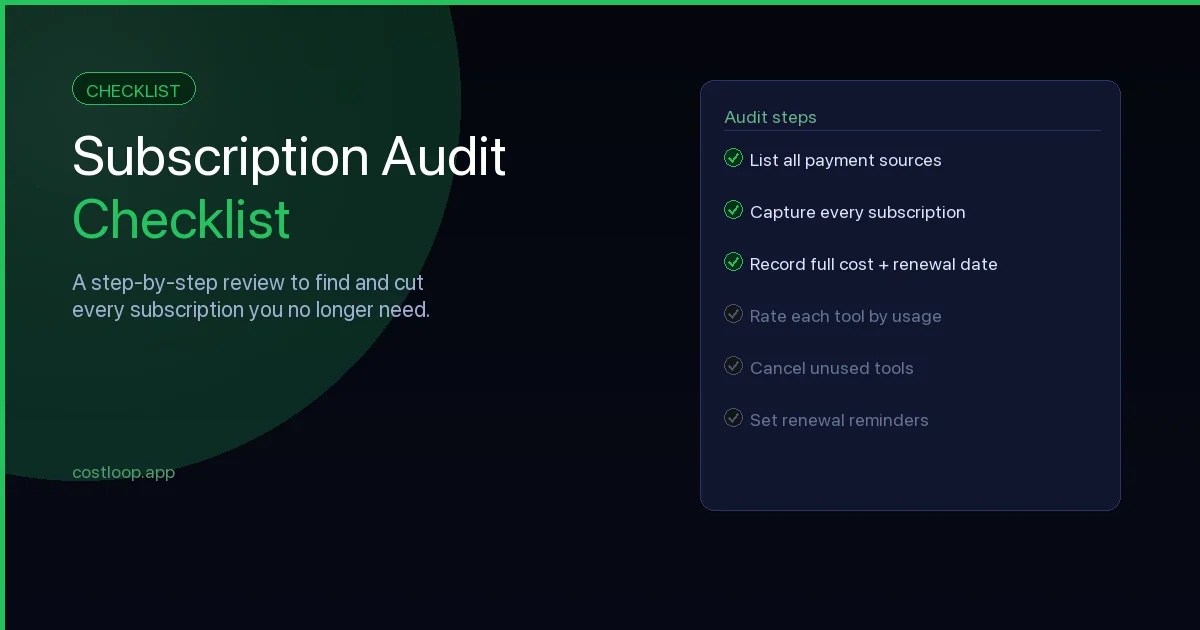
These three habits cost you almost nothing to maintain once they are set up. The subscription audit checklist walks through a structured version of this review if you want a step-by-step process.
How much can you realistically save?
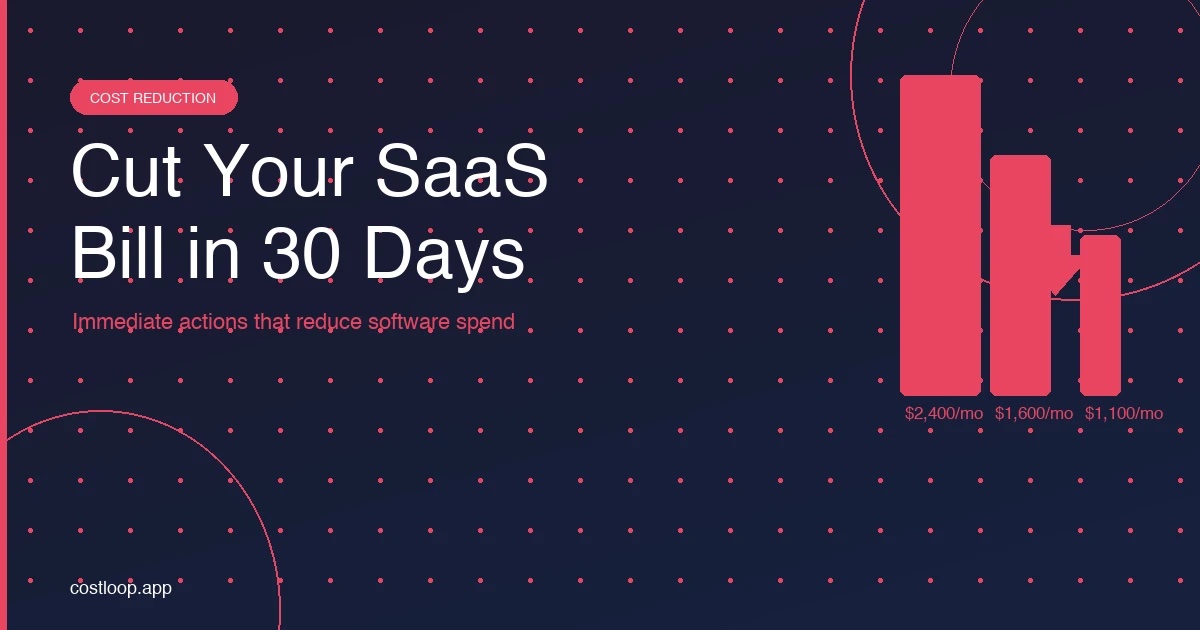
It depends on your starting point, but businesses that have never done this exercise often find tools, seats, or tiers they can cut in the first pass. Calculate the impact from your actual monthly bill rather than a generic percentage. For a broader cost reduction strategy beyond the 30-day window, reducing software spend covers negotiation, consolidation, and right-sizing in more depth.
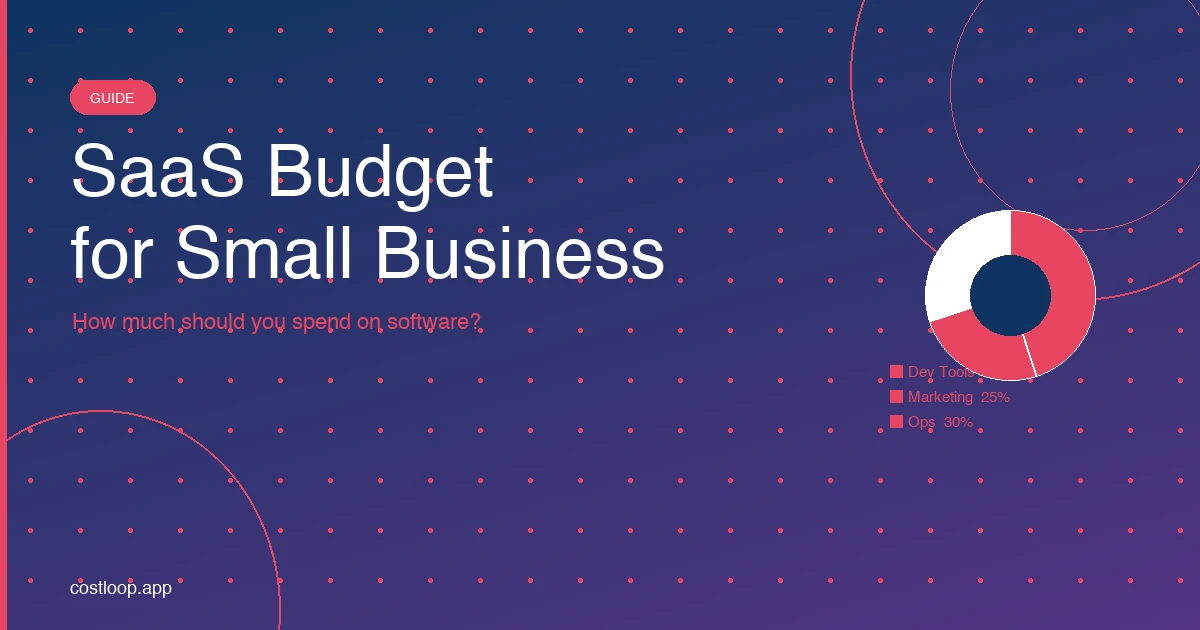
The bigger win is the ongoing savings from not letting new subscriptions pile up unexamined. A business that reviews its software spend quarterly will consistently spend less than one that only looks when costs become painful. Having a clear SaaS budget for small and medium business gives you a benchmark to measure against each time you consider adding a new tool.
Start with week 1 today. The list takes an hour, and it tells you everything you need to know to act on weeks 2, 3, and 4.
SaaS cost management tool: the right one for a small or medium business
At the small and medium business level, a SaaS cost tracker needs to do four things: show you everything you pay for, alert you before renewals, track who owns each tool, and let you see your total software spend at any moment. That is the full requirements list. Anything beyond that is enterprise complexity you do not need.
What you do not need: complex provisioning engines, SSO discovery agents, AI-powered usage monitoring. Those features are built for enterprises managing hundreds of tools with dedicated IT departments. For a 5-50 person business, they add friction without adding value.
A SaaS cost management tool can pay for itself when it catches a forgotten renewal, prevents an unused annual plan from renewing, or helps you remove unnecessary seats. CostLoop is built specifically for this: simple setup, full subscription visibility, renewal reminders, and a free tier to start with no commitment required.
For more on how to approach software costs systematically, see the full guide on SaaS cost management for small and medium businesses.
SaaS spend optimization software: when you need it vs. when a spreadsheet is enough
A spreadsheet is enough if you have fewer than 15 subscriptions, one person manages them all, and you review the list at least monthly. That setup works - keep it simple.
SaaS spend optimization software makes sense when: you have 15 or more subscriptions, multiple team members are independently adding tools, you have already missed a renewal, or you are spending time maintaining the spreadsheet rather than running the business. At that point the spreadsheet is creating work rather than saving it.
The switch pays for itself quickly. A single avoided $500 annual renewal covers months of a low-cost tool. And unlike a spreadsheet, purpose-built software sends the reminders automatically - you do not have to remember to check it. For a broader view of managing software spend, see the guide on SaaS spend management.
Frequently asked questions
What is a SaaS cost management tool?
A SaaS cost management tool is software that helps you track and control what your business spends on software subscriptions. For small and medium businesses, it needs to do four things: show you everything you pay for, alert you before renewals, track who owns each tool, and let you see your total software spend at any moment. You do not need complex enterprise features - a focused tool that covers these four functions pays for itself when it catches one forgotten annual renewal.
When should I switch from a spreadsheet to SaaS spend optimization software?
A spreadsheet works fine if you have fewer than 15 subscriptions, one person manages them all, and you review monthly. Switch to dedicated SaaS spend optimization software when you hit 15 or more subscriptions, multiple team members are adding tools independently, you have missed a renewal, or you are spending time maintaining the spreadsheet instead of running the business. A single avoided annual renewal can cover months of a low-cost tracking tool.
CostLoop is built to help small and medium businesses track subscriptions, get renewal reminders, and stay in control of recurring software costs. Start for free - no credit card required.