Most small and medium businesses discover their SaaS costs are higher than expected when they actually add them up. Not because any single tool is unreasonably expensive - but because tools accumulate over time without anyone tracking the total. A project management tool here, a communication add-on there, an annual design subscription that auto-renewed without a decision. Each one looks small in isolation. Added together, they become a recurring operating expense that can grow quietly if nobody owns the list. SaaS cost management is the practice of treating software spend as a managed category with intentional controls, not an open tab. This guide explains how to build that system for a small or medium business - without enterprise-level complexity.
What is SaaS cost management?
SaaS cost management is the systematic approach to understanding, controlling, and optimizing what a business spends on software subscriptions. It's not about cutting everything - it's about spending intentionally on what delivers real value and eliminating what doesn't.
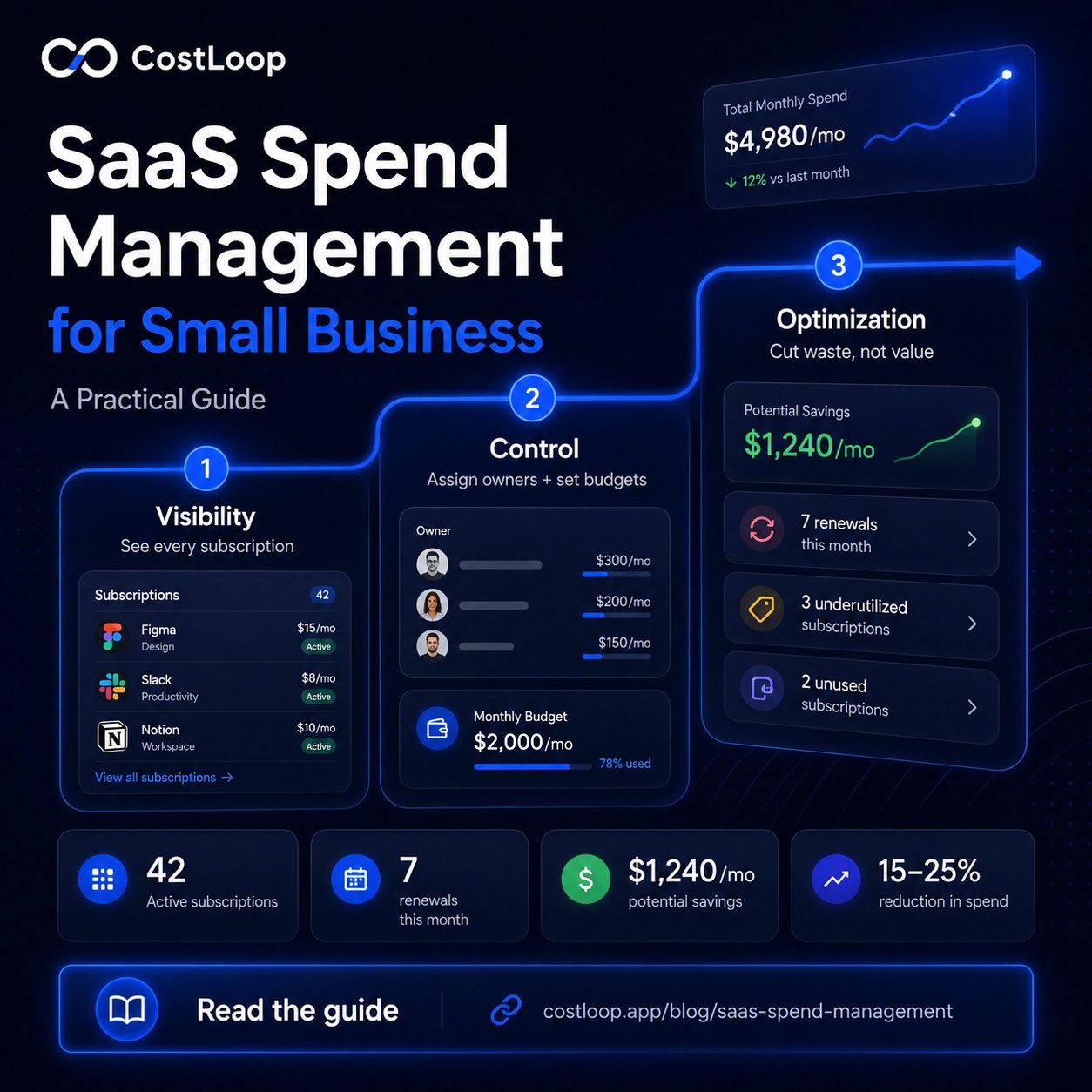
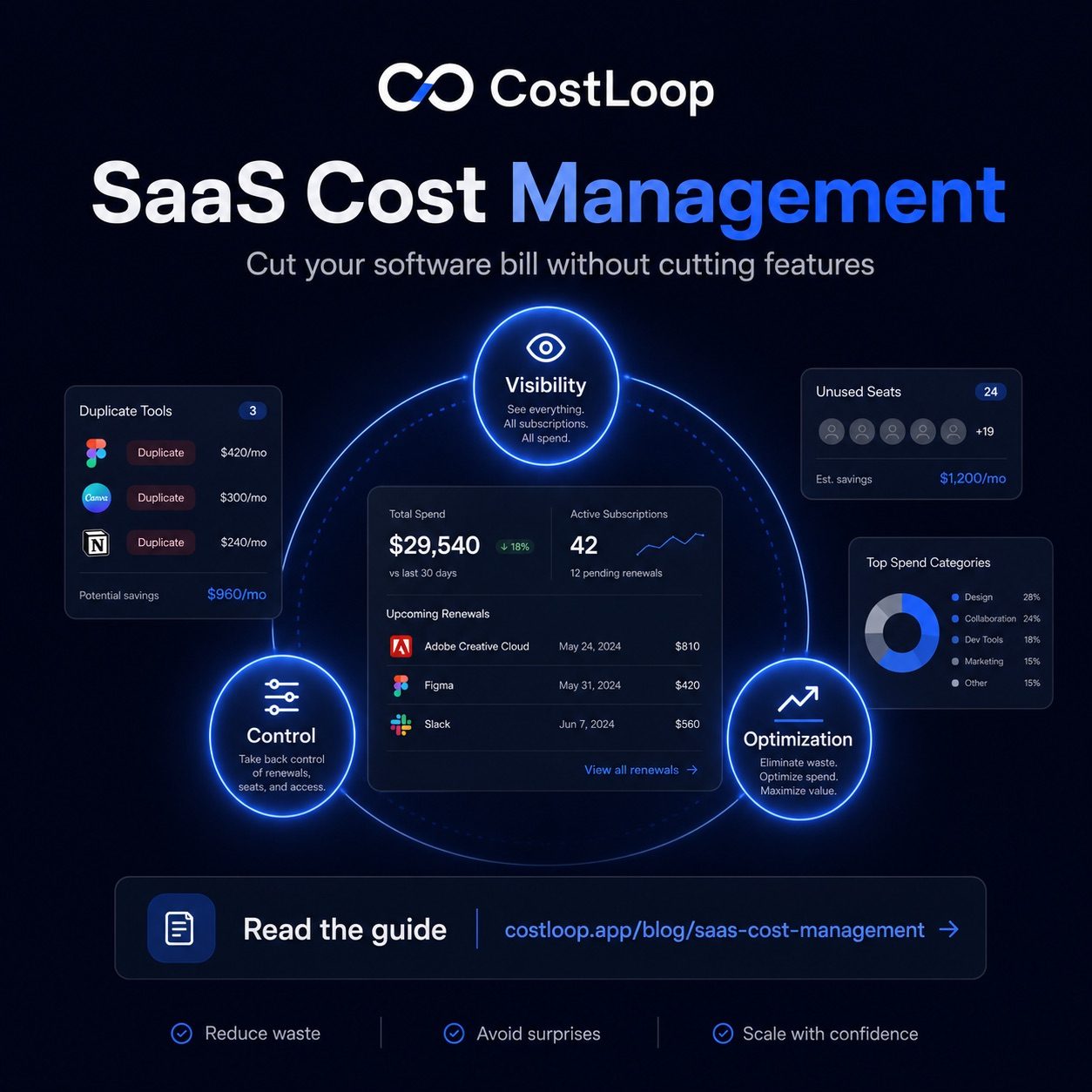
The practice rests on three pillars. Visibility means knowing exactly what you have and what it costs: a complete inventory of every tool, every subscription cost, every renewal date. Without this, everything else is guesswork. Control means having a process in place to approve new tools before they get added and to cancel unused ones before they silently auto-renew. Control stops the accumulation before it starts. Optimization means actively reducing waste - finding unused seats, cancelling zombie subscriptions, consolidating duplicate tools - without cutting anything that's genuinely earning its place. These three pillars build on each other in order. You can't control what you can't see, and you can't optimize what you haven't controlled.
For a broader look at how this fits into overall software spend strategy, see the guide on SaaS spend management for small and medium business, and the saas spend management product page for a practical overview of what dedicated tools handle.
Where SaaS money leaks most in small and medium businesses
Common SaaS spend leaks usually come from the same operational gaps: unclear owners, unused seats, duplicate tools, and renewals nobody reviews. Understanding those patterns makes it easier to reduce software costs without disrupting the tools people actually use.
Zombie subscriptions are tools that nobody is actively using but that are still billing every month. They often start as free trials that converted silently, or tools brought in for a project that ended. The tool owner may have left the company, taking their awareness of the subscription with them. These are pure waste - there's no usage to justify the cost.
Over-provisioned seats are among the most common and most expensive leaks. A team buys a 10-seat plan when the team is 10 people. Three people leave, two more join, but the seat count stays at 10 because nobody adjusted it. Multiply the unused seats by the vendor's current seat price to see the waste for that tool.
Annual renewals that auto-charge without a decision being made. Annual subscriptions only show up once a year in your bank statement. Without a reminder set 30 days before renewal, the charge just happens - no evaluation, no decision, just money spent by default.
Duplicate tools doing the same job. Different team members bring in their preferred tools over time: two project management platforms, two video tools, two document signing services. Each one made sense when it was added. Together, they mean paying twice for the same function.
Free trials that converted silently. Someone signs up for a 14-day trial, forgets about it, and it becomes a monthly subscription. This is especially common with tools under $50/month - they don't attract enough attention to get cancelled, but they add up.
To see how this looks as a hypothetical example: a 12-person business might have 3 unused seats on their project management tool ($45/month), a marketing tool nobody's used in 4 months ($89/month), two overlapping communication tools ($60/month combined), and two annual subscriptions that renewed without evaluation ($140/year each). That hypothetical example shows why a centralized subscription list is useful: it turns scattered charges into reviewable decisions. The full guide on how to find all company subscriptions walks through the discovery process step by step.
SaaS cost management tool: what you actually need
When you search for a SaaS cost tracker, you'll find a wide range of products - from lightweight subscription trackers to enterprise SaaS management platforms that cost more per month than your entire SaaS stack. Here's what actually matters at small and medium business scale.
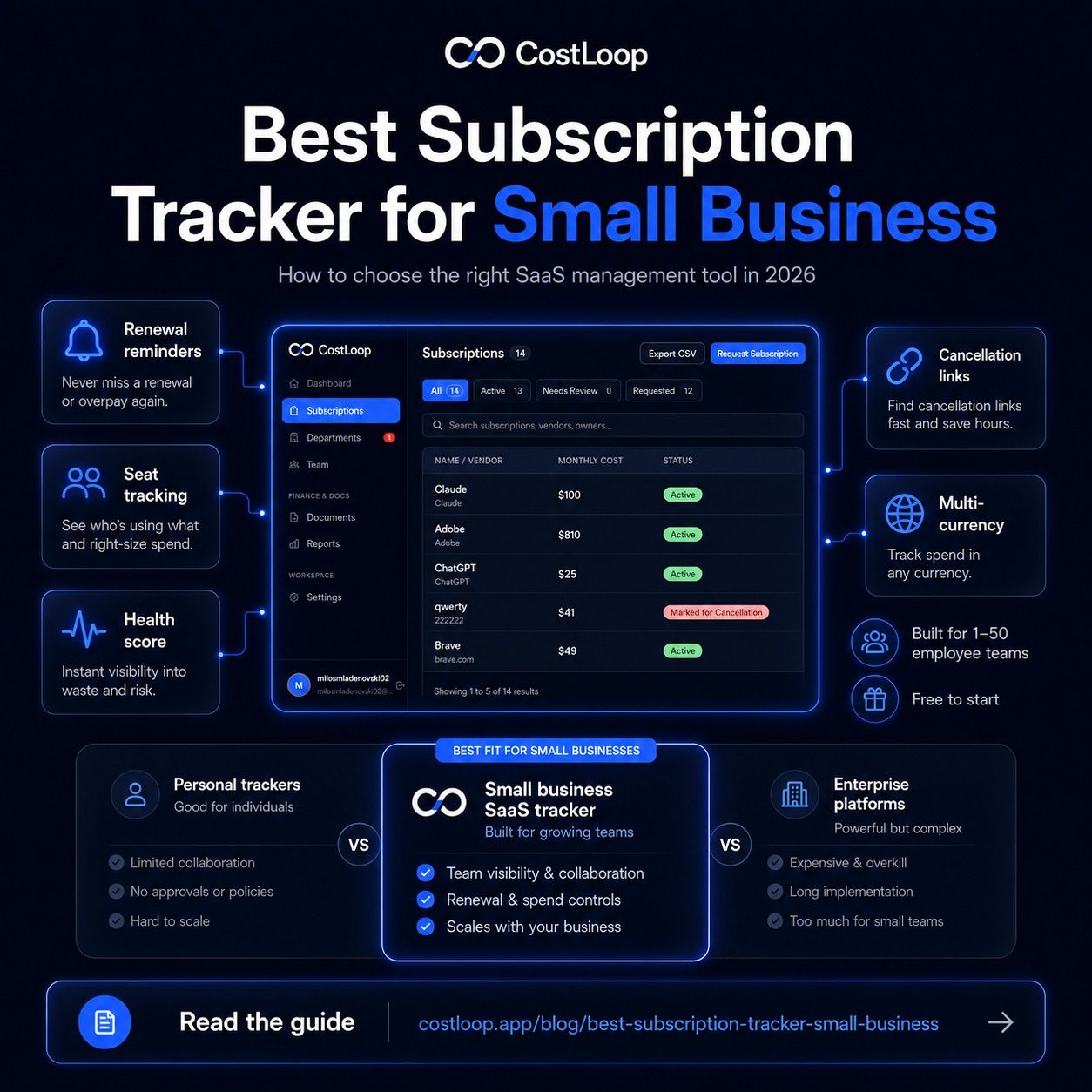
Core features worth paying for: A complete subscription inventory - one place where every tool, cost, and renewal date lives. Renewal tracking with automated alerts that fire before the charge, not after. Cost visibility that gives you a total and a per-category breakdown so you can see where spend clusters. Owner assignment so every tool has a named person responsible for it. Simple usage notes where you can record whether a tool is active, underused, or a cancellation candidate.
Features you don't need at small and medium business scale: Automated provisioning and deprovisioning - that's an enterprise feature for IT teams managing hundreds of users. SSO integrations with identity providers like Okta - relevant if you have a dedicated IT function. AI-powered usage tracking that connects to your apps and measures actual login frequency - useful at scale, unnecessary overhead for a 5-20 person team. Vendor negotiation automation - at small and medium business contract values, you're better served by a direct email than a software feature. These enterprise features add cost and complexity without corresponding value for a small team.
CostLoop is built for exactly this use case: a lightweight but complete tool for SaaS cost management for small and medium businesses. A full subscription inventory, renewal alerts, cost tracking over time, and owner assignment - without the enterprise complexity and pricing that comes with Zylo, Torii, or similar platforms built for organizations with hundreds of tools and dedicated IT staff.
SaaS spend optimization: finding and fixing the waste
SaaS spend optimization is the hands-on work of identifying waste and eliminating it. Here is a practical sequence that works for most small and medium businesses.
Step 1: Audit everything. List every tool your business pays for. Check bank statements, credit card transactions, and expense reports for the past 12 months. Include tools paid by individuals on personal cards and expensed. The list is often longer than expected.
Step 2: Calculate cost per active user for each tool. For any tool with per-seat pricing, divide the monthly cost by the number of people actively using it. A $200/month tool used by 10 people costs $20/user - reasonable. The same tool used by 3 people costs $67/user - worth questioning.
Step 3: Flag tools where paid seats exceed active users. Any tool where fewer than half the paid seats are actively used is a candidate for downgrading to a lower seat count. This step often surfaces straightforward downgrade or reassignment decisions in the first optimization pass.
Step 4: Identify duplicates. Look for tools doing the same job. More than one project management tool, more than one video conferencing platform, more than one file storage service. Tool consolidation - picking one and cancelling the others - is often where the largest single savings come from. Evaluate which one the team actually prefers before cancelling the alternative.
Step 5: Downgrade or cancel the clear waste. Unused seats and unused licenses: reduce the plan to match actual users. Zombie subscriptions: cancel immediately. Duplicate tools: consolidate to one. For tools with significant spend, vendor negotiation before renewal can yield discounts worth a few hours of effort. Trials that converted: evaluate within 30 days or cancel.
The optimization mindset: it's not about cutting everything, it's about paying for what you use. A tool that genuinely earns its cost should stay, even if it's expensive. The target is waste - tools that don't deliver proportional value for what they charge.
For a structured approach to the audit step, see the guide on how to do a SaaS audit for your small and medium business.
SaaS budgeting software: building a forward-looking system
Once you've cleaned up the obvious waste, the next step is building a budget that prevents new waste from accumulating. Optimization without a forward-looking system just means you'll need to run the same cleanup exercise again in 12 months.
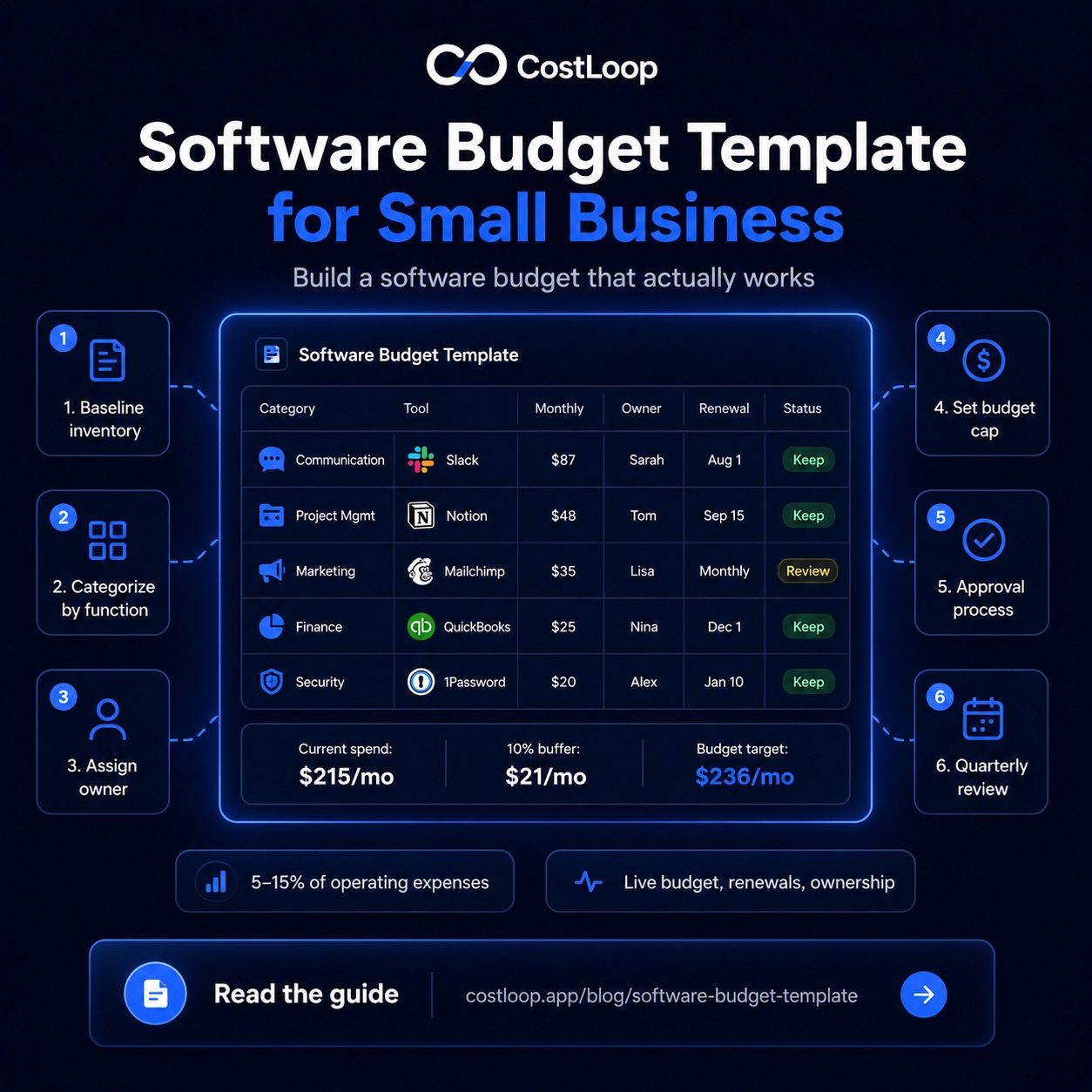
A forward-looking SaaS budget has a few practical components. A per-category spending limit gives each function - productivity, communication, marketing, development tools - a monthly ceiling. When a new tool is proposed for a category that's already at its limit, the conversation shifts to "what do we cancel to make room" rather than "sure, just sign up." An approval process for new tools - even a lightweight one where a manager reviews the request before anyone signs up - stops shadow IT before it starts. Renewal reminders, set 30 days before each annual subscription, convert auto-renewals into deliberate decisions. And a quarterly review - 30 minutes, four times a year - keeps the list current and catches drift before it becomes expensive.
The goal is a system that requires minimal ongoing effort but produces consistent results: software spend that stays aligned with what your business actually uses, rather than drifting upward by default. For a practical template to get started, see the guide on software budget templates for small and medium business.
SaaS spend management system: the lightweight version for small teams
A SaaS spend management system sounds like something that requires dedicated IT staff and enterprise software. For a small team, it doesn't. The lightweight version has three working parts.
A central inventory. One place where every tool is listed with its cost, renewal date, and owner. Not scattered across credit card statements or held in one person's memory. One list, kept current. This is the foundation - without it, the other two parts can't function.
A renewal calendar. Automated alerts set 30 days before every renewal. Not a manual calendar entry that gets ignored - actual notifications that fire and prompt a decision. The window matters: 30 days is enough time to evaluate the tool, contact the vendor if you're considering cancelling, and get the cancellation processed before the charge hits. A 3-day reminder is too short to act on.
A quarterly review. A recurring 30-minute calendar block, four times a year, where you go through the full list and ask: is everything here still earning its place? Compare paid seats to active users. Check for tools that haven't been used in 90 days. Look for consolidation opportunities. This is where ongoing optimization happens - not in a one-time annual purge, but in a lightweight recurring cycle that catches problems while they're still small.
CostLoop automates the first two parts: the central subscription inventory and the renewal alert system. The quarterly review is a 30-minute calendar block you schedule yourself - the list and the data are already organized in CostLoop, so the review is a matter of going through what's there rather than rebuilding the picture from scratch each time. See CostLoop's features and the pricing page for details on what's included in each plan.
Central inventory: set up once in CostLoop, updated as tools are added or cancelled. Renewal alerts: automated 30-day reminders for every subscription. Quarterly review: 30 minutes on the calendar, four times per year, using the CostLoop dashboard as the starting point. Ongoing review time depends on the size of your stack, but a regular review cadence keeps renewal decisions from piling up. Businesses that run this system consistently are less likely to miss renewal decisions or keep paying for tools nobody uses.
Frequently asked questions
What is SaaS cost management and software spend control?
SaaS cost management is the systematic approach to understanding, controlling, and optimizing what a business spends on software subscriptions. It covers three areas: visibility (a complete, accurate list of what you pay for), control (a process for approving new tools and cancelling unused ones), and optimization (actively reducing waste - unused seats, zombie subscriptions, duplicate tools - without cutting tools that deliver genuine value). The goal is intentional software spending that stays aligned with what your business actually uses.
What is a SaaS cost management tool for tracking software spend?
A SaaS cost management tool is software that gives you a complete, organized view of your subscription stack - what you pay, when it renews, who owns each tool, and whether usage justifies the cost. For small and medium businesses, the core features that matter are a complete subscription inventory, renewal tracking with alerts, cost visibility by category and total, and owner assignment per tool. CostLoop is built specifically for this use case at small and medium business scale, without the enterprise pricing and complexity of platforms designed for large IT departments.
How do I optimize SaaS spend and achieve cost reduction for a small or medium business?
Start with a full audit: list every tool and what it costs. Then calculate cost per active user for each per-seat tool, flag any where fewer than half the paid seats are actively used, identify duplicate tools doing the same job, and downgrade or cancel the clear waste. Set renewal reminders for every annual subscription going forward. Run a quarterly review to catch new drift before it becomes expensive. The optimization mindset is not about cutting everything - it's about paying for what you actually use. Many small and medium businesses find tools, seats, or plan tiers they can review without cutting functionality they rely on.
How much should a small and medium business spend on SaaS?
There is no universal software-spend benchmark. A healthy budget depends on your business model, team size, and how software-intensive your work is. Use your own operating model and subscription inventory to set a monthly ceiling. The actual number depends heavily on industry, team composition, and the nature of the business - a developer-heavy SaaS company will spend significantly more on infrastructure tools than a service business of the same size. The more useful question is not what you should spend in absolute terms, but whether what you're spending is delivering proportional value. That's what a regular SaaS cost management review is designed to assess.