Software license management used to be an enterprise concern - the kind of thing that required dedicated IT staff and expensive on-premise tools. That changed when SaaS became the dominant software delivery model. Today, even a small team can accumulate many active SaaS subscriptions, each with its own seat licenses, renewal dates, and costs. Managing all of that from a spreadsheet - or not managing it at all - makes it harder to spot licenses nobody is using.
Cloud-based software license management is the modern approach: a hosted tool that gives you a live, complete view of every license across your entire software stack, accessible from any device, with automated reminders before each renewal. This guide covers what it means, what to track, and how to set it up without a dedicated IT function.
What Cloud-Based Software License Management Means for Small and Medium Businesses
For enterprise companies, software license management traditionally involved compliance - ensuring you were not using more licenses than you had paid for, and avoiding audits from vendors like Microsoft or Oracle. For small and medium businesses running SaaS tools, the problem is the opposite: you are almost always paying for more licenses than you are using, not fewer. Seat-based SaaS pricing means every unused seat is a direct and ongoing cost.
Cloud-based license management for small and medium businesses therefore focuses on three practical goals: knowing exactly what you are paying for, identifying which licenses are actually being used versus sitting idle, and making sure every renewal is reviewed before it auto-charges rather than after.
The "cloud-based" part matters for small teams because it means the license inventory is accessible to everyone who needs it - the founder, the finance lead, the operations manager - from any device, without maintaining a shared file that goes out of date the moment someone forgets to update it.
What to Track for Each Software License
A cloud-based license management system is only as useful as the information it holds. For each software license in your stack, you should track:
- Tool name and vendor - the product name plus the company behind it (these sometimes differ)
- License type - seat-based (per user), usage-based (per API call, message, or transaction), or flat-rate (unlimited users)
- Total seats purchased - the number of licenses you are paying for in the current plan
- Seats actively in use - how many of those seats have an active user who has logged in recently
- Renewal date - the exact date the license renews and the next charge is taken
- Cost per cycle - monthly or annual cost and the currency
- Payment method - which card or account is charged
- License owner - the person in your team responsible for this license's renewal decision
- Cancellation link or instructions - how to cancel or downgrade, including any notice period requirements
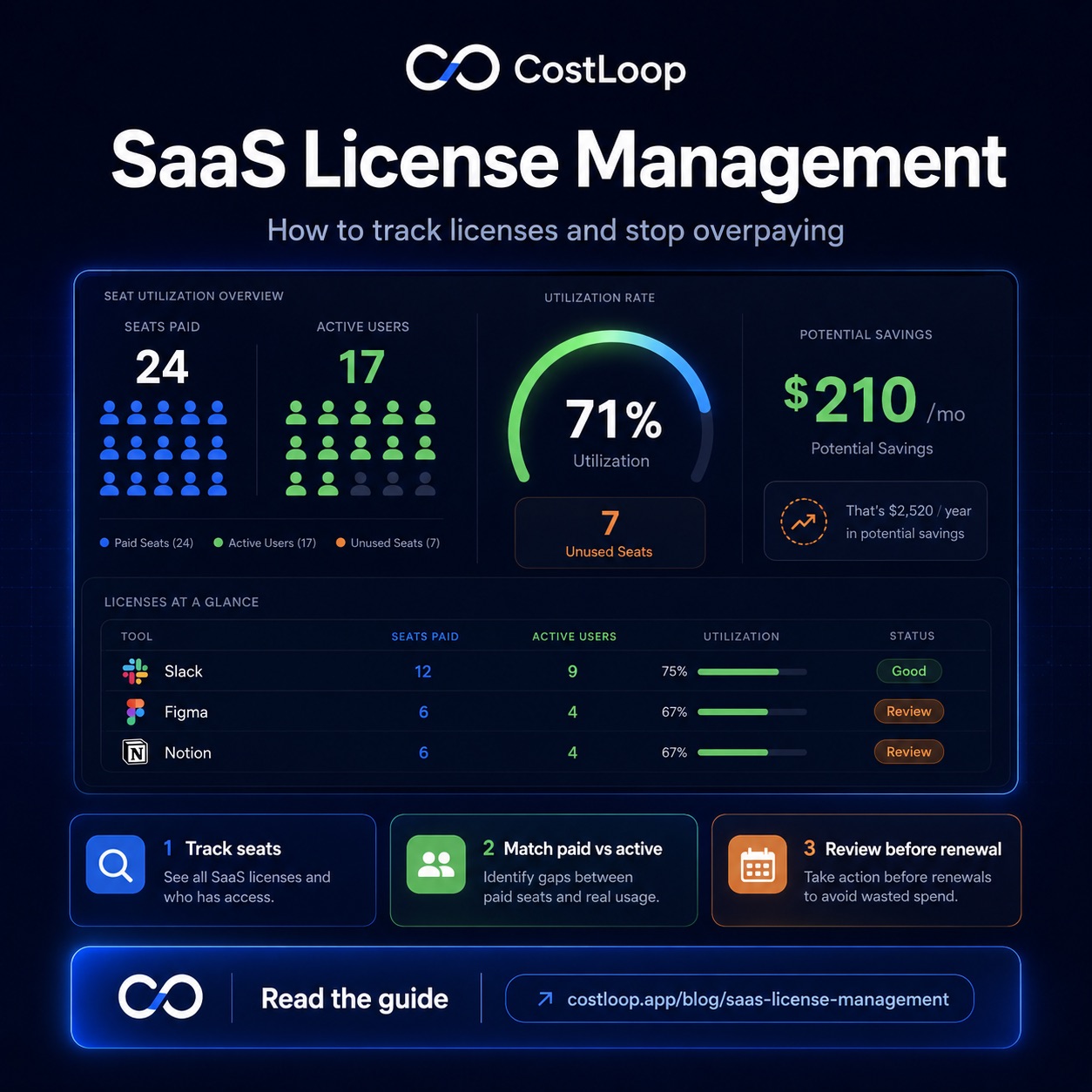
The gap between seats purchased and seats actively in use is the most important number in a software license inventory. It directly measures what you are overpaying. A tool with 10 seats purchased and only 6 active users is costing you 40 percent more than necessary - and will continue doing so at every renewal unless someone catches it.
Why a Spreadsheet Is Not Enough
Most small and medium businesses that track software licenses at all do it in a spreadsheet. A spreadsheet is better than nothing, but it has three structural limitations that make it unreliable as a license management tool over time.
No automated reminders
A spreadsheet stores renewal dates but does nothing with them. It cannot tell you that a license is renewing in 30 days or that a seat has been idle for 60 days. To get that value from a spreadsheet, someone has to remember to look at it at the right time - which is exactly the discipline that tends to slip when things get busy.
Manual updates required
Every time a license cost changes, a seat is added, a team member leaves and their seat goes unused, or a new tool is added to the stack, the spreadsheet needs to be updated manually. In practice, it gets updated sporadically - which means it reflects reality only some of the time, and you cannot always tell when it last was accurate.
No spend aggregation
A spreadsheet can list individual costs, but calculating total monthly SaaS spend across tools with different billing cycles (some monthly, some annual prorated to monthly) requires formulas that break when data is entered inconsistently. Most spreadsheet-based license inventories either omit the total spend calculation or calculate it incorrectly.
What to Look for in a Cloud-Based License Management Tool
For small and medium businesses, a cloud-based software license management tool does not need to be complex. The features that matter are:
Centralised license inventory
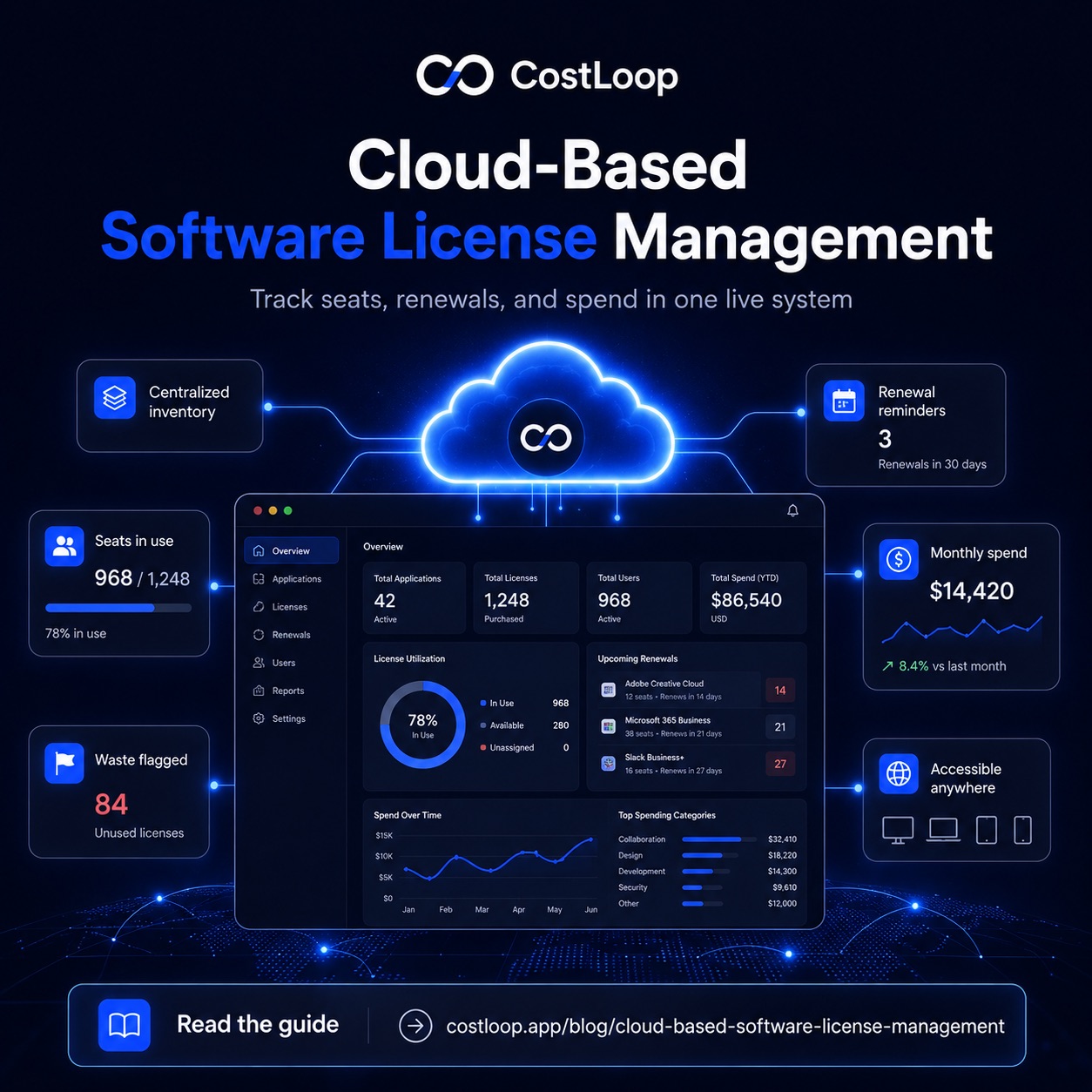
A single place to store every license with all the relevant fields: tool name, seats purchased, seats in use, renewal date, cost, owner, and cancellation link. The inventory should be accessible to anyone on the team who needs it, from any device.
Seat tracking
The ability to record how many seats are paid for and how many are actively in use. Some tools pull this data automatically from integrations; others require you to enter it manually after checking the tool's admin panel. Either approach works - the key is that the information is visible and reviewed at each renewal.
Renewal reminders
Automated email reminders at configurable intervals before each license renewal date. At minimum, you want a 30-day reminder so the license owner has time to review usage and make a decision. A 7-day reminder as a final check is also valuable for catching renewals that were not reviewed at the 30-day mark.
Total spend dashboard
A live view of total monthly software spend across all licenses, broken down by tool and category. This is what turns license management from a list-keeping exercise into an actual cost management practice - you can see where your software budget is going and make prioritised decisions about where to cut or consolidate.
Waste detection
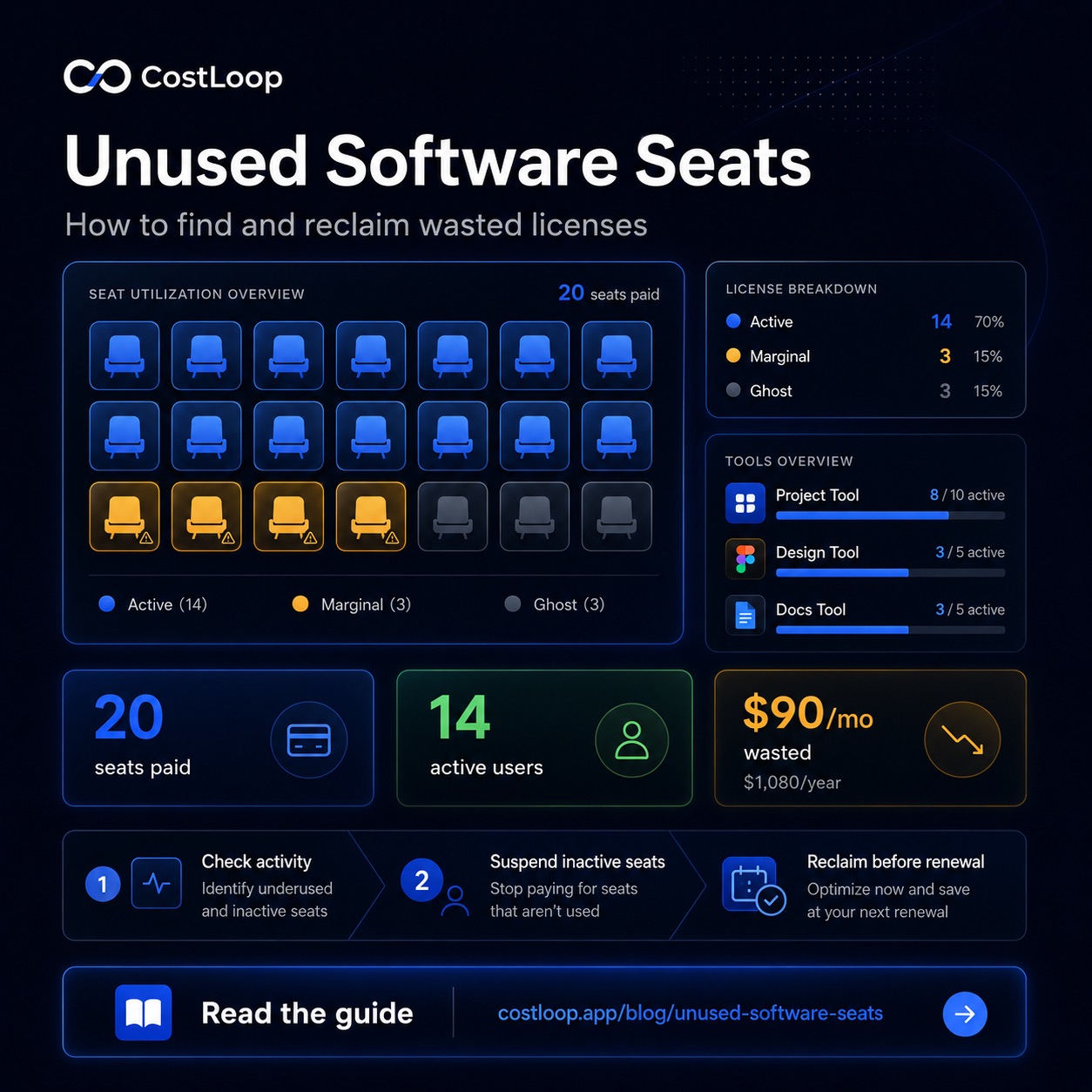
Automatic flagging of unused seats (licenses where the assigned user has not logged in recently), subscriptions without a named owner, and tools in the same category that may be duplicates. This is the feature that pays for itself most quickly in the first review cycle.
Setting Up Cloud-Based License Management: A Practical Starting Point
Step 1 - Audit your current license situation
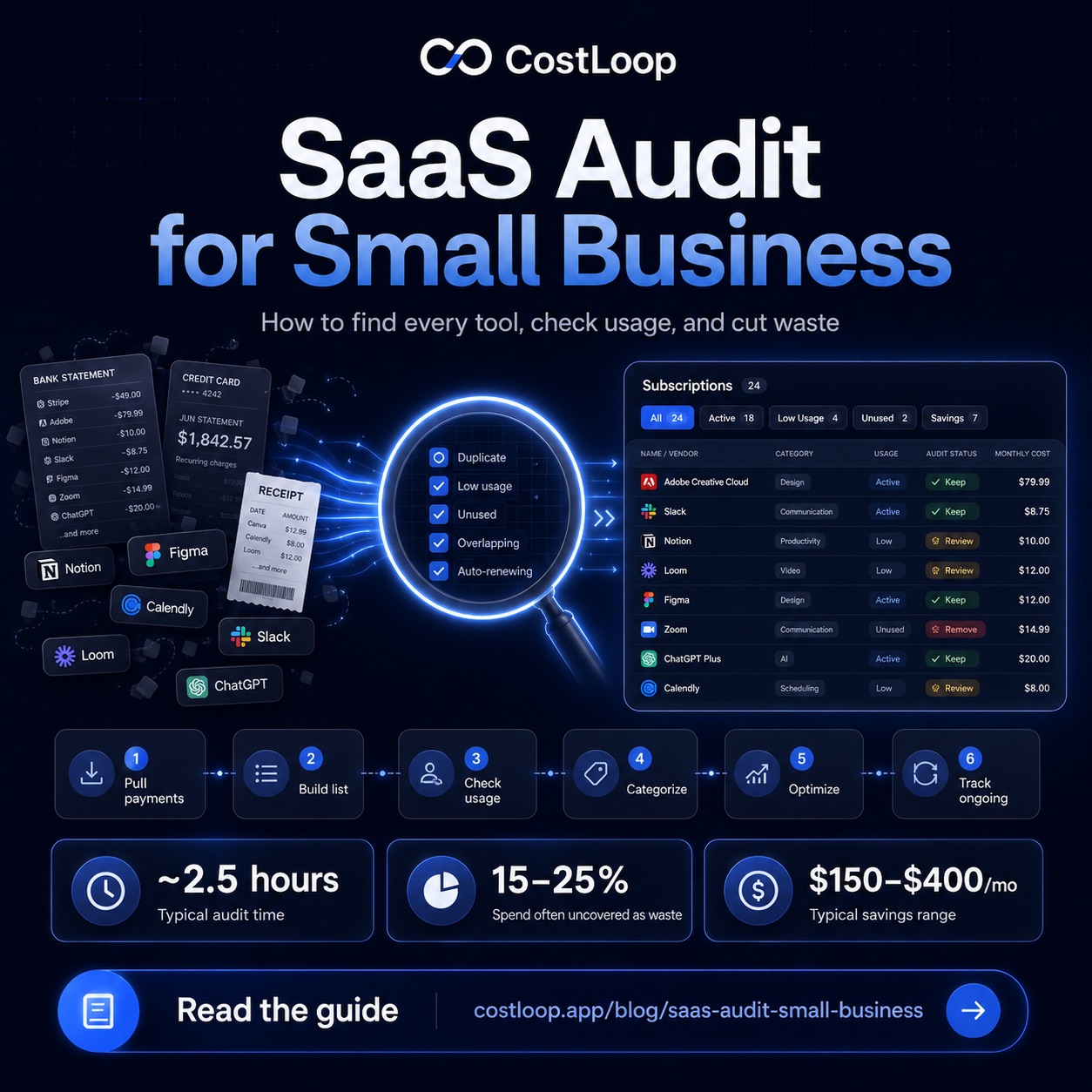
Pull three to six months of credit card and bank statements and identify every recurring software charge. Enter each one into your license management tool. For each license, check the vendor's admin panel to find the exact number of seats and the next renewal date - do not estimate. The SaaS audit guide walks through the full discovery process step by step.
Step 2 - Record active seat counts
For each seat-based license, log into the vendor's admin or billing panel and check last-login data. Record how many of the paid seats have logged in within the past 30 days. Any seat where the last login was more than 45 days ago is a strong candidate for removal before the next renewal. For annual licenses, this is worth checking at the 45-60 day mark before renewal to give you time to negotiate a seat reduction.
Step 3 - Assign an owner to every license
Every license in your inventory needs a named person who is responsible for the renewal decision. This is not necessarily the heaviest user of the tool - it is whoever has the authority to decide whether to keep, downgrade, or cancel. Assign ownership at the point of entry so no license sits unowned.
Step 4 - Configure renewal reminders
Set automated reminders to fire 30 days before each license renewal date and go directly to the license owner. This is the single most impactful change in moving from reactive to proactive license management - a 30-day warning gives you time to act, where a same-day notification does not.
Step 5 - Schedule a quarterly review
Individual renewal reminders catch each license as it comes up. A quarterly review of the full license inventory catches the patterns that individual reminders miss: tools that are nominally active but barely used, licenses where the seat count has not been adjusted since onboarding months ago, or two tools doing the same job. Block 45 minutes every quarter for this review and you will consistently find licences worth cutting or consolidating. Reducing unused software licenses is where the biggest savings typically come from in the first pass.
How CostLoop Handles Cloud-Based License Management
CostLoop is a cloud-based tool for software license tracking built specifically for small and medium businesses. You add each license once - the tool name, seat count, renewal date, cost, and owner - and CostLoop manages the tracking from there: calculating upcoming renewals, displaying total monthly and annual spend across all licenses, and sending email reminders before each renewal date.
The licence management features in CostLoop include seat tracking (paid seats versus active seats), renewal reminders at configurable intervals, a health score that automatically flags unused seats and subscriptions without owners, and a savings panel that identifies the specific licences where waste is highest. All of this runs in the browser with no installation required - the kind of cloud-based tool that a two-person team and a fifty-person team can both use without a dedicated IT function.
For businesses currently managing licences in a spreadsheet, the practical improvement is immediate: reminders become automatic, the inventory stays current without manual effort, and the information you need at each renewal decision is already in one place. For broader context on how this fits into managing your entire software stack, the guide on SaaS license management covers the full picture.
Frequently Asked Questions
What is cloud-based software license management?
Cloud-based software license management is the practice of tracking all your SaaS and software licenses using a cloud-hosted tool, rather than a local spreadsheet. It lets you see every license, seat count, renewal date, cost, and assigned user from a single dashboard accessible from any device.
What should you track in a software license management system?
For each software license, track: tool name and vendor, license type, total seats purchased, seats actively in use, renewal date, cost per cycle, payment method, assigned owner, and a cancellation or renewal link. The gap between seats purchased and seats in active use is the most important number - it directly measures what you are overpaying.
How do I manage software licenses for a small or medium business?
For small and medium businesses, effective software license management requires: a complete inventory of all licenses with costs and renewal dates; seat tracking to identify unused licenses; automated renewal reminders so nothing auto-renews without review; and a quarterly review to consolidate overlapping tools. A cloud-based subscription tracker like CostLoop is purpose-built for this workflow and requires no IT expertise to set up.
What is the difference between software license management and subscription management?
Software license management focuses on tracking seats, users, and entitlements. Subscription management focuses on costs, renewal dates, owners, and the decision process. For small and medium businesses using SaaS tools, the two overlap significantly - most SaaS licenses are also subscriptions, so a good subscription tracker also gives you the license visibility you need.
CostLoop tracks software licenses, seat counts, renewal dates, and recurring costs for small and medium businesses. Start for free - no credit card required.