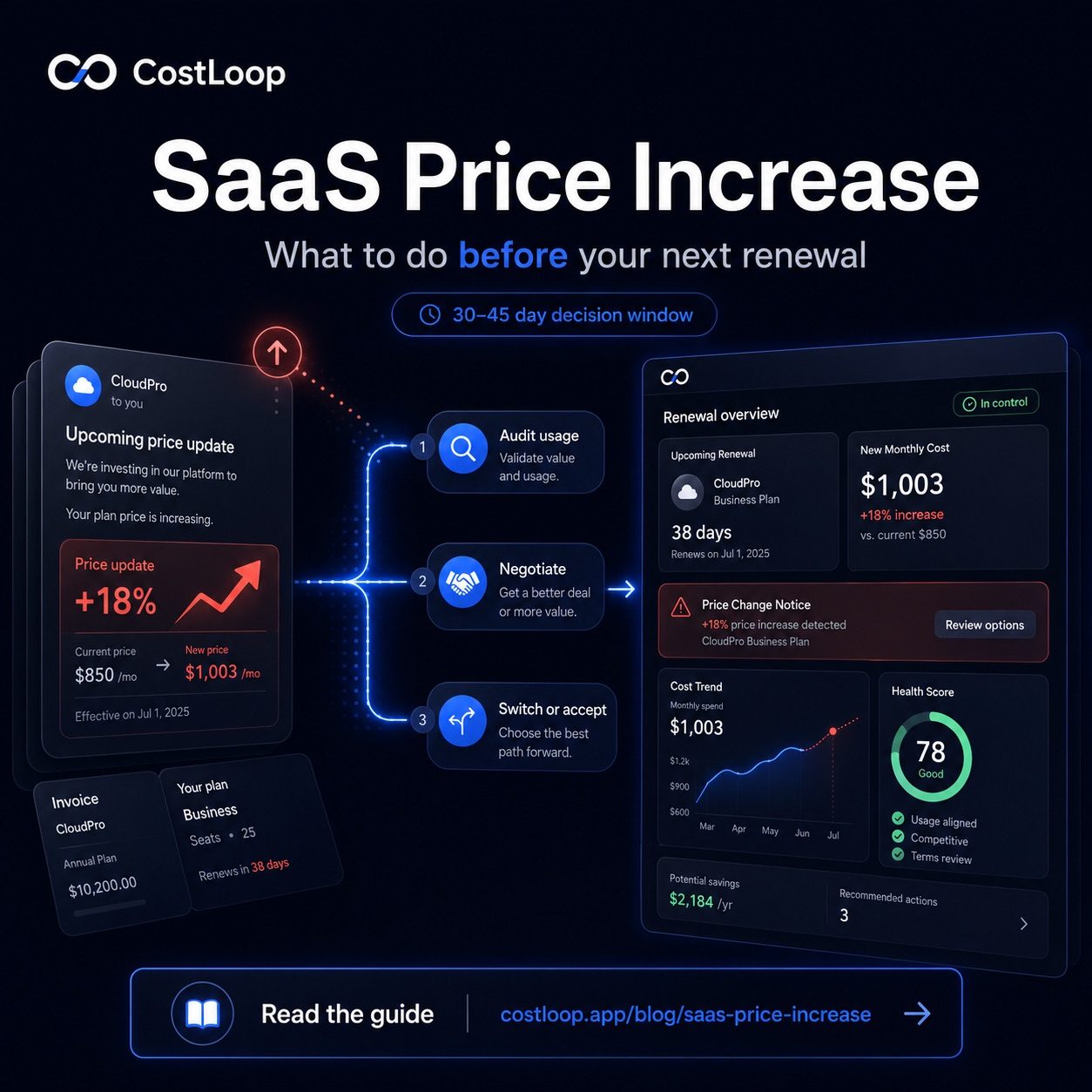
The email arrives: "We're updating our pricing." A SaaS price increase kicks in at your next renewal, and you have 30–45 days to respond. Most people read the email, feel mildly annoyed, and do nothing - which means they pay the higher price indefinitely. That's exactly what the vendor is counting on.
SaaS price increases have been a recurring theme since 2022. Vendors cite inflation, AI features, rising infrastructure costs, investor pressure to improve margins. Some increases are reasonable. Others are aggressive. Either way, you have more leverage than you think - but only if you use the window between notification and renewal.
Here's the five-step playbook for handling a SaaS price increase without just absorbing it.
Step 1: Calculate the Real Annual Impact
Before reacting, do the math. A 20% increase on a $15/month individual tool is $36/year - probably not worth spending an hour negotiating. A 20% increase on a $500/month enterprise plan is $1,200/year - absolutely worth negotiating. A 35% increase on anything is significant.
Multiply the monthly increase by 12. Then multiply by the number of seats. That's your annual cost impact. Understanding this number before you engage the vendor also tells you whether the renewal terms are worth locking in for another year, or whether the contract renewal is a natural exit point. If the number makes you wince, move on to steps 2–4. If it's genuinely negligible, accept it and skip to step 5 (update your records).
Step 2: Audit Your Actual Usage
Here's the honest question: is your team actually using this tool enough to justify even the current price, let alone the new one? Check login frequency, feature usage if the tool provides it, and ask team members directly. A tool that 3 out of 10 licensed users actually open regularly is probably overpaying even before the increase.
This is part of the broader reducing software spend framework - price increases are a natural forcing function to audit usage honestly. Don't just ask "is it worth the new price?" Ask "how many people use it, and how often?" If usage is low, the increase isn't the problem - it's the symptom.
Step 3: Negotiate (Seriously, It Works)
Most businesses don't negotiate SaaS pricing because they assume vendors won't budge. Many vendors will. Especially if you're on an annual plan, have multiple seats, or have been a customer for more than a year. Vendors would rather keep you at a slightly discounted rate than churn you entirely.
Contact their sales team - not support. Support handles billing questions; sales has authority to offer discounts or lock rates. Here's a template that tends to work:
Hi [Name],
I saw the pricing update coming effective [date]. We've been using [Tool] for [X months/years] across [N] seats, and overall we've been happy with it.
That said, the new pricing represents a [X]% increase, which is meaningful for our budget. Before we make a decision on renewal, I wanted to reach out directly to ask whether there's any flexibility - particularly given our tenure and usage.
We're currently evaluating [alternative tool] as a potential replacement, so I'd love to resolve this quickly if possible. Could you let me know what you can do?
Thanks,
[Your name]
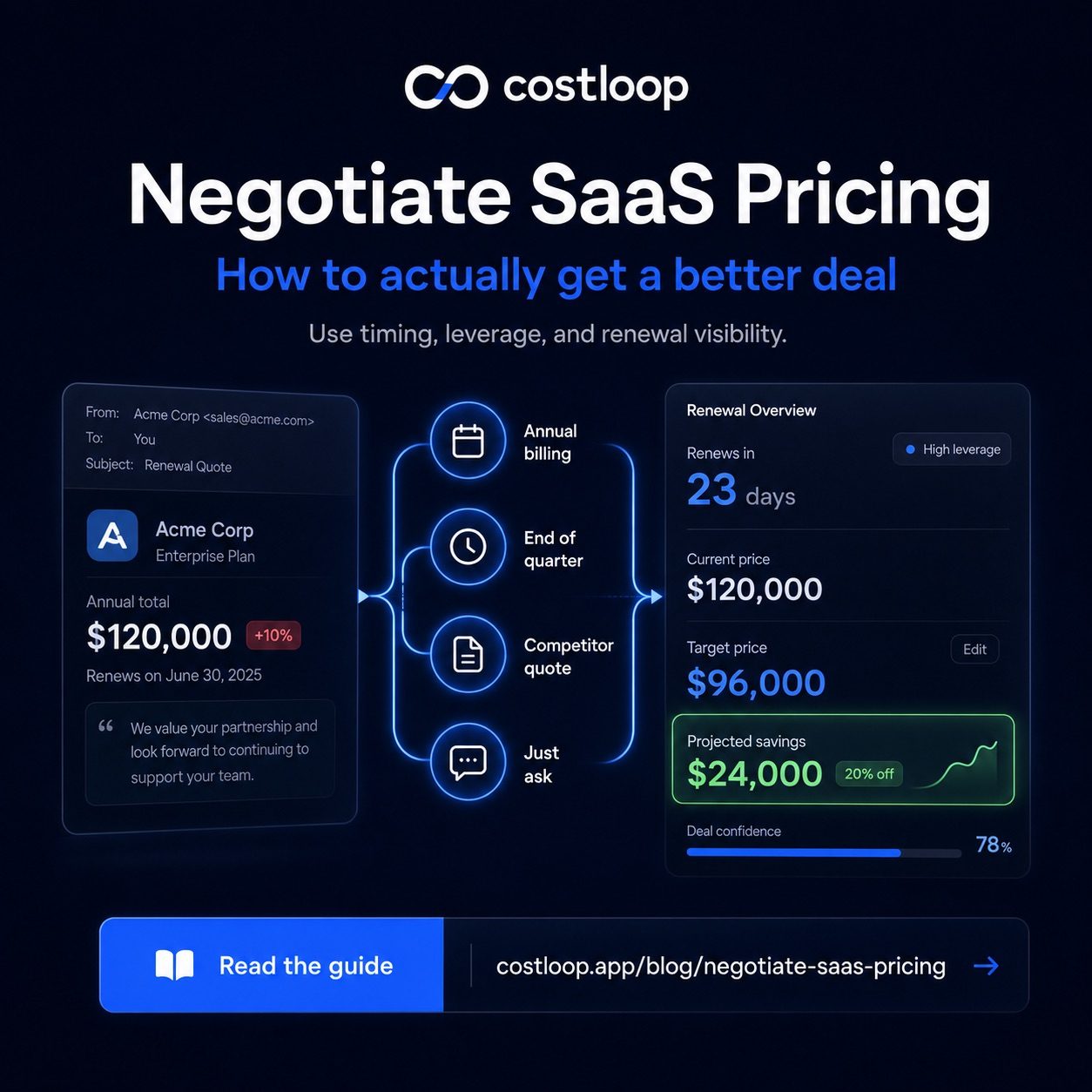
A few things make this email effective: it's specific about tenure and usage, it mentions an alternative (which is only credible if you've actually looked at one), and it's polite but clear that you're making a decision. For deeper negotiation tactics, see our full guide on how to negotiate SaaS pricing.
You can't negotiate 3 days before renewal - vendors know that and won't budge. A SaaS spend management tool like CostLoop reminds you 30 days out so you always have time to respond, negotiate, or switch. That 30-day window is where your leverage lives.
Start free - no credit card neededStep 4: Evaluate Alternatives for Real
If negotiation doesn't work or the increase is large enough to warrant a serious look at alternatives, actually do the evaluation - don't just use it as a threat.
What to look for in an alternative when evaluating a SaaS price increase
The total cost of switching isn't just the new tool's price. It includes migration time (moving data, recreating workflows, training the team), any overlap period where you're paying for both, and the productivity dip during adjustment. A tool that saves money on subscription fees but requires significant engineering time to migrate may not pay back quickly in year one.
That said, many teams discover during this evaluation that a cheaper alternative has genuinely improved and the switching cost is lower than expected. The 2022–2025 pricing wave pushed a lot of users to evaluate alternatives they'd been avoiding - and many of them switched successfully. Good SaaS cost management means you always have the data to make this call with confidence rather than scrambling last-minute.
Step 5: Update Your Records Regardless of What You Decide
Whether you negotiate, switch, or accept the increase, update your subscription records with the new price. This sounds trivial but matters: if you don't update it, your budget tracking shows the old price, and your spending gradually drifts away from what you think you're paying.
This is one of the hidden SaaS costs - the cumulative drift from small price increases across many tools. Each individual increase seems manageable. The sum across your whole stack, over time, adds up to a significant number. Keeping accurate records is how you stay on top of it.
Why Price Increases Are More Common Now
The SaaS pricing wave is real and ongoing. Between 2022 and 2025, dozens of major SaaS vendors raised prices: HubSpot, Zendesk, Intercom, Monday.com, Notion, Adobe, and many others. The causes are real: cloud costs went up, AI infrastructure is expensive, and post-growth investors want profitability. But vendor pricing strategies also play a role - it's much easier to raise prices on existing customers than to acquire new ones at higher prices, and churn rates on price increases are generally lower than vendors expect.
That's good news for you if you're proactive. Most customers just pay the increase. The ones who negotiate, evaluate, or time their renewals correctly are the ones who actually control their software costs over time.
Frequently Asked Questions
Can you use pricing negotiation to push back on a SaaS price increase?
Yes, particularly for annual plans or multi-seat accounts. Contact their sales team - not support - and reference your tenure, usage, and the fact that you're evaluating alternatives. The best time to negotiate is 30–45 days before renewal.
How much vendor notice does a SaaS company have to give before raising prices at contract renewal?
Most SaaS terms of service require 30 days notice. Some give 60–90 days. On annual plans, many vendors honor the current price for the remainder of the contract term, with the increase applying at renewal.
Is it worth switching tools just because of a price increase?
It depends on the size of the increase, your actual usage, and the switching cost. A 10–15% increase on a well-used core tool is probably worth absorbing. A 40%+ increase on a tool your team uses occasionally is a clear signal to evaluate alternatives.
Why are so many SaaS tools raising prices right now?
Rising cloud infrastructure costs, inflationary pressure, post-pandemic investor demands for profitability, and AI features being bundled into existing plans whether you use them or not.
What is SaaS price optimization?
SaaS price optimization is the practice of actively reducing what you pay across your software stack - not by cutting tools you need, but by ensuring you pay the right price for the tools you keep. It includes negotiating at renewal, right-sizing to the correct tier and seat count, consolidating duplicate tools, and switching to alternatives when the value-to-cost ratio no longer makes sense. A price increase notification is the natural trigger to run through this checklist for any affected tool.
How does SaaS cost management help when prices increase?
A SaaS cost management system gives you the context to respond quickly: usage data to evaluate whether the tool earns its new cost, renewal dates so you're never caught last-minute, cancellation URLs so you can act immediately if you decide to leave, and a baseline spend figure so you can measure the impact on your total software budget. Without that context, most businesses just accept the increase by default. See how to build that system in the SaaS cost management guide.
Getting a price increase email doesn't mean you're out of options. It means you have 30–45 days to make a deliberate decision. Calculate the impact, check usage, try to negotiate, evaluate alternatives if needed, and update your records whatever you decide. CostLoop makes the tracking part automatic - so when the next price increase email lands, you'll already know what you're paying, when you renew, and whether you're getting value for it.