A renewal tracker is exactly what the name suggests: a system that tracks when your software subscriptions renew and alerts you before those dates arrive. It sounds straightforward, and it is - but many small and medium businesses do not have one, which is why tools can renew before anyone gets a chance to evaluate them.
This guide covers what a renewal tracker is, what it needs to do to be useful, how to choose between your options, and how to set one up quickly so you stop discovering missed renewals on your bank statement.
Why You Need a Renewal Tracker
The case for a renewal tracker is simple: SaaS vendors are very good at making renewals invisible until after they happen. Annual subscriptions arrive once a year - long enough that the original sign-up is a distant memory. Free trials convert to paid plans silently. Prices increase at renewal without any prominent notification. And the default for every subscription is to keep charging you until you actively cancel.
Without a renewal tracker, the only way you discover a renewal has happened is by checking your bank statement after the fact. At that point, your options are limited: most vendors will not issue refunds for charges that happened days or weeks ago, and even if they do, you have already spent time and energy on a problem that a 30-minute setup would have prevented.
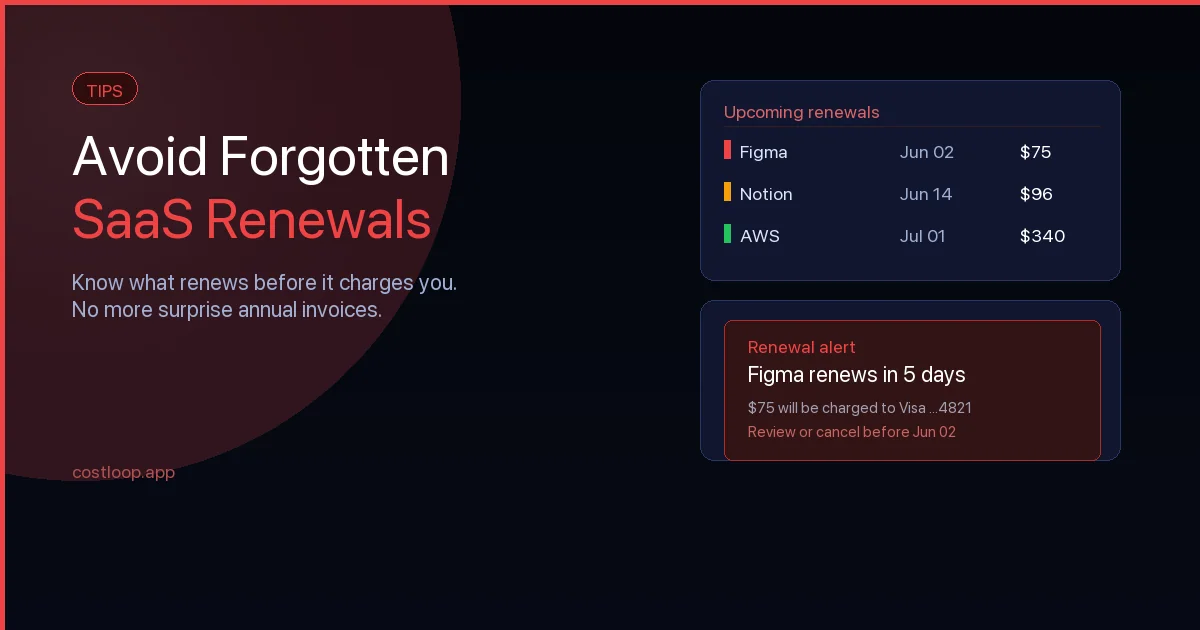
With a renewal tracker, you know 30 days in advance that a renewal is coming. That gives you time to check whether the tool is still being used, compare it against alternatives, negotiate a better price if you want to keep it, or cancel if you do not. Every renewal becomes a deliberate decision rather than a default charge.
What a Renewal Tracker Needs to Do
Not every renewal tracking system is equally useful. A basic list of tool names and renewal dates is better than nothing but falls short of what you actually need when a renewal approaches. A genuinely useful renewal tracker does five things:
Stores the full context for each subscription
At renewal time, you need more than just the date. You need to know what the tool costs, who in your team owns it and is responsible for the renewal decision, how many seats or licenses are included, whether all of those seats are actually in use, and how to cancel if that is the decision. A renewal tracker that stores only the tool name and renewal date forces you to hunt for this information from scratch every time a renewal comes up - which is exactly the friction that makes renewals get ignored.
Sends reminders well before the renewal date
A renewal tracker that tells you about a renewal on the day it happens is not useful. You need to be notified at least 30 days out - enough time to make a considered decision and act on it. For annual subscriptions, 45 to 60 days is better, especially for tools that have notice period requirements (some vendors require you to give 30 days notice before the renewal date if you want to cancel). The full guide to subscription renewal tracking covers the right reminder intervals in detail.
Covers your whole subscription stack, not just a few tools
The value of a renewal tracker is proportional to how complete it is. A tracker that covers 80 percent of your subscriptions still means 20 percent of your renewals happen without any oversight. The initial effort of putting every subscription into a tracker pays off over and over, because the same system then works for every renewal indefinitely.
Shows your total monthly spend
Individual renewal alerts are useful. A dashboard that shows your total monthly and annual software spend, broken down by category and tool, is more useful. It lets you see which areas of your stack are consuming the most budget and make prioritised decisions about where to cut or consolidate. Most small and medium businesses have no accurate picture of their total SaaS spend until they put it all in one place.
Surfaces waste proactively
The best renewal trackers do not just remind you about renewals - they also flag problems before you have to look for them. Unused seats (licenses assigned to people who have not logged in for 60 days), duplicate tools in the same category (two project management tools, three video conferencing subscriptions), and subscriptions without a named owner are all patterns that indicate waste. A tracker that surfaces these automatically turns your renewal decisions into a genuine cost optimisation exercise, not just a renewal confirmation habit.
Your Renewal Tracker Options
A spreadsheet
A spreadsheet is the default renewal tracker for most businesses that have one at all. It is fast to create and requires no new tool. The limitations are real though: a spreadsheet offers no automated reminders, requires manual updates every time a subscription changes, and provides no spend aggregation or waste detection. It works reasonably well if you have fewer than five or six subscriptions and the discipline to update it consistently. For anything beyond that, the manual overhead and the absence of reminders make it unreliable.
A shared calendar
Calendar events are better than a spreadsheet for reminders, since they appear in your daily workflow. The problem is that a calendar is not designed to store all the supplementary information you need alongside each renewal date - the cost, the owner, the seat count, the cancellation link. You end up maintaining two systems: a calendar for the reminders and something else for the details. That duplication is where things get missed.
A purpose-built subscription tracker
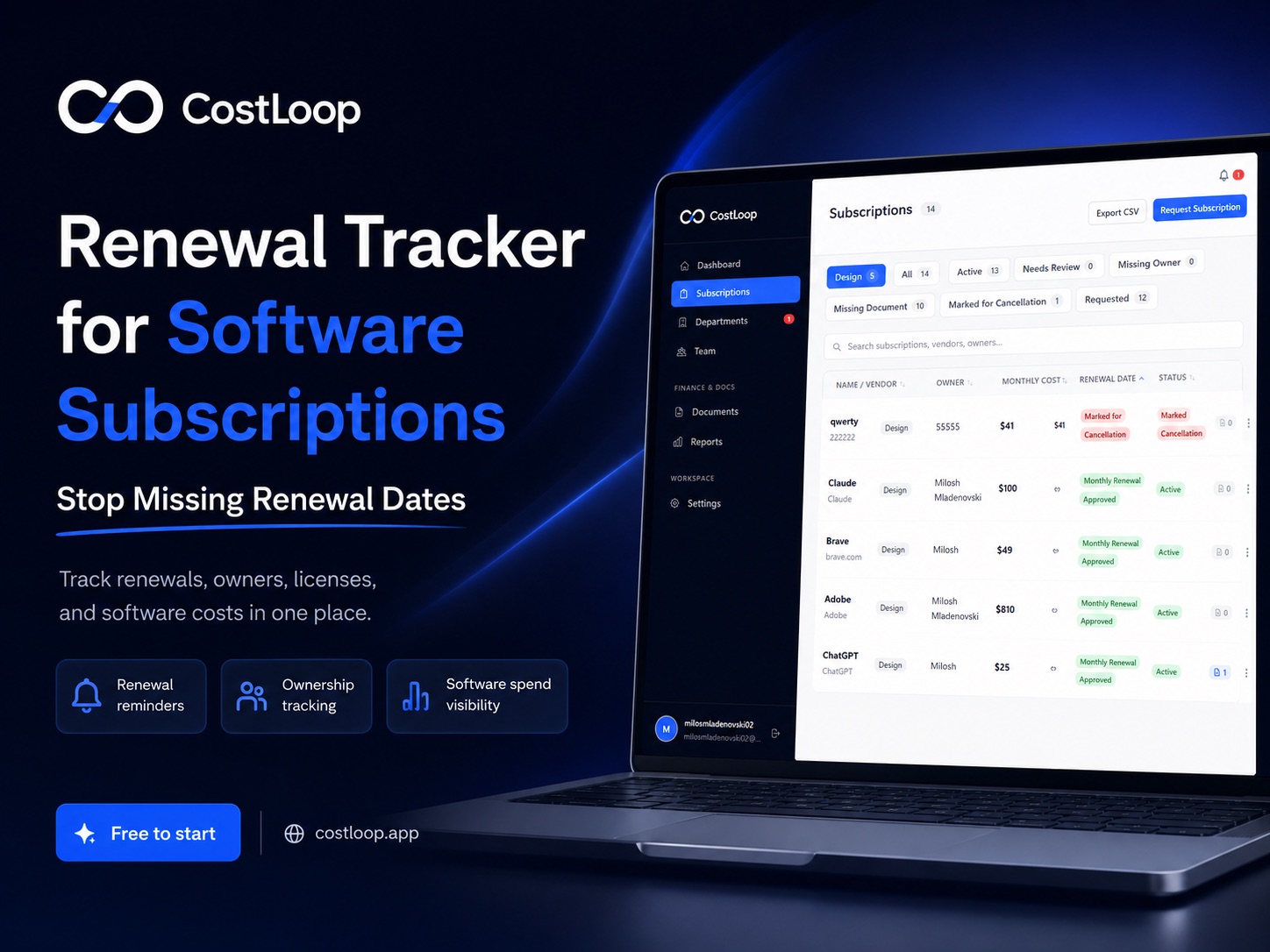
A dedicated renewal tracking software like CostLoop solves the problems with both of the above. It stores all the information about each subscription in one structured record, calculates renewal dates and upcoming charges automatically, sends email reminders at your configured intervals, aggregates your total spend into a live dashboard, and flags unused seats and duplicate tools without you having to look for them.
The setup takes roughly the same time as building a good spreadsheet - 30 to 60 minutes to enter all your subscriptions. The difference is that the system then maintains itself: renewals are tracked automatically, reminders fire without you doing anything, and the dashboard stays current as costs change.
How to Set Up a Renewal Tracker in 30 Minutes
Step 1 - Find all your subscriptions
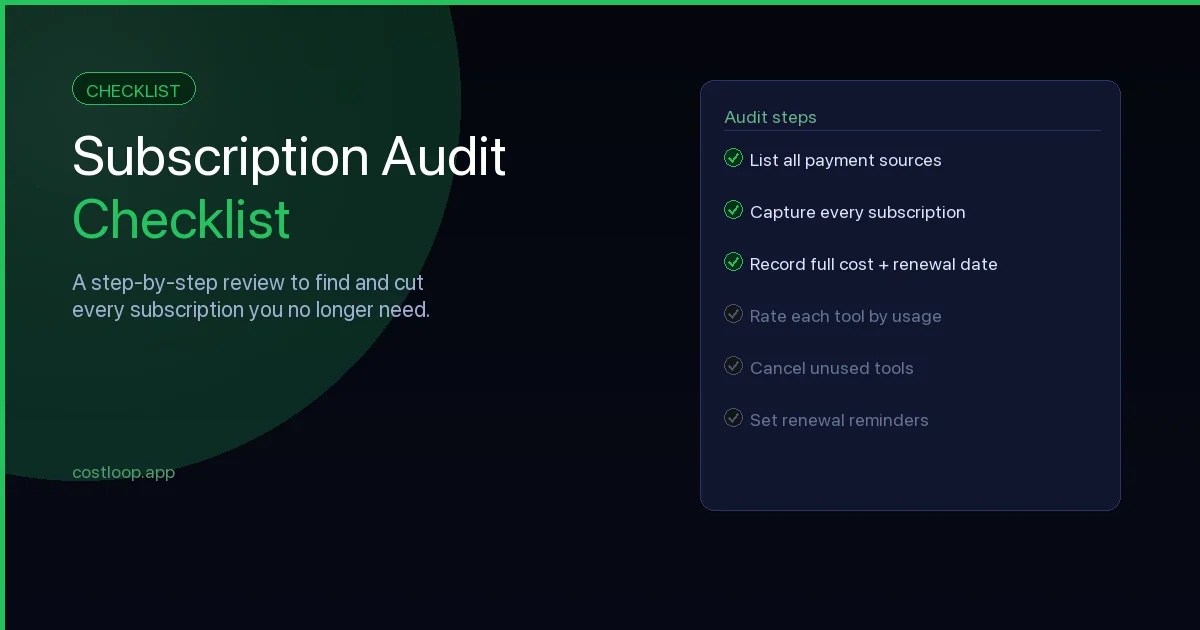
Pull three to six months of bank statements and credit card statements and highlight every recurring charge. Do not rely on your memory - statements capture tools that have been renewing quietly for years. Also check email for trial confirmation messages, which often contain renewal dates not visible anywhere else. The subscription audit checklist gives you a complete list of sources to check and a step-by-step process for this discovery phase.
Step 2 - Gather the renewal date for each tool
For each subscription you find, log into the vendor's billing or account settings page and find the exact next renewal date. Do not estimate based on when you remember signing up - billing dates drift, especially for tools that have been running for a while. You need the exact date to set reminders that fire at the right time.
Step 3 - Enter each subscription into your tracker
For each tool, record: tool name, billing cycle (monthly or annual), next renewal date, cost per cycle and currency, which card or account is charged, the owner in your team responsible for this subscription, the number of seats included and how many are actively used, a one-line description of what the tool does, and the cancellation link or instructions. That last field - the cancellation path - is the one most people skip and most regret not having when they need to act quickly before a renewal date.
Step 4 - Configure reminder intervals
Set your reminders to fire at 30 days, 14 days, and 7 days before each renewal. The 30-day reminder is the most important: it gives the subscription owner time to check usage data, make a considered decision, and take action if cancellation or downgrade is the right call. By the time a 7-day reminder arrives, the decision should already be made - that reminder is just a final confirmation that action was taken.
Step 5 - Assign an owner to every subscription
Every subscription in your tracker should have a named person who is responsible for the renewal decision. This does not need to be the heaviest user of the tool - it needs to be someone with the authority to cancel, downgrade, or confirm the renewal. When a reminder fires, it should reach that person directly, not a shared inbox. Without clear ownership, renewal reminders become noise that everyone sees and nobody acts on.
How CostLoop Works as a Renewal Tracker
CostLoop is purpose-built for exactly this use case. You add each subscription once - the tool name, cost, billing cycle, renewal date, and owner - and CostLoop handles the rest: calculating upcoming renewals, displaying your total monthly and annual spend across all tools, and sending email reminders at your configured intervals before each renewal.
Every subscription record in CostLoop stores the full context you need at renewal time: who owns the subscription, how many seats are in use versus paid for, what category the tool falls into, and any documents or links you want to attach (including the cancellation link). When a reminder arrives, everything needed to make a decision is already in front of the owner - no hunting through email or account settings pages.
The health score dashboard automatically flags unused seats, subscriptions without owners, and tools in the same category as potential duplicates. This turns the renewal review process from a passive confirmation habit into a genuine cost management practice. For freelancers and teams who currently track renewals in a spreadsheet, the difference in reliability is significant - and the initial setup time is roughly the same. Tracking broader SaaS spend management becomes much more actionable once every renewal is visible in one place.
Frequently Asked Questions
What is a renewal tracker?
A renewal tracker is a system that records the renewal date of every software subscription you pay for and sends reminders before each renewal arrives. Its purpose is to give you advance notice to make a deliberate decision about each subscription - rather than having it renew automatically by default.
How do I track software renewal dates?
The most reliable method is a dedicated subscription management tool that stores each renewal date centrally and sends automated reminders. Spreadsheets work for small stacks (under 5 tools) but require constant manual updates and offer no reminders. Calendar events help with reminders but cannot store all the context you need at renewal time.
What should a renewal tracker include?
A good renewal tracker should store: tool name, billing cycle, next renewal date, cost per cycle, payment method, subscription owner, number of seats, and a cancellation link. It should send reminders at least 30 days before each renewal so you have time to evaluate the tool before the charge is taken.
What is the best software renewal tracker for small and medium businesses?
For small and medium businesses managing 5 or more SaaS tools, a purpose-built tracker like CostLoop is the most practical option. It stores all renewal information centrally, sends automated reminders, shows total monthly and annual spend, and flags unused seats and duplicate tools automatically.
CostLoop is a renewal tracker built for small and medium businesses. Add your subscriptions once and get email reminders before every renewal date. Start for free - no credit card required.