Left to themselves, software subscriptions renew automatically. The vendor charges your card, you see the charge on your statement days later, and you either accept it or spend time trying to undo it. For small and medium businesses with 10 to 30 SaaS tools, this default pattern costs real money every year - not because any individual subscription is outrageous, but because the cumulative effect of never reviewing renewals is a software budget filled with tools that nobody uses, seats nobody needs, and plans nobody consciously chose to keep.
Renewals management is the practice that fixes this. It is not a complex enterprise process - it is a straightforward system that any business can run with the right setup. This guide covers what renewals management involves, how to build the system, and what it looks like in practice for a small team.
What Renewals Management Actually Means
Renewals management is the ongoing process of reviewing, approving, and acting on every software subscription renewal before the charge is taken - not after. The key word is "before." Once a renewal has happened, your options narrow sharply. Most vendors do not issue refunds for charges that auto-renewed as agreed in the contract, and even those that do require you to act within a short window - typically three to seven days - and involve a conversation with support that most people do not have time for.
Managed properly, renewals become intentional. Each subscription renews because someone looked at it, evaluated whether it was still earning its cost, and made a deliberate decision to continue. That shift - from automatic to intentional - is the core outcome of effective renewals management.
The Three Components of a Renewals Management System
1. A central inventory of all active subscriptions
You cannot manage renewals you do not know about. The starting point is a complete record of every subscription your business is paying for, with the information needed to make a renewal decision: tool name, billing cycle, next renewal date, cost per cycle, subscription owner, and number of seats in use. Without this inventory, renewals management is impossible - you are reacting to charges rather than anticipating them.
Building the inventory takes 30 to 60 minutes if you do it properly. Pull three to six months of bank and credit card statements, highlight every recurring software charge, and enter each one into your tracking system. The guide to finding every company subscription covers the full discovery process, including sources most businesses miss on the first pass.
2. Automated reminders that reach the right person in advance
A renewal reminder that arrives on the day of the renewal is not useful. By then, the charge is either already taken or hours away, and there is no time to evaluate, negotiate, or cancel before the deadline. Effective renewals management depends on reminders that fire well before the renewal date and go directly to the person who is responsible for that subscription.
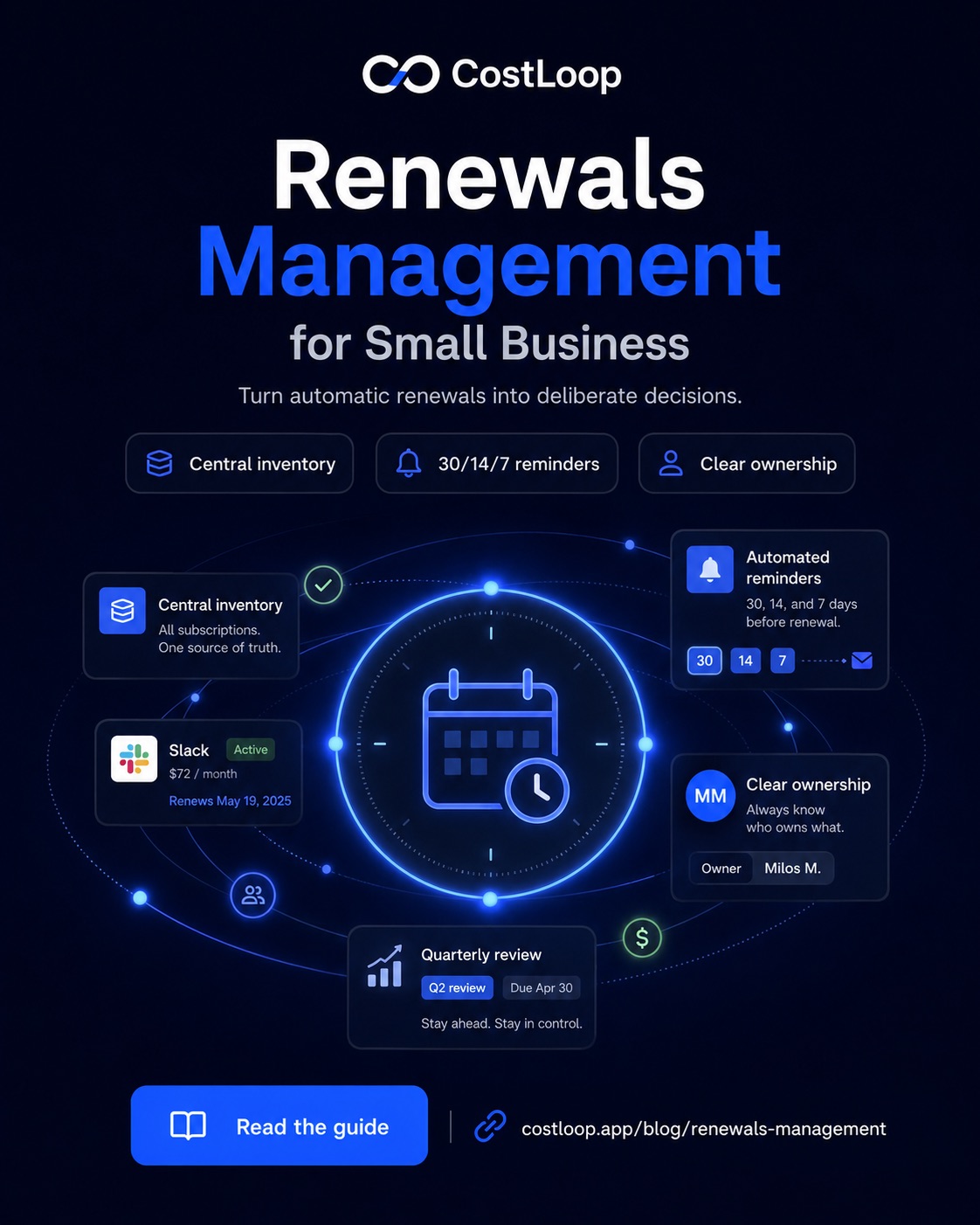
The standard that works in practice is three reminders per renewal: 30 days out, 14 days out, and 7 days out. The 30-day reminder is the one that matters most - it gives the subscription owner time to pull usage data from the tool's admin panel, make a considered decision, and act before the renewal window closes. By the time the 7-day reminder arrives, the decision should already be made and acted on.
Reminders should go to a named individual - the subscription owner - not a shared inbox. A reminder in a shared inbox is everyone's responsibility, which means it is nobody's. Clear routing is the difference between a reminder that gets actioned and one that gets seen and ignored.
3. A quarterly review of the full subscription stack
Individual renewal reminders handle the acute problem: catching each renewal before it auto-charges. But they do not catch the chronic problem: tools that are nominally in use but generating little real value, seats assigned to people who left months ago, or two tools in the same category that could be consolidated into one.
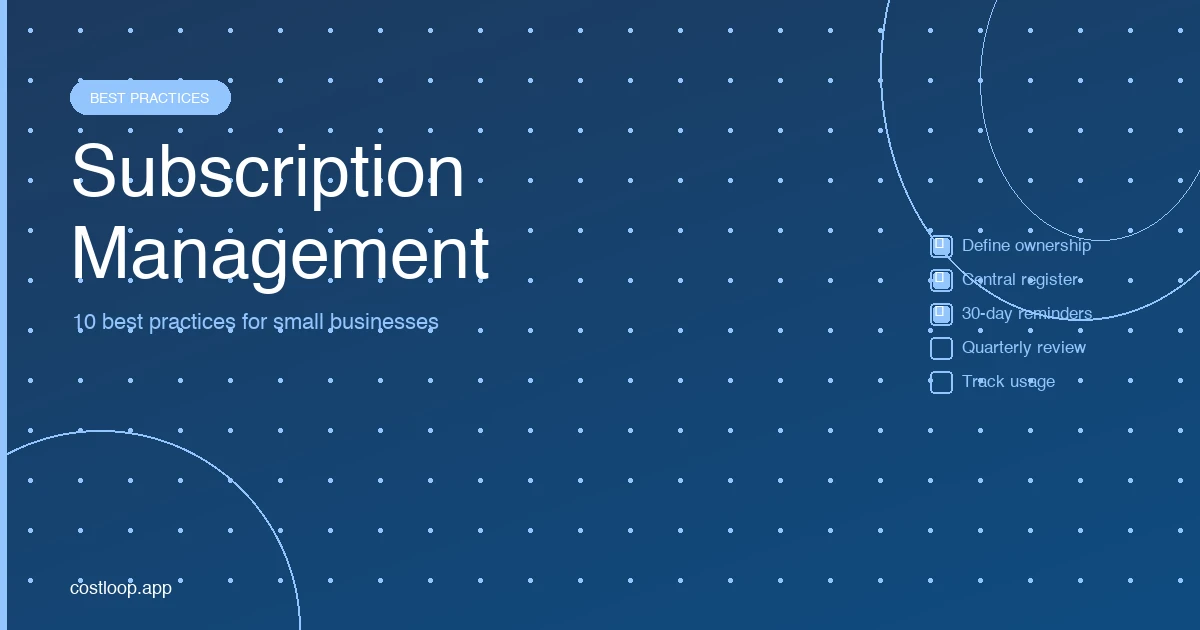
A quarterly review of the full subscription list addresses this. Once every three months, the person responsible for software spend reviews the entire inventory - not just upcoming renewals, but every active subscription. The questions to ask for each tool are: has this been used in the last 30 days? Are all paid seats assigned to active users? Is there a cheaper alternative that would cover the same need? Is there another tool in the stack that overlaps significantly with this one?
A quarterly review can usually be done in one focused session. It gives the team a regular chance to cancel, downgrade, or reassign tools before spend drifts out of view.
Assigning Ownership: The Most Important Step
Renewals management without clear ownership does not work. Every subscription needs a named person who is responsible for the renewal decision - someone who receives the reminder, evaluates the tool, and either confirms the renewal or initiates a cancellation. Without this, reminders arrive and nothing happens because nobody feels personally accountable for acting on them.
Ownership does not need to be the person who uses the tool most. It needs to be someone with the authority to make or escalate the cancellation decision before the deadline. In small teams, this is often the founder or operations lead for the whole stack. In slightly larger teams with specialised functions, ownership typically goes to the team lead for the area the tool serves - the marketing lead owns marketing tools, the engineering lead owns developer tools, and so on.
When a new subscription is added to the stack, assigning an owner at that point - not later - is the practice that prevents orphaned subscriptions. A subscription without an owner will keep renewing until someone notices it on a bank statement.
The Renewals Management Process: Step by Step
When a 30-day renewal reminder arrives, a clear process prevents it from being deferred or ignored. Here is a four-step process that takes under 10 minutes per tool:
Step 1 - Receive the reminder and locate the subscription record. Open the subscription record in your tracking tool. Check the cost, billing cycle, number of seats, and the stored cancellation link. Having this in front of you before doing anything else keeps the review focused.
Step 2 - Check active usage. Log into the tool's admin panel and find the usage or last-login data. Note how many of the paid seats have been active in the past 30 days. For tools with 5 or more seats, any seat where the last login was more than 45 days ago is a candidate for removal before renewal.
Step 3 - Make the decision. Keep at the current plan if active usage justifies it. Downgrade to a smaller tier if seat utilisation is low - most vendors allow you to reduce seats at renewal and will recalculate the cost accordingly. Cancel if the tool is genuinely unused or has been superseded by another tool in the stack. Keep the decision simple: keep, downgrade, or cancel.
Step 4 - Act immediately. Whatever the decision, act on it now - do not schedule it for later. Confirm the renewal consciously, submit the seat reduction request to the vendor, or use the stored cancellation link to cancel on the spot. A renewal decision that gets deferred past the reminder date almost always results in an unwanted charge. The context on subscription renewal tracking explains why acting immediately on the reminder is the single most important habit in renewals management.
Renewals Management Tools: What to Look For
The tool you use for renewals management shapes how reliably the system works. A good renewals management tool does the following:
- Stores complete subscription records - tool name, cost, billing cycle, renewal date, owner, seat count, and a cancellation link for each subscription
- Sends automated email reminders at configurable intervals before each renewal date
- Shows total monthly and annual spend across all subscriptions in a dashboard
- Flags unused seats and duplicate tools automatically, without requiring you to look for them
- Allows you to assign ownership at the subscription level
Spreadsheets handle the inventory part but fail on reminders and spend aggregation. Calendar events handle reminders but cannot store the subscription detail you need at review time. A dedicated subscription management tool handles all of it in one place.
How CostLoop Handles Renewals Management
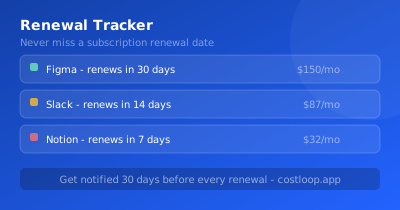
CostLoop is a purpose-built renewals management tool. You enter each subscription once - the tool name, cost, billing cycle, renewal date, owner, and seat count - and CostLoop manages everything from there: calculating upcoming renewals, displaying the full subscription inventory in a live dashboard, and sending email reminders at 30, 14, and 7 days before each renewal date.
The health score feature automatically surfaces the patterns that cause budget waste: subscriptions without assigned owners, seats where active usage is low, and tools in the same category that may be duplicates. This makes the quarterly review significantly faster - instead of manually checking each subscription, you start with a list of the ones that need attention most.
For teams that have been managing renewals in a spreadsheet, the practical difference is that reminders become reliable and automatic, and the information you need at renewal time is already in one place. For SaaS spend management overall, renewals management is the most direct lever on cost - getting every renewal right is how you keep your software budget clean over time.
Frequently Asked Questions
What is renewals management?
Renewals management is the ongoing practice of reviewing, approving, and acting on every software subscription renewal before the charge is taken. It involves maintaining a central inventory of all subscriptions, setting reminders well before each renewal date, assigning clear ownership so someone is accountable for each decision, and conducting quarterly reviews of the full stack.
How do you manage software renewals for a small team?
The most effective system for small teams has three parts: a central inventory of all subscriptions with renewal dates, costs, and assigned owners; automated reminders that fire 30 days before each renewal and go directly to the subscription owner; and a quarterly review of the full list to catch unused seats and duplicate tools. A dedicated subscription tracker like CostLoop handles all three automatically once your subscriptions are entered.
What is a renewals management process?
A renewals management process is the sequence of steps from when a renewal reminder fires to when a decision is made and acted on: (1) the reminder reaches the subscription owner 30 days before renewal; (2) the owner checks active usage in the tool's admin panel; (3) a decision is made - keep, downgrade, or cancel; (4) the action is taken immediately. The entire process should take under 10 minutes per tool.
How do I stop subscriptions from auto-renewing without review?
Set up a central renewal tracker with reminders at 30 days before each renewal date. Assign a named owner to every subscription who receives the reminder and is responsible for the keep or cancel decision. Without advance notice and clear ownership, subscriptions will auto-renew by default every time.
CostLoop makes renewals management simple for small and medium businesses. Add your subscriptions once, get reminders before every renewal, and keep your software budget in control. Start for free - no credit card required.