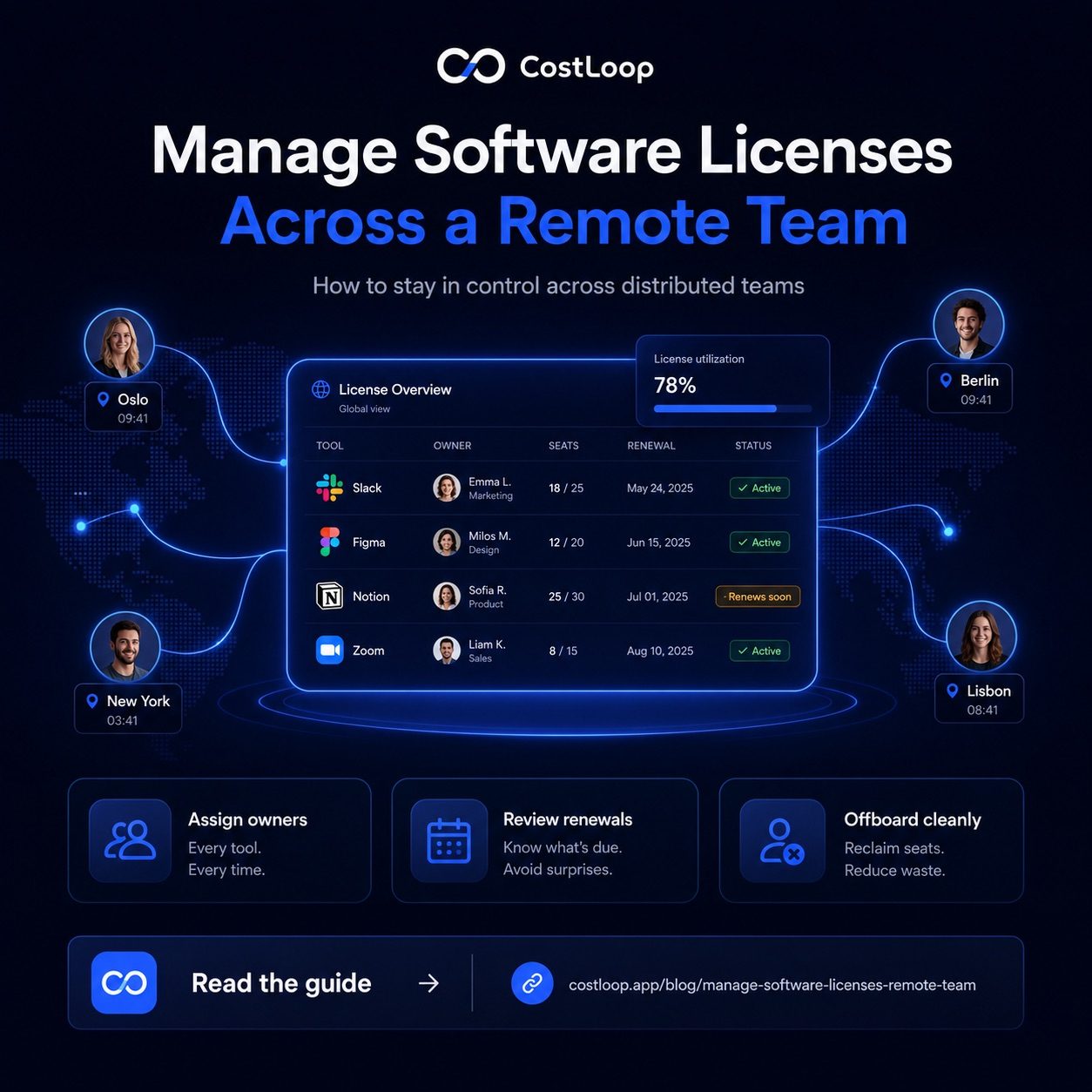
Knowing how to manage software licenses across a remote team is one of those problems that feels manageable at five people and completely chaotic at fifteen. When your team is distributed, software purchasing is distributed too. One person in Berlin signs up for a project tool. Someone in Oslo gets their own design license because they need it now and can't wait for approval. The US team has their own communication stack because they found something that works better in their timezone. And nobody - not the founder, not the ops person, not finance - has a complete picture of what the company is paying for or who has access to what.
The 3 Specific Problems Remote Teams Face With Software Licenses
Software license management isn't just harder for remote teams - it's harder in specific, predictable ways. Understanding the failure modes helps you build a system that actually addresses them.
Decentralized purchasing. In an office, there's usually some friction when someone wants to add a new tool - they have to ask, explain, get a card number. Remote teams often use shared payment methods or personal cards with expense reimbursement. The friction disappears. Someone finds a tool that solves their problem, subscribes, adds it to their expense report, and it never appears in any central record. Six months later, three people are using three different tools for the same purpose, and the company is paying for all of them.
Overlapping tools. Design tools are a classic example. Figma, Adobe CC, Sketch, and Canva all coexist on the same team because different hires came from different tool backgrounds and nobody enforced a standard. The same pattern plays out with project management, communication, and documentation tools. Each overlap costs real money - often $30 to $100 per seat per month - and the cost is invisible unless someone is actively looking.
Seat accumulation. Remote teams grow and shrink frequently, and each change leaves marks. A contractor gets a Notion seat for a 6-week project. They finish. Their account stays active. A full-time employee switches roles and no longer needs Adobe CC. Their seat stays active. A team member leaves. Their accounts across 12 tools stay active because nobody had a complete list of what they were using. This is the SaaS sprawl problem - and remote teams are disproportionately affected by it.
Set Up a Software License Ownership Model for Your Remote Team
The most important structural change a remote team can make is assigning a named owner to every software tool. Not a department - a person. Departments don't cancel subscriptions. People do.
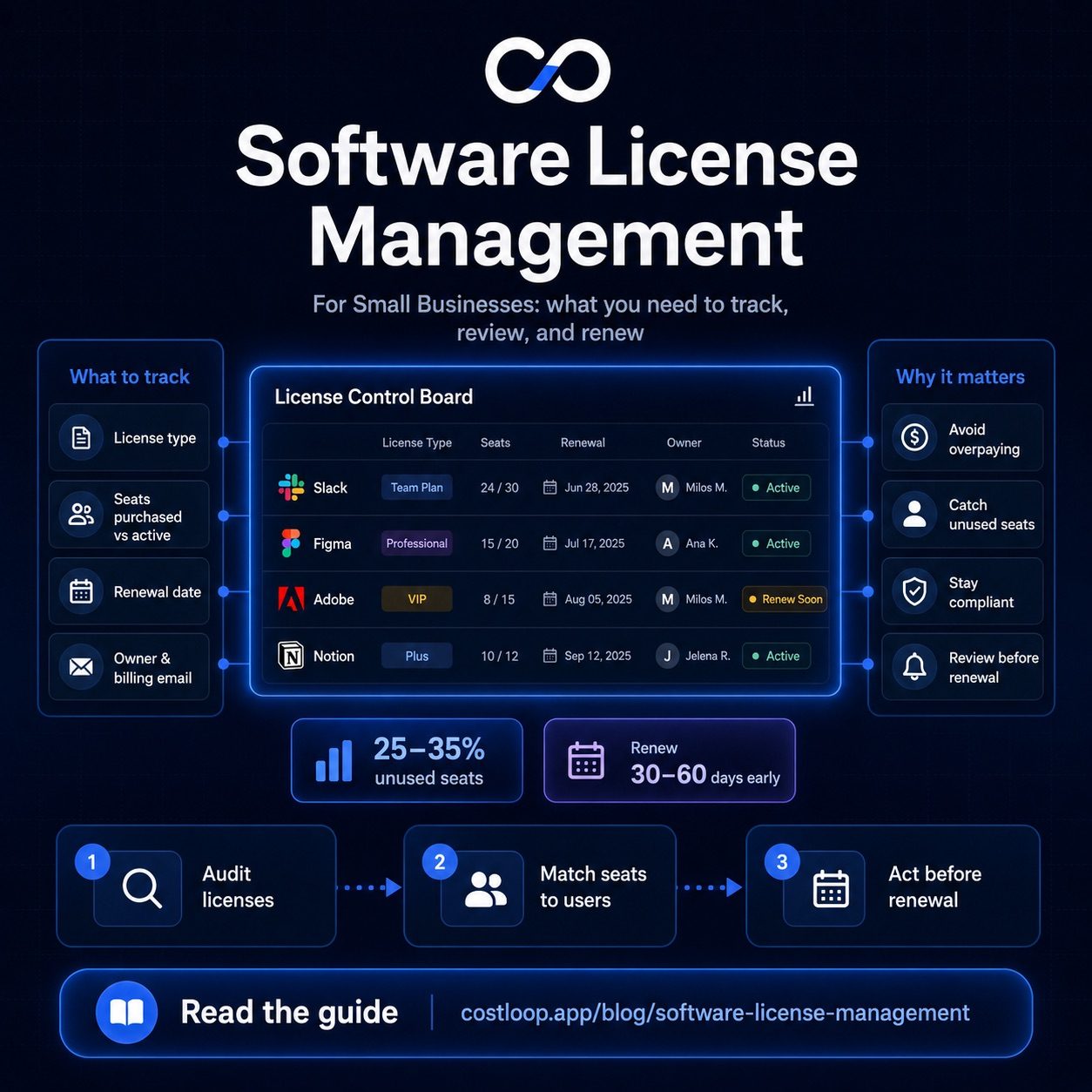
The ownership model doesn't require complicated software. A simple tracked list works. What matters is that every tool has someone who is accountable for its cost, its usage, and its renewal decision. Clear seat allocation - who holds which license and why - is the foundation of solid access management across a distributed team.
| Tool category | Tool owner | Backup owner | Review frequency |
|---|---|---|---|
| Project management | Head of Product | Engineering lead | Quarterly |
| Design tools | Lead Designer | Head of Product | Quarterly |
| Communication | Operations lead | Founder | Semi-annually |
| Development tools | Engineering lead | CTO | Semi-annually |
| Marketing tools | Head of Marketing | Operations lead | Quarterly |
| Infrastructure | CTO / DevOps | Engineering lead | Monthly |
The backup owner matters as much as the primary. If the primary owner leaves, someone needs to take immediate responsibility for those tools - including any upcoming renewals or access revocation tasks. This connects directly to the software license management process that keeps the list current over time.
Purchase Approval: One Simple Rule
Most teams overcomplicate purchase approval. They design multi-stage processes that slow down legitimate purchases and get bypassed within a month because they're impractical. The simplest rule that actually works:
Any new software tool costing more than $20/month requires approval from one designated person before signup.
That's the entire policy. No committee. No multi-step form. One person, one conversation, usually resolved within 24 hours. The $20 threshold is calibrated to catch almost all meaningful SaaS subscriptions while being low enough that it doesn't create constant friction over small tools.
The designated approver's job isn't to be a gatekeeper - it's to ask two questions: "Do we already have something that does this?" and "Is there a plan to consolidate if we add this?" If the answer to both is satisfactory, the purchase is approved and the tool gets added to the central tracker immediately.
Remote-Specific Audit Tactics
In an office, you can walk around and ask who uses what. In a remote team, you need different tactics. These three approaches work consistently:
Admin panel audit. Most SaaS tools with seat-based pricing have an admin panel that shows who has an account and when they last logged in. Go through each tool's admin dashboard quarterly. Export the user list if possible. Look for accounts with no recent activity - 60+ days is a reasonable threshold for flagging.
Usage reports. Many tools (Figma, Notion, Slack, Google Workspace, Zoom) provide usage analytics either natively or via export. Pull the last 90 days of usage data and cross-reference it against your seat count. If you're paying for 20 seats and 14 people logged activity in the last 90 days, you have 6 candidates for seat removal or plan downgrade.
Quarterly team survey. A two-question survey sent to the whole team: "Which tools do you use more than once a week?" and "Which tools do you have access to but rarely or never use?" This surface things the admin panel misses - like tools people have credentials for but access through a shared login, or tools they use but don't find valuable enough to advocate for keeping.
A software license tracker like CostLoop lets you track who owns each tool, when it renews, and how much each seat costs - across your entire distributed team, in one place.
Start free - no credit card neededOffboarding in a Remote Context
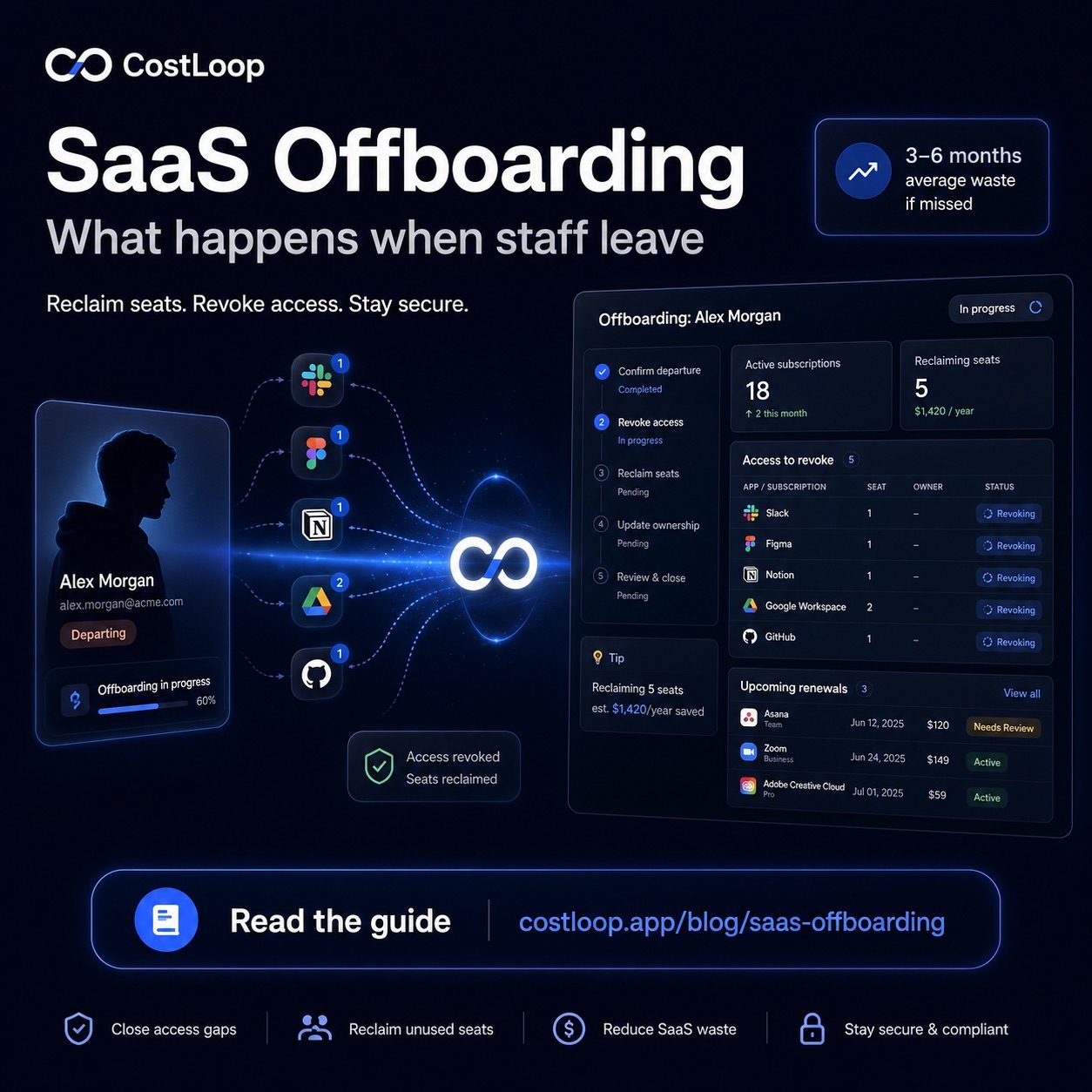
Remote team offboarding is where license management failures become security problems, not just financial ones. When a team member leaves a remote team, their offboarding checklist needs to include every piece of software they had access to - not just the obvious ones like email and Slack.
The challenge is that you can only build a complete offboarding checklist if you have a complete list of tools in the first place. This is the circular dependency that makes SaaS offboarding so difficult without a central system: you can't revoke access to tools you don't know about.
With a license ownership model in place, offboarding becomes straightforward. On the departing team member's last day, the designated tool owners for each category they had access to get a notification to revoke that access. User provisioning and deprovisioning - adding and removing access as people join or leave - becomes a repeatable checklist rather than a scramble. No digging through emails, no asking around. The list is there.
CostLoop is built for exactly this kind of centralized visibility. Every tool your team uses, every owner, every renewal date - all in one place so that managing software licenses across a remote team doesn't require tribal knowledge or constant chasing. Start a free account and bring structure to your distributed software stack.
Software license renewal across a remote team: the extra challenges
Software license renewal is harder for remote teams than for co-located ones, and the difficulty is structural rather than a matter of discipline. In a remote setting, licenses often spread across personal cards and individual admin accounts before anyone has set up a central system. The person who signed up for a tool 18 months ago may have left. Their personal email may still be the account owner. The renewal hits a card nobody monitors for that vendor, and it goes through by default.
The extra challenge specific to remote teams is the link between offboarding and renewal cycles. When a team member leaves a co-located team, someone is usually physically nearby to sort out access and billing. Remote offboarding is more fragmented. Licenses tied to a departed team member's personal card or email account can run for months before anyone notices - billing to a card that still gets reimbursed, or an email that auto-forwards somewhere.
The fix requires two things working together: a central software license record that every team member with budget authority can see, and an offboarding process that explicitly includes license revocation before the next renewal cycle. This is also where license compliance matters in remote work contexts - failing to revoke access on time creates both financial waste and a security gap. If someone leaves in March and their Figma seat is not removed until the April renewal fires, you have paid for a seat that should have been freed. Multiply that across 12 tools and the cost adds up quickly. For building the central record, the SaaS license management guide covers what to capture and how to maintain it.
The best SaaS management platform for remote teams: what to look for
Most discussions of the best SaaS management platform for remote teams default to enterprise tools - Zylo, Torii, Cleanshelf. These are built for IT departments managing hundreds of applications across thousands of users. They require dedicated procurement staff to operate, and their pricing reflects that. They are not the right fit for a distributed team of 5 to 25 people doing software license management without a dedicated IT department.
What a remote small team actually needs from a SaaS management platform is narrower and more practical: multi-user access so that multiple team members can see and update the subscription list without going through one person, owner assignment per tool so accountability is explicit rather than assumed, cloud-based access that works from any location and any device, and renewal reminders that go to a named owner rather than sitting in a shared inbox where they get ignored.
Enterprise platforms solve governance problems at scale. Remote small teams have a simpler problem: visibility. They need to know what they are paying for, who is responsible for it, and when each tool renews. CostLoop is built for exactly this use case. It gives the whole team a shared subscription list, allows owner assignment per tool, sends renewal alerts to the responsible person, and requires no IT department to set up or maintain. For a wider comparison of subscription tracking options, the guide on the best subscription tracker for small and medium businesses covers what to look for across different team sizes.