Most small and medium businesses don't have a dedicated SaaS operations function. There is no SaaS ops team, no procurement committee, no quarterly vendor review process. But almost every small and medium business is doing SaaS operations anyway - informally, reactively, in the gaps between other work. Every time someone adds a new tool, renews a subscription without thinking about it, or cancels something after realizing nobody has logged in for months, that is SaaS operations. The question is not whether you are doing it. The question is whether you are doing it intentionally or by accident. This guide is about doing it intentionally, without adding unnecessary complexity for a team that has more important things to focus on.
What SaaS operations actually means for small and medium businesses
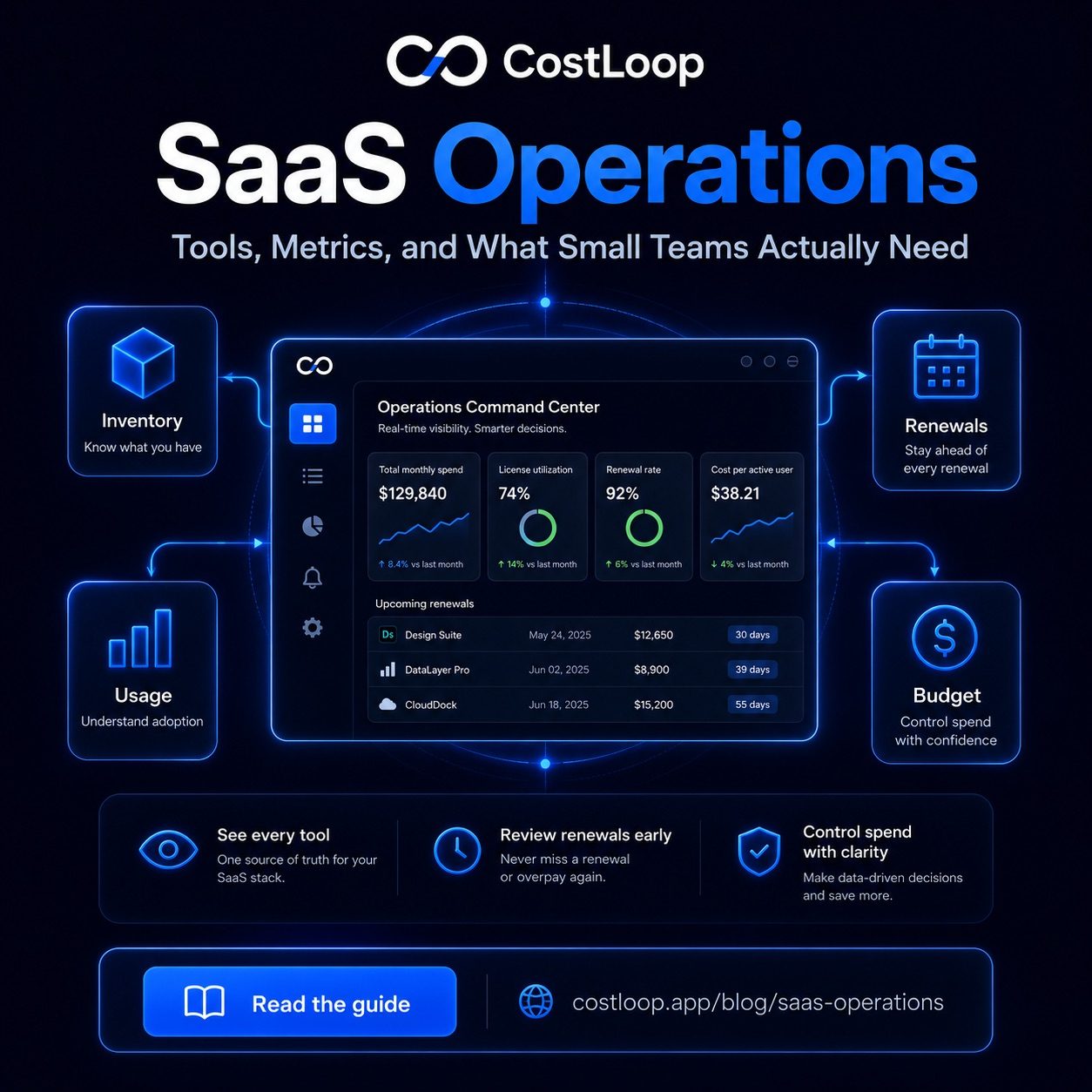
SaaS operations - sometimes called SaaS ops - is the ongoing practice of managing your software stack with intention. It covers four main activities: discovering what tools you have and what they cost, tracking usage to know which tools are actually being used, handling renewals before they happen rather than after, and making deliberate decisions about each tool rather than letting auto-renew make the decision for you. Good SaaS management software makes each of these activities easier by keeping everything in one organized place.
At enterprise scale, SaaS ops is a dedicated team with specialized software, vendor contracts, and procurement workflows. At small and medium business scale, it is usually one person - often the founder, operations lead, or finance owner - spending a few hours per quarter. The scope is much smaller, the tools are simpler, and the process does not need to be elaborate. What it does need is to be consistent. An informal review that happens every quarter is worth far more than a sophisticated system that nobody uses.
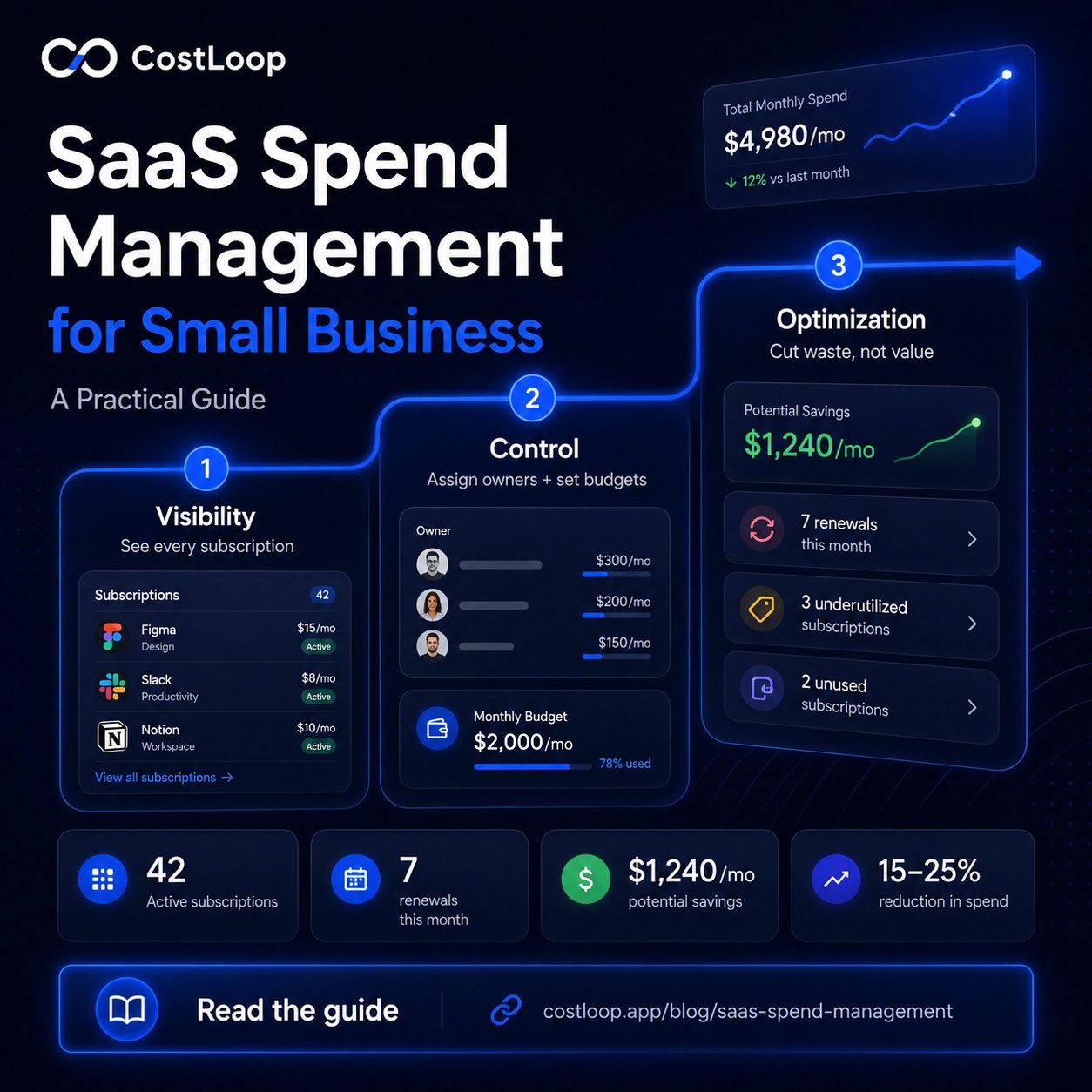
The core output of good SaaS operations is SaaS visibility: a clear picture of your software stack covering what you pay, what gets used, and what is up for renewal. That picture is what enables better decisions. Without it, tools accumulate by default, costs drift upward, and renewals happen because nobody got around to cancelling. SaaS governance - the policies and processes that govern how tools are added, renewed, and removed across the software lifecycle - is what turns that visibility into sustained control. For more on getting that picture in place, see the guide to SaaS spend management for small and medium businesses.
The core SaaS operations tools small teams actually use
The category of SaaS operations tools covers a wide range of products - from enterprise-grade platforms with thousands of features down to simple trackers and spreadsheets. For small teams, the relevant tools are those that solve the actual problems: losing track of what you pay for, getting surprised by renewals, and having no clear sense of which tools are being used.
A subscription inventory tracker is the starting point. This is a central list of every subscription your business pays for, with costs, renewal dates, and tool owners recorded in one place. It can be a spreadsheet, but a dedicated tool makes it significantly easier to maintain and to act on - especially for renewals.
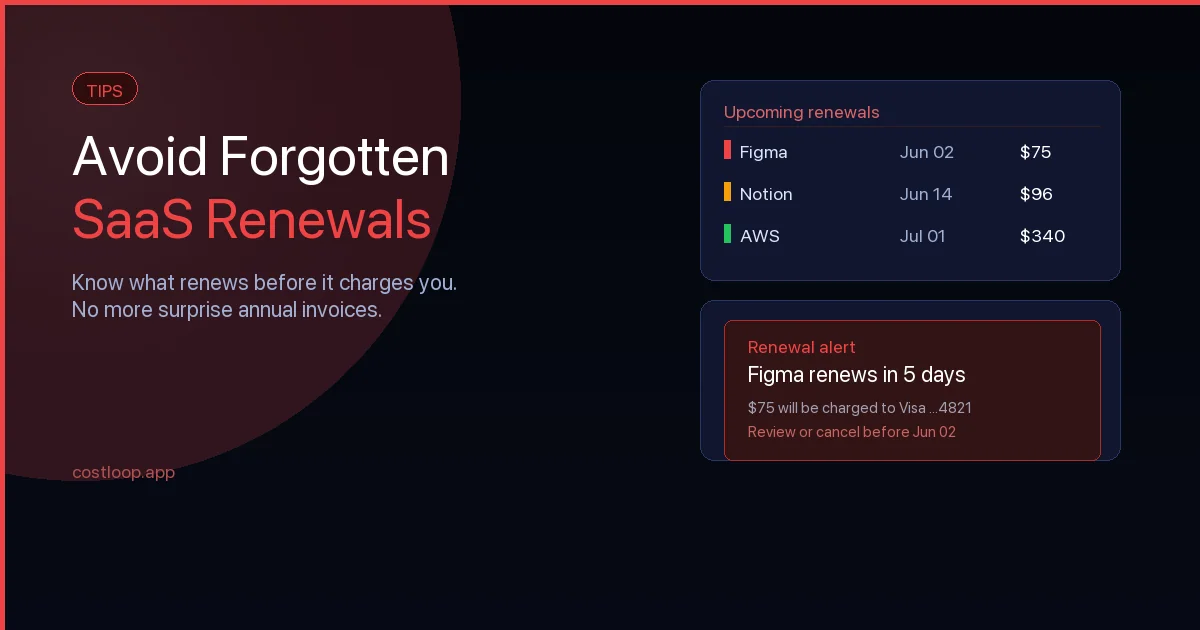
A renewal reminder system ensures that upcoming renewals surface before they happen, not after you have already been charged. For annual subscriptions especially, 30 days notice is the minimum you need to evaluate the tool, decide whether to keep it, and cancel if not. Without reminders, annual renewals happen on autopilot.
Usage monitoring does not need to be complicated. For most small teams, the most practical approach is asking team members directly: is anyone using this? For tools with built-in analytics (like Slack, Notion, or most project management software), the usage data is available without any additional tooling. The goal is to avoid paying for tools that have been quietly abandoned.
Budget tracking rounds out the picture. Knowing your total monthly SaaS spend - and whether it is trending up or down - gives you a baseline to evaluate individual decisions against. Adding a $49/month tool is a different decision when your total is $600/month versus $2,400/month.
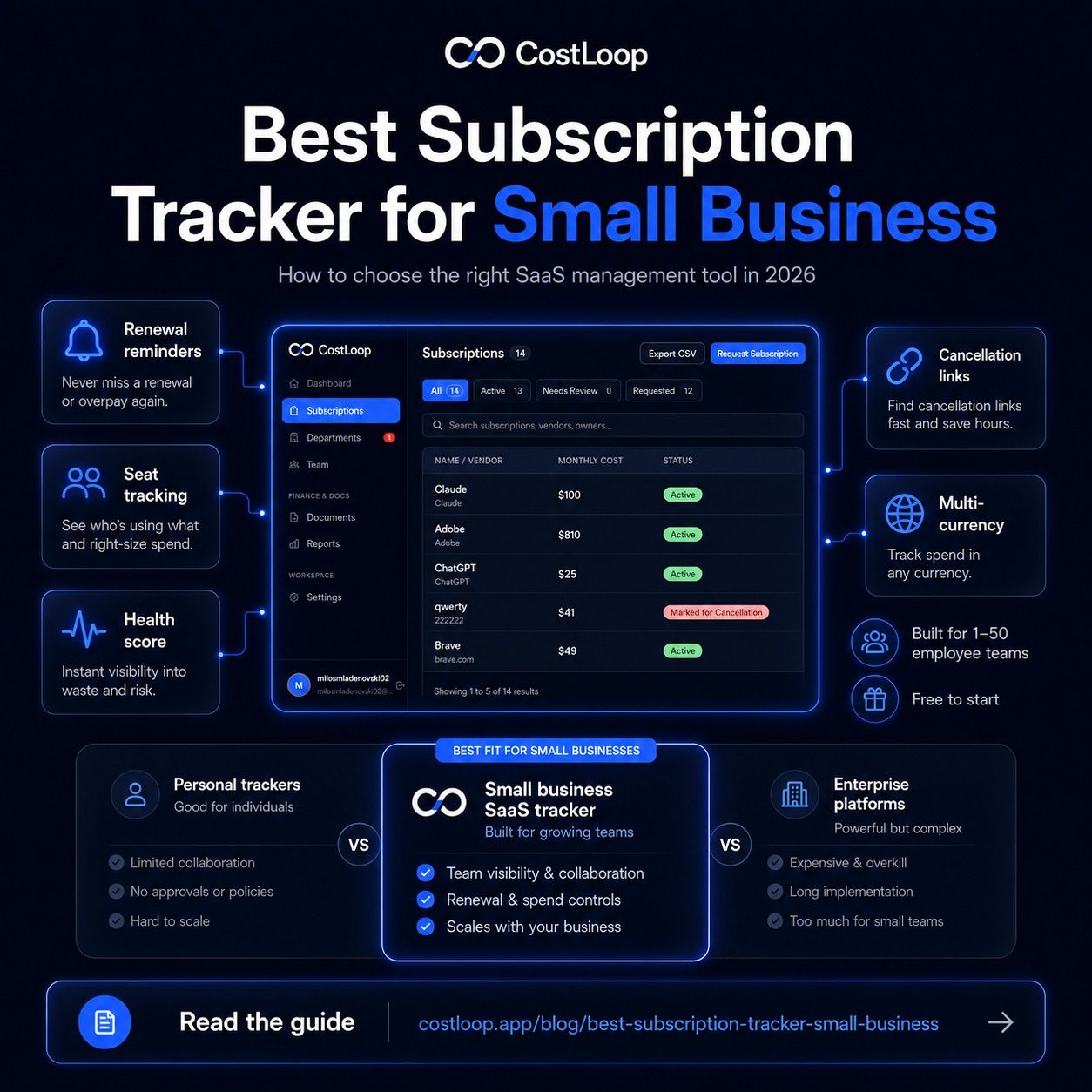
CostLoop is a subscription management tool that covers the first three of these in one place: subscription inventory, renewal reminders, and spend tracking. It is designed specifically for small and medium businesses that want visibility and control without enterprise-level complexity. For a broader comparison of options, see the guide to best subscription tracker for small and medium business.
Key metrics for a SaaS business (or for any business running SaaS)
You do not need a dashboard with 40 metrics to manage your software stack well. Five numbers tell you almost everything you need to know about whether your SaaS spending is healthy and whether each tool is earning its place.
Total monthly SaaS spend. The sum of all subscriptions, normalized to a monthly figure (divide annual costs by 12). This is your baseline. If you do not know this number, every other decision is made without context. Most small and medium businesses are surprised when they add it up for the first time.
Cost per seat (active users). For each per-seat tool, divide the monthly cost by the number of active users - not the number of paid seats, the number of people who actually use it. A $200/month tool used by 20 people costs $10 per active user. The same tool used by 4 people costs $50 per active user. Cost per active user is a fast signal for whether a per-seat tool is appropriately sized.
Renewal rate. What percentage of your tools get renewed versus cancelled when they come up for review? A high renewal rate is not necessarily good - it may mean renewals are happening on autopilot rather than by decision. Tracking this over time shows whether your review process is actually driving cancellations or just rubber-stamping everything.
SaaS spend as a percentage of revenue. There is no universal healthy percentage of revenue for software spend. This ratio is still useful because it contextualizes the total: the same monthly software bill can mean very different things for businesses with different revenue and operating models.
License utilization rate. The percentage of paid seats across all your per-seat tools that have active users. A large gap between paid seats and active users is worth investigating because paid seats without active users may indicate avoidable spend.
These five metrics require no specialized software to track. A spreadsheet updated quarterly is enough. The value is in having numbers to compare against over time, not in real-time dashboards.
SaaS renewal metrics: making the renewal decision
Every software subscription eventually comes up for renewal. For monthly plans the decision happens every month, often invisibly. For annual plans it happens once a year, and missing the window means paying for another year by default. SaaS renewal metrics are the measurements that turn that moment from a passive charge into an active decision.
Before any renewal, three questions are worth asking. Is it being used? Look at recent usage - not theoretically, but actually. If nobody has logged in or the tool has not been touched recently, that is a clear signal. Is the price justified? Compare what you are paying to what you are getting. Is there a better alternative? Markets move fast. A tool you adopted years ago may now have a better-fit competitor worth reviewing.
The renewal metrics that matter most are practical ones. Usage in the last 30 days gives you the usage signal. Cost per active user (not per paid seat) gives you the value signal. Contract flexibility tells you whether you can downgrade, pause, or switch plans without penalty. Alternatives available - even a quick search - tells you whether the current tool is still the best option at its price point.
The goal is not to cancel everything - it is to make sure every renewal is a decision rather than a default. A tool that gets renewed deliberately after a 5-minute review is money well spent. A tool that renews because nobody got around to evaluating it is money spent by inertia. For a practical approach to staying ahead of renewals before they happen, see the guide to SaaS renewal tracking.
SaaS operations management: building a lightweight process
The word "management" can make this sound more complicated than it needs to be. For a small team, SaaS operations management is three simple practices: a quarterly review, tool ownership, and a basic approval process for new tools.
A quarterly review is a 30-minute session - solo or with whoever manages the budget - where you go through the full subscription list and ask whether each tool still earns its place. Check usage for anything you are uncertain about. Flag anything coming up for renewal in the next 60 days. Cancel or downgrade anything that is not pulling its weight. That is it. Doing this consistently four times a year is more valuable than an elaborate process that nobody follows.
Tool ownership means every subscription has a named person responsible for the renewal decision and vendor management for that tool. Not "the team uses it" - one specific person. That person's job is to evaluate the tool before renewal and make a recommendation: keep, downgrade, or cancel. Without named ownership, renewals happen by default because it is nobody's specific job to question them.
An approval process for new tools does not need to be bureaucratic. A one-line rule is enough: before signing up for a new paid tool, check whether we already have something that does the same job, estimate the annual cost, and confirm it with the budget owner. This prevents the slow accumulation of duplicate or redundant tools that happens when each team member independently adds their preferred options.
For teams under 20 people, none of this requires specialized SaaS operations management software. A shared spreadsheet or simple tracker covers the inventory and ownership requirements. The process is more important than the tool. For a step-by-step guide to getting your full subscription list in one place, see the post on how to find all company subscriptions.
Common SaaS operations problems and how to fix them
Shadow IT. Tools that team members signed up for without going through any approval process - often on personal cards expensed later, or on free trials that converted to paid. The fix is a simple rule: all paid tools need to be registered in the central subscription list within 30 days of signup. One person should own the list and check it against expense reports quarterly.
Zombie subscriptions. Tools that are paid for but nobody actively uses - usually former employees' tools, abandoned trials, or software adopted for a specific project that ended. The fix is a usage check at each quarterly review: anything with no logins in the past 60 days gets flagged for cancellation unless someone can make a case for keeping it. See the guide on shadow IT for small and medium business for a more detailed approach.
Renewal surprises. Annual subscriptions that charge without anyone expecting it - either because the renewal date was forgotten or because the tool was meant to be cancelled before it renewed. The fix is a renewal reminder system: every annual subscription should have a 30-day alert so there is time to evaluate and act before the charge hits.
License waste. Paying for more seats than you have active users - a common result of team turnover, plan upgrades during a growth period that never got downsized, or bulk discounts that came with more seats than you needed. The fix is a seat audit at each quarterly review: compare paid seats to active users for every per-seat tool and downgrade wherever the gap is significant.
Frequently asked questions
What are SaaS operations tools for software stack management?
SaaS operations tools are software products that help businesses manage their software stack. They often include a subscription inventory tracker, renewal reminder system, usage monitoring, and spend reporting. Examples include CostLoop for subscription tracking and renewal management, plus any usage analytics built into each individual tool. For most small teams, one central tracker that covers inventory, costs, and renewal dates is enough to handle the core SaaS operations tasks without adding complexity.
What are the key metrics for a SaaS business?
The five most useful metrics for tracking SaaS spending are: total monthly SaaS spend (the full cost of all subscriptions, normalized monthly); cost per seat for active users (monthly cost divided by active users, not paid seats); renewal rate (what percentage of tools get renewed versus cancelled at review time); SaaS spend as a percentage of revenue (tracked against your own budget); and license utilization rate (the percentage of paid seats that have active users). These five numbers give you a complete picture of whether your software spending is under control.
How do I manage SaaS operations and tool management as a small team?
Three practices cover most of it: maintain a central inventory of every subscription with costs, renewal dates, and named owners; assign ownership so every tool has one person responsible for the renewal decision; and run a quarterly review to check whether each tool is still earning its place. You do not need complex software for this - a spreadsheet or simple tracker works for teams under 20 people. The consistency of doing it every quarter matters more than the sophistication of the system.
For teams evaluating enterprise SaaS procurement platforms, the CostLoop vs Cledara comparison explains the key differences in scope and target audience.
What is a SaaS renewal metric?
A SaaS renewal metric is any measurement used to inform the decision to renew or cancel a software subscription. The most useful ones are: usage in the last 30 days (is the tool being actively used?), cost per active user (is the price proportionate to who uses it?), and availability of alternatives (is there a cheaper or better option?). Tracking these metrics before each renewal turns auto-renewal from a passive default into an active, data-informed decision. For definitions of the terms used throughout SaaS operations, see the subscription management glossary.