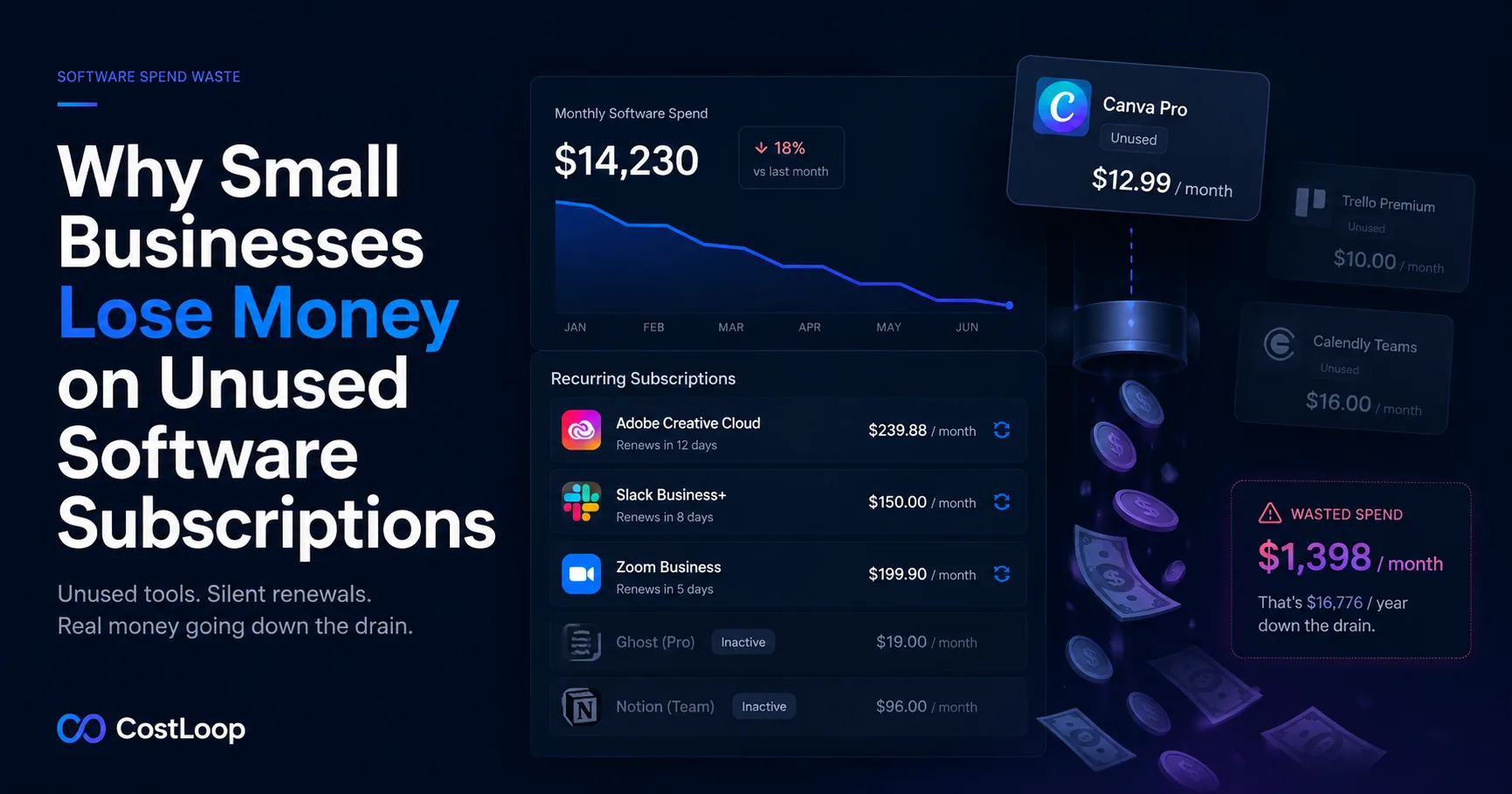
The unused software problem is bigger than most businesses realise
Unused and underused SaaS can quietly become expensive because each charge renews on its own schedule. A team with several recurring software subscriptions only needs a few unused tools or excess seats for the waste to become visible in the budget. A focused audit helps reveal those charges before they keep compounding.
There is an important distinction worth making here. Unused software seats refers to over-provisioning within tools your team does use - for example, paying for 15 Figma seats when only 8 people use it. That is a waste problem too, but a different one. This guide focuses on something even more common: entire tools that nobody uses at all - software that has become invisible to everyone in the business but continues billing on autopilot. These are sometimes called zombie subscriptions.
Zombie subscriptions are harder to spot because they do not show up in usage reports for tools you are actively managing. They are simply absent from the day-to-day workflow, which is exactly why they persist.
How tools go from useful to forgotten
Zombie subscriptions do not start as waste. Every one of them was signed up for a reason. The journey from "we need this" to "what even is this charge" follows a predictable pattern across four common scenarios.
The free trial that converted and was never cancelled
A team member signs up for a free trial during a busy period. The tool is useful enough during the trial window, but the evaluation never happens at the end - everyone moved on to other things. The trial converts to a paid plan on day 14 or day 30. Nobody notices because the charge is modest and lands among a dozen other software charges. Six months later, nobody remembers signing up for it at all.
This is the most common origin story for zombie subscriptions. The vendor's incentive is to make conversion frictionless and cancellation easy to miss. The result is a recurring charge for something that was briefly evaluated and quietly forgotten. Our guide on SaaS free trial traps covers how to prevent this from happening.
The tool a former employee was using
A team member leaves. Their subscriptions - personal accounts, team tools on their card, tools they signed up for and owned - stay active. If no one has a complete list of what they were responsible for, those charges continue silently. The most dangerous version is an annual subscription the departing employee renewed shortly before leaving. That cost is locked in for a full year, and nobody knows it exists until the bank statement review.
This is why assigning a named owner to every subscription is not just organisational tidiness - it is a financial safeguard. When you know who owns each tool, you know exactly what to review when that person leaves.
The tool that was replaced but not cancelled
Your team migrates from one project management tool to another. Everyone stops using the old one immediately. But the old tool was on an annual plan with two months remaining, so someone says "we'll cancel after the current period ends." That intention is never written down, never assigned to anyone, and never acted on. The annual renewal fires a year later and costs the full amount.
Replacement without cancellation is one of the most expensive varieties of zombie subscription because the cost is already sunk and often annual. The correct process is to cancel the moment you have confirmed the migration is complete, regardless of the remaining contract period - a partial year of waste beats a full additional year.
The tool that solved a problem that no longer exists
You signed up for a tool to handle a specific function - managing a project type, processing a file format, supporting a client workflow. The project ended, the client churned, or the process changed. The tool is still billed because its original purpose has quietly vanished from the team's context. Nobody thinks of it as waste because nobody thinks of it at all.
This category is often the hardest to catch without a structured review, because the tool was genuinely valuable when it was signed up for. That history makes it easy to assume it is still in use when it is not.
How to find software tools nobody is using
Finding zombie subscriptions requires an active search. The tools themselves will not surface; the vendors will not tell you that nobody is logging in. You have to go looking.
Check login activity
For most SaaS tools, the admin panel shows last login dates per user. A tool where the most recent login was three months ago is a strong candidate for cancellation. For tools without an admin view, check your team's browser activity or ask directly.
Not all tools make login data easily accessible. For those, check bank and credit card statements for charges from vendor names your team cannot immediately explain. Unexplained recurring charges are almost always zombie subscriptions.
Ask your team
A simple team survey - "which tools do you actually use day-to-day and which ones have you not logged into in the last month?" - surfaces a surprising amount of information quickly. Team members often know which tools have fallen out of use but have not flagged them because cancellation requires someone else to act. Giving them a clear channel to report unused tools is enough.
The full subscription audit checklist walks through this process systematically, including a template for gathering input from your team.
Look for duplicate functionality
Duplicate tools are a special category of waste that sits between zombie subscriptions and over-provisioning. You pay for two tools that do the same job - two project management platforms, two video hosting services, two email marketing tools - because teams adopted them independently. Both are actively used by someone, but the business only needs one. The right response is to consolidate: pick one, migrate the holdouts, and cancel the other.
Duplicate tool identification is one of the highest-yield parts of any SaaS audit because it addresses waste that a pure usage check would miss.
The real cost of keeping tools you don't use
The direct cost is the monthly or annual charge. That is obvious. The less obvious costs compound on top of it.
Every tool in your stack requires occasional attention - renewing, upgrading, troubleshooting access, responding to vendor emails about outages or policy changes. A zombie subscription adds that maintenance overhead without adding any value. It also clutters your subscription list, making it harder to manage the tools you actually care about.
There is also a security dimension. A tool nobody uses is still processing data under the terms of whatever agreement was signed at signup. If that vendor has a data breach or a compliance issue, your business is potentially affected even though you stopped using the product months ago. Cancelling removes that exposure.
What to do once you find unused subscriptions
The process is simple but needs to be deliberate:
- Verify before you cancel. Confirm with your team that the tool is genuinely unused - not just unused by you. One person's zombie subscription is another person's core workflow tool.
- Find the cancellation link. Go to the billing settings or subscription management page for the vendor, not just the homepage. Some vendors require you to contact support to cancel. Know this before you need it under time pressure. Our guide on organizing cancellation links explains how to keep this information ready for every subscription.
- Cancel and document. Cancel through the official channel and keep a record of the cancellation date and confirmation. If a charge appears after cancellation, you need that confirmation to dispute it.
- Export or archive data if needed. Some tools hold data you may need later - reports, files, historical records. Export what matters before cancelling.
Find what you're paying for - and what you shouldn't be
CostLoop gives you a complete subscription inventory with renewal dates, owners, and health scores. Free to start - add your subscriptions in under 30 minutes and see where your money is going.
Get started freePreventing it from happening again
A subscription audit finds the waste that already exists. Preventing it from rebuilding requires three ongoing practices.
Assign an owner to every subscription. When someone is accountable for a tool, there is a person to ask when usage is in doubt and a person to notify when a renewal is approaching. Subscriptions without owners drift toward zombie status because there is no one to make active decisions about them. Use subscription tracking software that includes an owner field on every record.
Set renewal reminders 30 days in advance for annual tools. Annual renewals are where zombie subscriptions cause the most financial damage. A 30-day reminder gives you enough time to review usage and cancel before the charge lands rather than after. The guide to avoiding forgotten renewals covers the reminder system in detail.
Run a quarterly subscription review. Once a quarter, spend 30 minutes going through your full subscription list and checking usage on each tool. This catches anything that has drifted into zombie status since your last audit. New zombie subscriptions form continuously as teams change and projects end - a scheduled review is the only thing that keeps pace with that rate of change.
Frequently asked questions
How much do small businesses spend on software they don't use?
Unused and underused SaaS can quietly become expensive because each charge renews on its own schedule. For example, a team with a meaningful monthly software budget should review whether each subscription has an owner, active users, and a reason to renew. See the SaaS Waste Guide for common sources of unmanaged spend.
How do I find subscriptions I forgot I was paying for?
The most reliable method is a bank and credit card statement review. Go back 90 days and list every recurring charge. Cross-reference with your team members to identify who signed up for each tool and whether it is still in use. Email search for receipts from SaaS vendors is a useful secondary method, though it will not catch tools billed under non-obvious vendor names. The guide to finding all company subscriptions walks through this step by step.
What should I do with a software tool I no longer need?
Cancel it before the next renewal date and document the cancellation. Find the billing settings URL and cancel through the vendor's portal - do not just stop using the tool, as the auto-renewal will continue charging. Keep the final invoice and cancellation confirmation in case it appears on an expense report or audit later.
How do I stop paying for software seats for people who have left?
Build seat review into your offboarding process. When an employee leaves, their active software tools should be listed, evaluated, and either reassigned or removed within their final week. A subscription tracker that records the owner of each tool makes this straightforward. Without a named owner, offboarding seat management gets skipped and the charges continue indefinitely.
How can I prevent unused subscriptions from building up again?
Three practices prevent the cycle from repeating: assign a named owner to every subscription, set renewal reminders 30 days in advance for annual tools, and run a quarterly review of your full subscription list to check usage. A dedicated subscription tracker automates the reminder layer so the review is the only thing requiring active effort.